Automated SMS Notifications That Work While You Sleep.
Set up once, run forever. Send order confirmations, delivery updates, payment reminders, and customer alerts automatically without manual effort.
Scale Customer Communication with Automated SMS Notifications
What are Automated SMS Notifications?
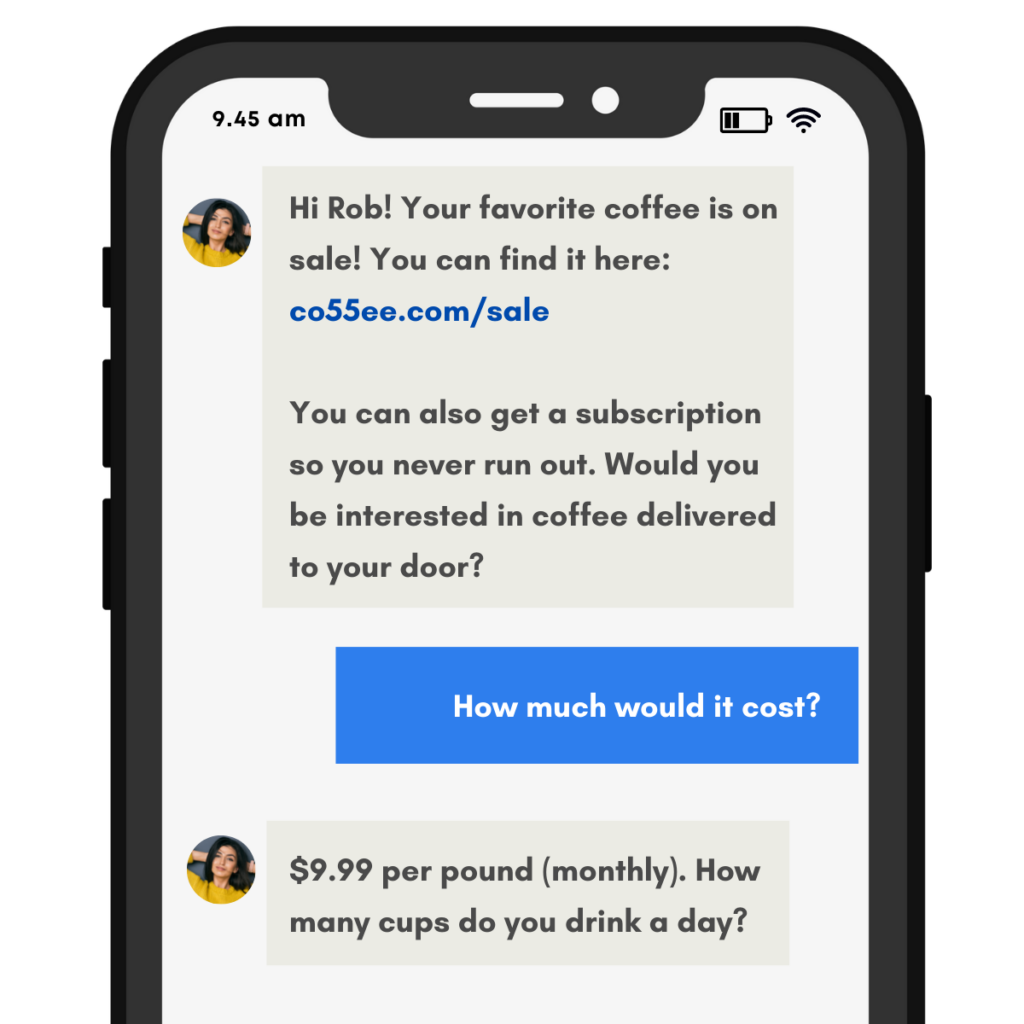
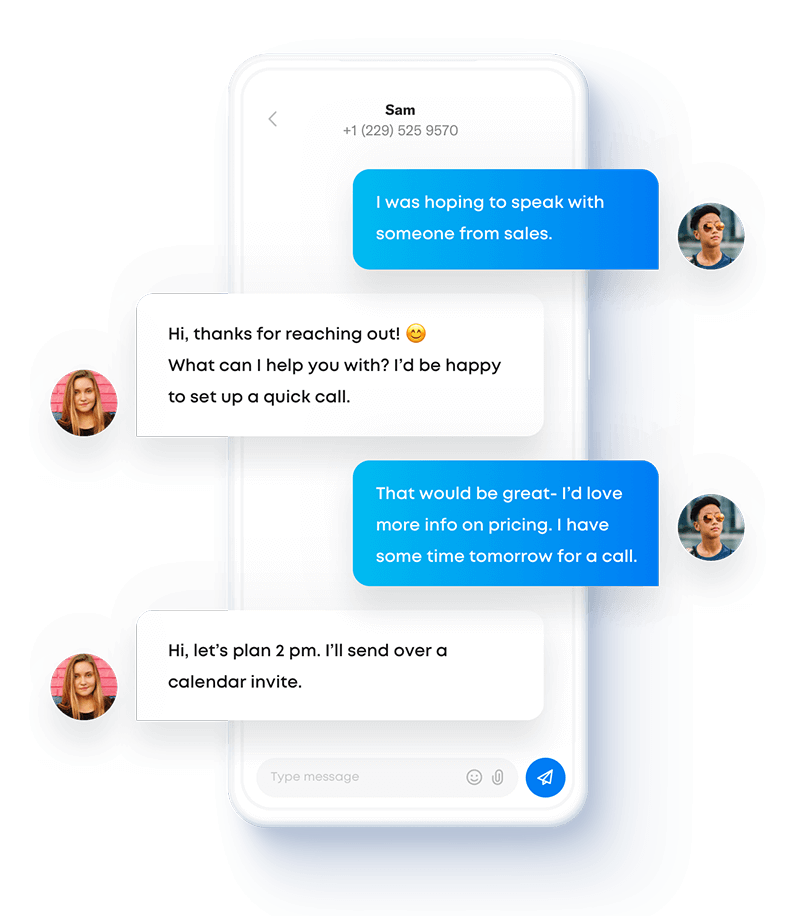
Automated SMS notifications are text messages triggered by specific events or actions in your business systems. When a customer places an order, books an appointment, or meets certain criteria, the system sends relevant notifications automatically without staff intervention.
Why Businesses Need Automated SMS Notifications
Manual customer updates don't scale. As your business grows, your team spends more time sending routine messages and less time on revenue-generating work. Automated SMS notifications solve this by handling repetitive communication automatically. Benefits include:
- Consistent customer updates without staff workload
- Instant notifications that improve customer experience
- Reduced support inquiries from proactive communication
- Better conversion rates through timely follow-ups
- 24/7 communication capabilities without additional staffing
Scale Without Limits
Send 10 automated SMS notifications or 10,000 with the same effort. Your notification system scales with your business growth without requiring additional personnel.
Never Miss a Message
Automated SMS notifications run 24/7, sending updates immediately when triggers fire. Customers get timely information regardless of business hours or staff availability.
Set It and Forget It
Configure your notification rules once and the system handles everything automatically. Orders confirmed, appointments reminded, payments collected—all without manual sending.
Start Your Free Trial Today
No commitments. No credit card required.
How Automated SMS Notifications Work
Build Powerful SMS Automation Workflows
E-commerce stores use automated SMS notifications to confirm orders, provide tracking numbers, and alert customers when deliveries arrive. Healthcare practices send appointment reminders, pre-visit instructions, and follow-up care messages. Hotels automate check-in information, room ready notifications, and post-stay review requests. Service businesses trigger payment reminders, subscription renewals, and maintenance scheduling.
The system monitors your business software for specific triggers and sends appropriate notifications automatically. When someone books an appointment, the notification sequence starts. When payment processes, a confirmation sends. When inventory runs low, your team gets alerts. All of this happens without anyone clicking "send."
Sakari's automated SMS notifications support:
- Trigger-based messaging from any connected system
- Multi-step notification sequences with timing controls
- Conditional logic for personalized message paths
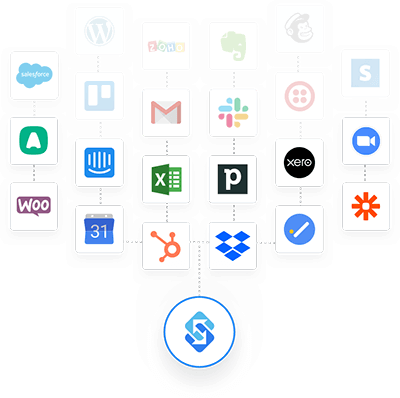
- Integration with 1,500+ business applications
Personalize at Scale
Automated doesn't mean generic. Each automated SMS notification includes customer-specific details pulled directly from your systems: names, order numbers, appointment times, account balances, or any other relevant information.
The system merges data into message templates automatically, creating personalized notifications that feel hand-crafted. Customers receive relevant information specific to their situation, not generic broadcast messages that require them to search for details.
Create personalized automated SMS notifications with:
- Dynamic field insertion from customer records
- Conditional content based on customer segments or behaviors
- Customized timing based on time zones or business hours
- A/B testing to optimize notification effectiveness
Connect Your Contacts
Track two-way SMS directly inside your favorite business systems by syncing your contacts with one of our integrations.
Connect HubSpot, Pipedrive, Intercom, Google, Zapier, Aircall and over 1,500 other apps to help you get the most out of Sakari.
Automated SMS Notification Features
Everything you need to automate customer communication across your entire business.
SMS Campaigns
Pre-schedule text messages and SMS marketing campaigns for a certain date and time.
SMS Autoresponders
Setup SMS autoresponders when specific keywords are sent to your phone numbers.
CSV Imports
Use our CSV imports to add and edit contacts, create lists, and send messaging campaigns.
Phone Number Groups
Assign users to specific phone number groups to help distinguish your team channels.
Messaging Templates
SMS templates let you create a message once and then reuse it with just a click of a button.
Alphanumeric Sender IDs
Outside of North America, send text messages from your existing Brand name using alphanumeric sender IDs.
Email to SMS
Receive text messages as emails, and reply to them from your email, with your replies being sent as text messages.
Landline Enablement
Send and receive text messages from your existing business landline or VOIP phone number.
Scheduled Messages
Schedule your 1:1 and messaging campaigns for future delivery at just the right time.
Check Out Sakari's Pricing Plans
Multiple pricing options for your business teams.
Hear It From Our Customers
Automated SMS Notifications FAQs
What types of automated SMS notifications work best?
Transactional notifications consistently outperform other types: order confirmations, shipping updates, appointment reminders, payment receipts, and account alerts. These messages solve immediate customer needs, achieve 98%+ open rates, and rarely receive complaints because customers expect and want them.
Marketing automation (abandoned cart reminders, promotional sequences, re-engagement campaigns) also works well but requires opt-in consent and careful frequency management. Service notifications (delivery arrivals, appointment confirmations, password resets) sit between transactional and marketing in terms of customer expectation and regulatory requirements.
How do I set up automated SMS notifications?
Connect Sakari to your business system through a native integration or Zapier, then define your triggers and message templates. For example, connect your e-commerce platform and set a trigger for "order placed." Create a message template with order details, then map which data fields insert where.
Most businesses start with 2-3 basic notification types (order confirmations, appointment reminders, payment receipts) and expand from there. Setup for standard notifications typically takes 15-30 minutes per notification type.
Can automated SMS notifications include links?
Yes. Include tracking links, payment portals, appointment rescheduling pages, review request forms, or any URL relevant to the notification. The system can even automatically shorten long URLs to save message length and track click-through rates.
Many businesses use automated SMS notifications specifically to drive actions through links: "Your order shipped. Track here: [link]" or "Appointment tomorrow at 2pm. Reschedule if needed: [link]." Links make notifications more functional than simple information delivery.
What happens if someone opts out of automated SMS notifications?
The system immediately stops sending any messages to that phone number and maintains an opt-out record to prevent future messages. This applies to all automated SMS notifications from your business, not just the specific type they opted out from.
Most platforms show opt-out rates around 1-2% for transactional notifications and 3-5% for marketing automation. High opt-out rates signal problems with message frequency, relevance, or value. Monitor these metrics to maintain healthy notification programs.
How much do automated SMS notifications cost?
Cost depends on your message volume and Sakari plan. Most transactional notifications are 1-2 SMS segments, costing $0.01-0.04 per message depending on your plan and destination country. If you send 1,000 order confirmations monthly, that's $10-40 in messaging costs.
Calculate ROI by comparing notification costs to the value they create. If automated appointment reminders reduce your no-show rate by even 10%, the revenue saved typically exceeds message costs by 10-50x. The automation itself is included in your Sakari subscription with no per-notification fees.
Try Sakari for free.
100% Free trial · Easy setup · No credit card required