SEGMENTATION LISTS
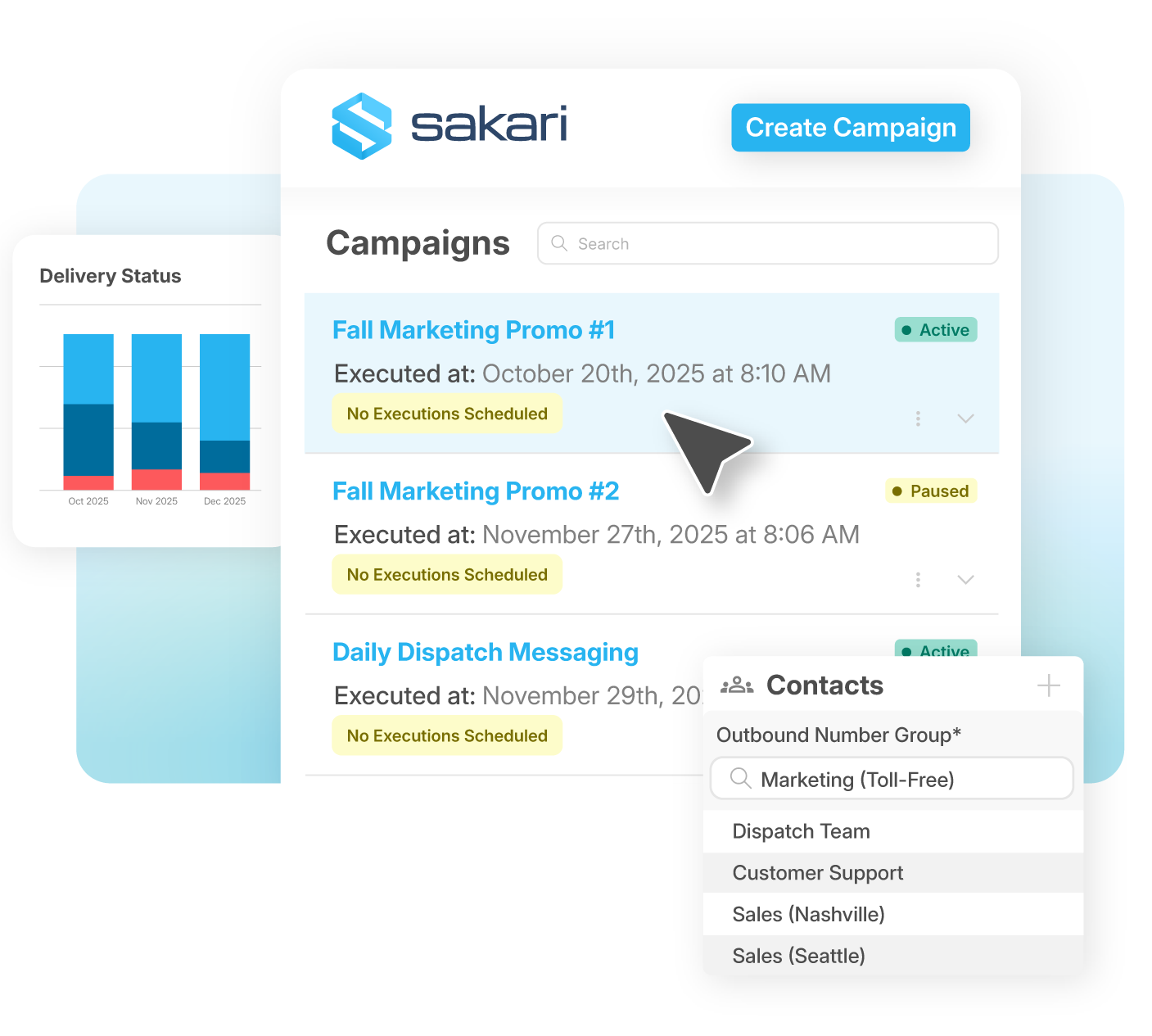
Build SMS Audience ListsOrganize contacts into targeted groups for efficient SMS campaigns. You can segment contacts based on attributes like location, customer type, or engagement level, making it easy to send relevant messages to the right audience.
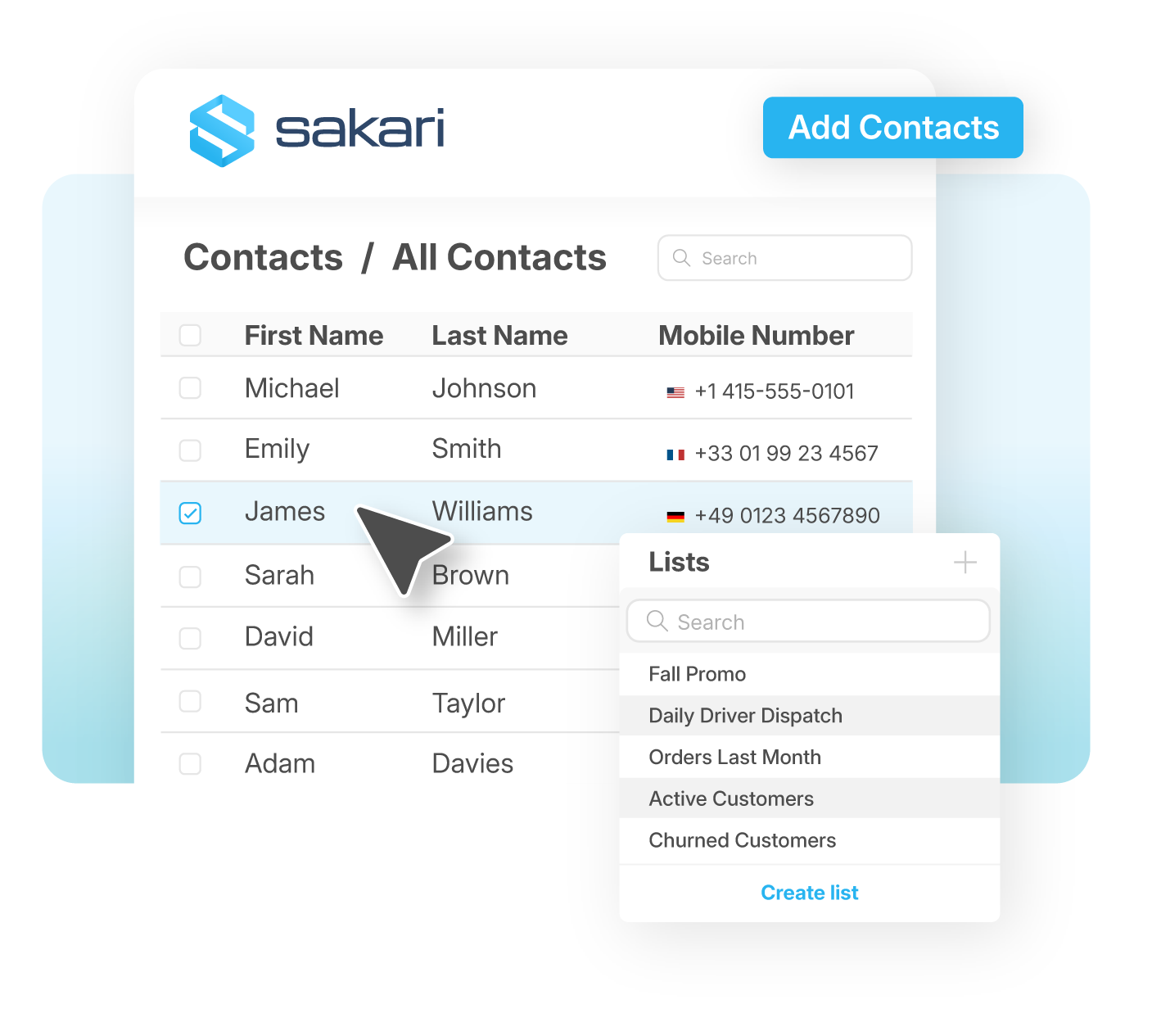
View all details about the contact, interactions, and touchpoints for each contact in a comprehensive view.
Personalize outreach based on customer preferences, from their interests to their purchase history. Improve engagement with sms marketing tools and personalized text messages.
Connect your tech stack with native integrations and flexible API access. Quickly scale communications globally, reduce friction and accelerate every customer’s journey.
Learn MoreFrequently Asked Questions

Sakari supports three main ways to build SMS lists. Keyword enrollment lets customers opt in by texting a specific word like "JOIN" or "OFFERS" to your business number, which is the fastest way to grow a list because it removes the form-filling step. CSV imports handle bulk uploads when you're bringing existing contact data into the platform, and workflow automation adds contacts to lists based on triggers from your CRM, signup forms, or other connected tools.
Most businesses use all three depending on the moment. New leads from a website form might flow in through automation, customers responding to a print ad opt in via keyword, and a one-time list of past clients gets brought in through CSV. Whichever method you use, every contact lands in the same Sakari workspace where you can tag, segment, and message them through a single system rather than juggling lists across multiple tools.
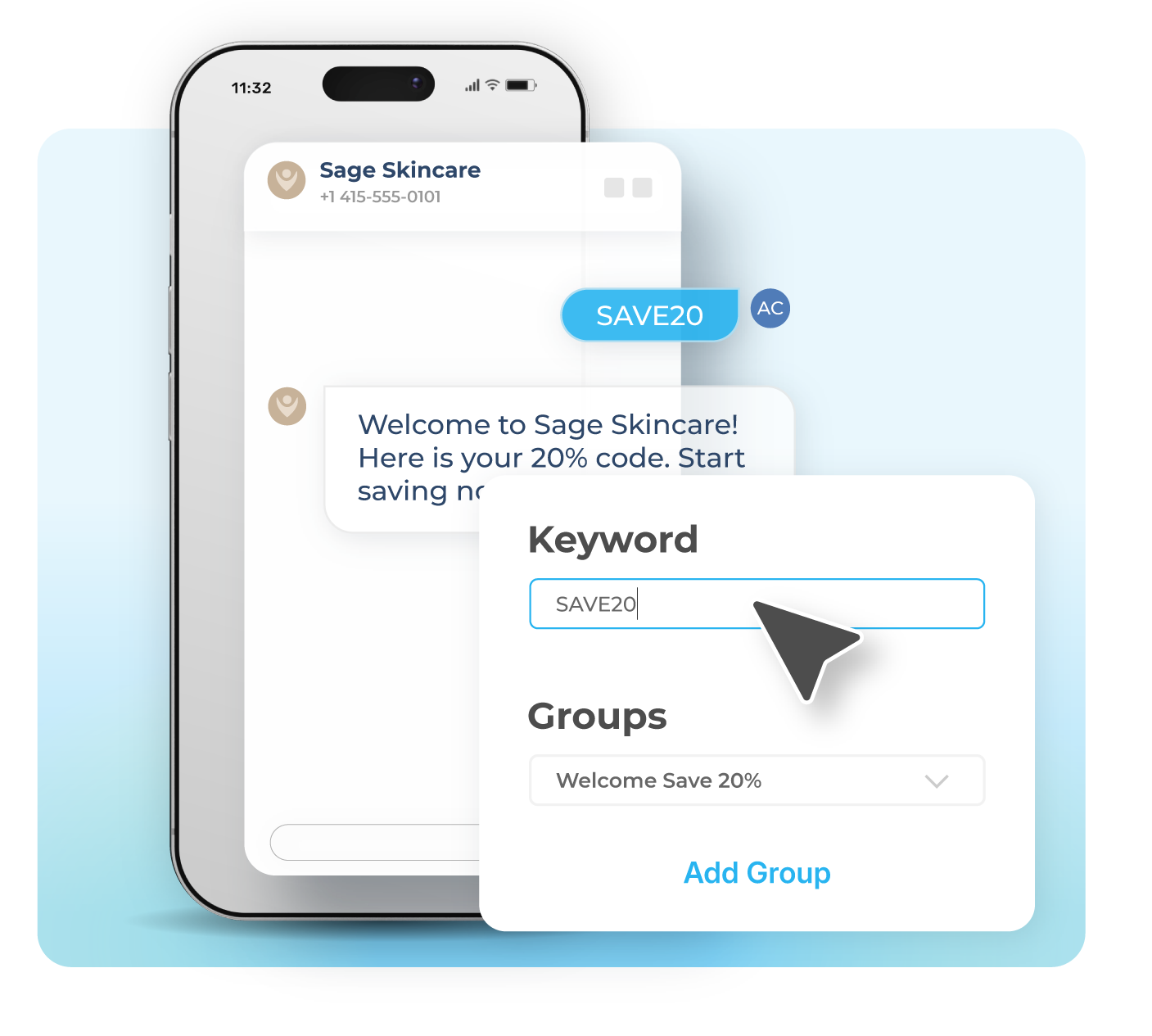
Keyword opt-in lists automatically grow your contact base when customers text a specific keyword to a designated number. You pick the keyword, set up the auto-response that confirms enrollment, and the platform adds every matching number to your designated list in real time. This is one of the simplest ways to drive list growth from in-store signage, vehicle wraps, podcast mentions, QR codes, or any other touchpoint where customers can see and act on a short instruction.
Different keywords can route to different lists, so a single Sakari number can support multiple campaigns simultaneously. A retailer might run "SAVE" for promotional opt-ins and "VIP" for a loyalty program, while a service business might use "QUOTE" for lead capture and "HOURS" for informational responses. Every keyword response can be customized, and contacts who opt in this way are flagged as having explicitly subscribed, which keeps your list quality high.
Sakari uses tags, attributes, and custom fields to segment contacts into targeted groups. Tags can include any data point that matters for messaging, like location, customer type, engagement level, signup source, deal stage, or product interest. Once contacts are tagged, you can filter your list and send campaigns only to people who match specific criteria rather than blasting your entire base with the same message.
Dynamic audiences take this a step further by automatically updating based on customer interactions. A segment defined as "customers who clicked a link in the last 30 days" or "leads who texted a specific keyword" stays current without manual maintenance, so your campaigns always reach the right people based on the most recent behavior. Combined with bulk editing tools and keyword search, this makes managing large lists practical even when you're working with thousands of contacts across multiple segments.
Sakari supports opt-in and opt-out keywords that let contacts update their preferences in real time. When a customer texts a designated opt-out word, they're automatically removed from sending, and the platform respects that preference across all future campaigns from that number. The same system handles re-subscriptions if a contact decides they want to opt back in later.
This is built into every Sakari account and works alongside the platform's broader contact management tools. Opt-out status is visible on each contact record, dynamic audiences automatically exclude contacts who have unsubscribed, and your sending lists update in real time so a campaign launched five minutes ago doesn't accidentally reach someone who just opted out. Keeping opt-out handling automated rather than manual is one of the main reasons businesses move to a dedicated SMS platform from spreadsheet-driven processes.
Sakari pulls data from each contact record into messages automatically using personalization tokens. Common fields include first and last name, location, signup date, last purchase, and any custom attribute you've added to a contact. The result is that a message going to thousands of people on a list reads like a one-to-one note to each recipient rather than a generic broadcast.
Personalization also extends beyond names. Customer Contact Cards give you a comprehensive view of every contact's interactions, touchpoints, and history inside Sakari, which makes it easy to write messages tailored to specific preferences or purchase patterns. For teams using connected CRMs like HubSpot or Salesforce, contact data syncs in real time between systems, so personalization tokens pull from the most current customer information without requiring manual list updates or data exports.