Appointment Service Reminder Software.
Reduce no-shows, fill last-minute cancellations, and keep your schedule running smoothly with automated appointment service reminders.
START YOUR 14 DAY FREE TRIAL.
Reduce No-Shows with Automated Appointment Service Reminders
What are Appointment Service Reminders?
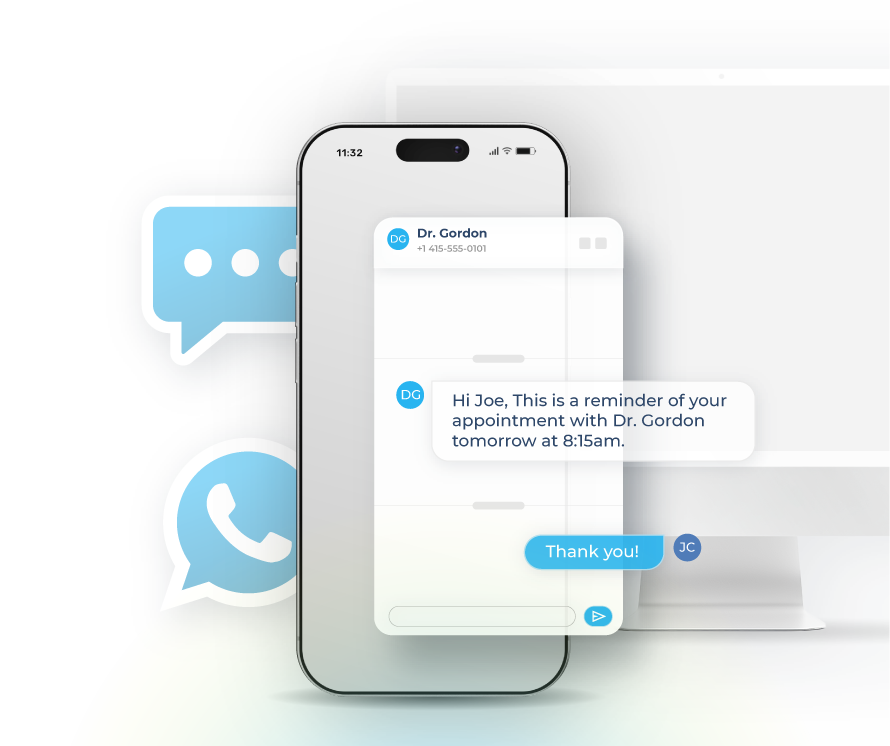
Appointment service reminders are automated text messages sent to customers before their scheduled appointments. These reminders help reduce no-shows, improve attendance rates, and give customers an easy way to confirm or reschedule.
Why Businesses Need Appointment Service Reminders
No-shows cost businesses time and money. Appointment service reminders solve this problem while creating better customer experiences. When you automate reminders, you gain:
- Reduced no-show rates by 30-50%
- Increased revenue from better schedule utilization
- Time saved on manual reminder calls
- Easy rescheduling that fills last-minute openings
Reduce Manual Work
Set up appointment service reminders once and let automation handle the rest. Your team stops making reminder calls and starts focusing on higher-value work.
Fill Cancellations Fast
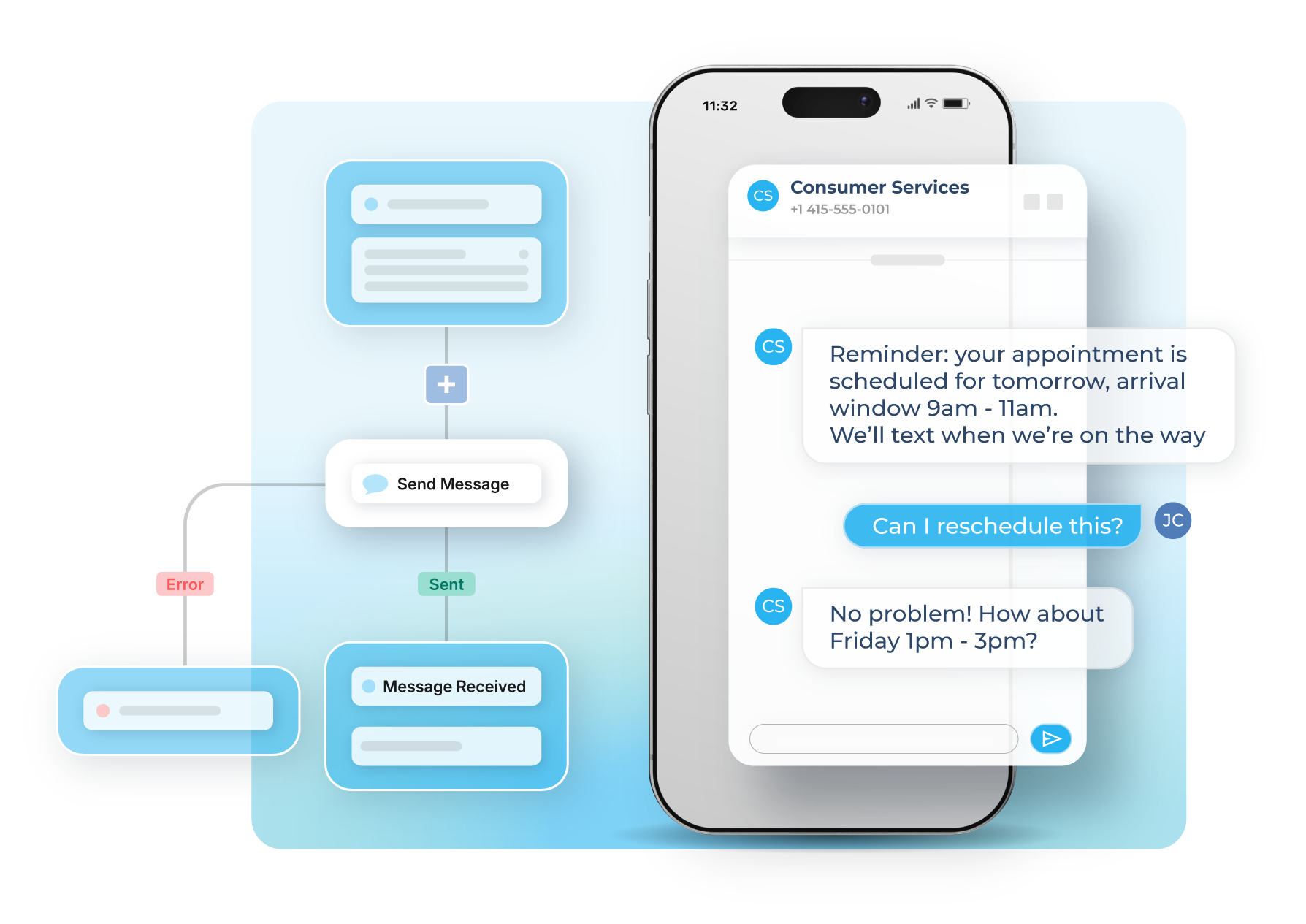
When customers reply to reschedule, you can quickly fill those slots with waitlisted clients or reach out to others who might want earlier appointments.
Track What Works
See which reminder timing reduces no-shows most effectively. Test different approaches and optimize your appointment service reminders based on real data.
Start Your Free Trial Today
No commitments. No credit card required.
How Appointment Service Reminders Work
Automated SMS Reminders
Healthcare providers use appointment service reminders to reduce missed patient visits. HVAC companies fill their daily schedules without last-minute gaps. Salons and spas maintain consistent booking rates. Professional services keep consultations on track.
The system works across industries because the fundamentals stay the same. Send reminders at the right time, make rescheduling easy, and give customers a simple way to confirm.
Sakari's appointment service reminders support:
- Multiple reminder sequences (72 hours, 24 hours, 2 hours before)
- Two-way communication for easy confirmation
- Automatic rescheduling workflows
- Integration with your existing calendar system
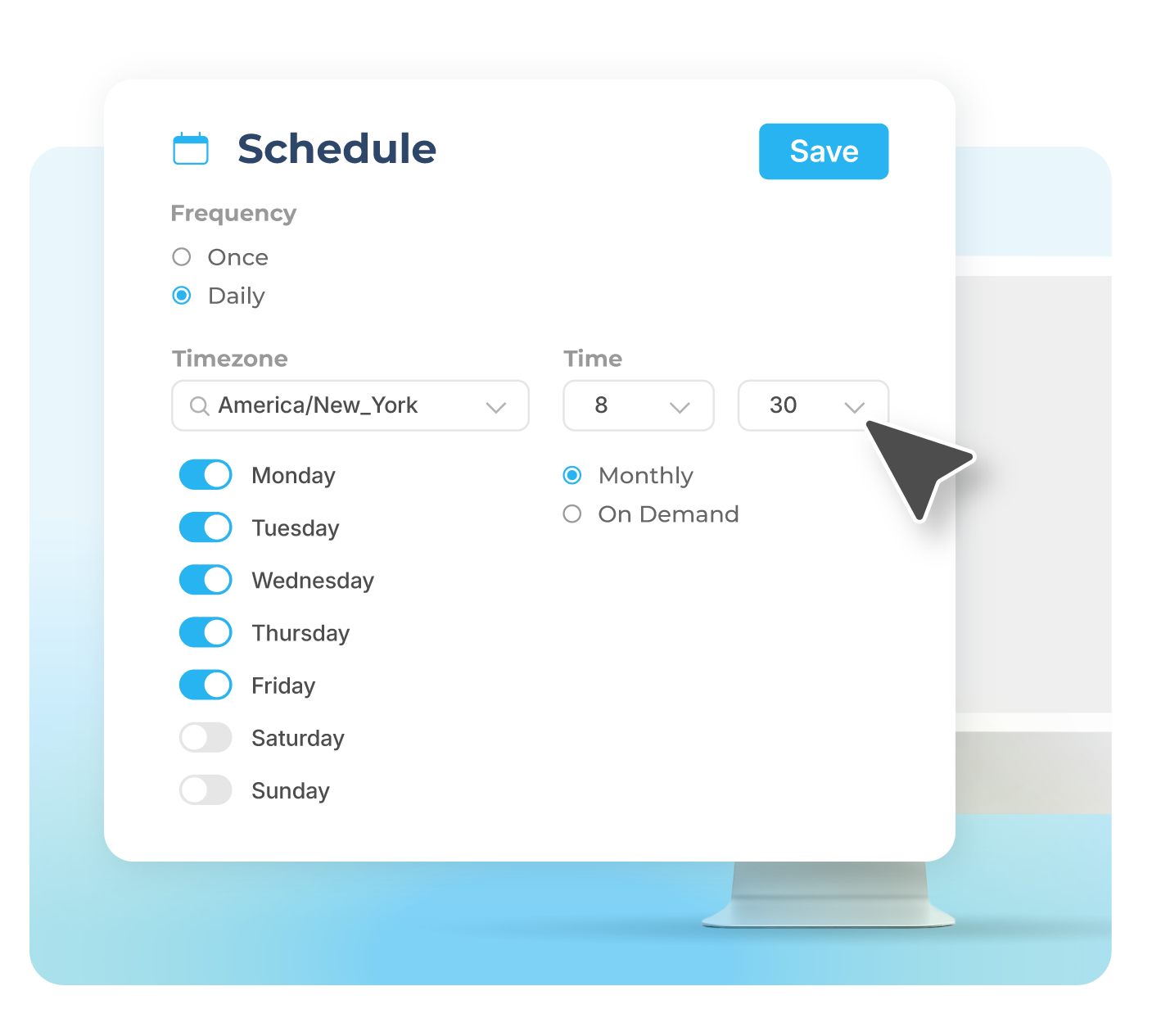
Customize Your Reminder Timing
Different businesses need different reminder schedules. A dental office might send reminders three days out and one day before. An HVAC company might focus on same-day reminders for urgent service calls. A consultant might only need one reminder 24 hours prior.
Build your appointment service reminders around what works for your business. Test different timing combinations and track which approach gives you the lowest no-show rates.
Customize reminders with:
- Multi-step reminder sequences
- Industry-specific templates
- Time zone adjustments for distributed teams
- Holiday and weekend scheduling rules
Connect Your Contacts
Track two-way SMS directly inside your favorite business systems by syncing your contacts with one of our integrations.
Connect HubSpot, Pipedrive, Intercom, Google, Zapier, Aircall and over 1,500 other apps to help you get the most out of Sakari.
Appointment Service Reminder Features
Everything you need to reduce no-shows and keep your schedule full.
SMS Campaigns
Pre-schedule text messages and SMS marketing campaigns for a certain date and time.
SMS Autoresponders
Setup SMS autoresponders when specific keywords are sent to your phone numbers.
CSV Imports
Use our CSV imports to add and edit contacts, create lists, and send messaging campaigns.
Phone Number Groups
Assign users to specific phone number groups to help distinguish your team channels.
Messaging Templates
SMS templates let you create a message once and then reuse it with just a click of a button.
Alphanumeric Sender IDs
Outside of North America, send text messages from your existing Brand name using alphanumeric sender IDs.
Email to SMS
Receive text messages as emails, and reply to them from your email, with your replies being sent as text messages.
Landline Enablement
Send and receive text messages from your existing business landline or VOIP phone number.
Scheduled Messages
Schedule your 1:1 and messaging campaigns for future delivery at just the right time.
Check Out Sakari's Pricing Plans
Multiple pricing options for your business teams.
Hear It From Our Customers
Appointment Service Reminders FAQs
How far in advance should I send appointment service reminders?
Most businesses see the best results with a multi-reminder approach: 72 hours, 24 hours, and 2-4 hours before the appointment. The 72-hour reminder gives customers time to reschedule if needed. The 24-hour reminder catches anyone who missed the first one. The 2-4 hour reminder serves as a final confirmation.
Healthcare practices often add a one-week reminder for procedures requiring preparation. Home service companies might focus more on same-day reminders since their appointments are often scheduled within 24-48 hours.
What information should appointment service reminders include?
Effective appointment service reminders include: the appointment date and time, service location or provider name, what to bring or how to prepare, and a simple way to confirm or reschedule. Keep messages concise. Include only the essential details customers need to show up prepared.
For example: "Reminder: Dental cleaning tomorrow (Wed) at 2pm with Dr. Smith. Reply C to confirm or R to reschedule."
Can customers reschedule through appointment service reminders?
Yes. Two-way appointment service reminders let customers reply to reschedule. When someone responds, your team can offer alternative times or automatically trigger a rebooking workflow. This makes rescheduling easier than playing phone tag, which means you fill those slots faster instead of dealing with no-shows.
Do appointment service reminders reduce no-shows?
Automated appointment service reminders typically reduce no-shows by 30-50%. The exact improvement depends on your industry, appointment type, and reminder timing. High-value appointments (like medical procedures or consultations) often see the biggest improvements. Routine appointments show good results too, but the percentage reduction might be slightly lower.
Track your no-show rate before and after implementing reminders to measure your specific improvement.
What's the best way to handle appointment confirmations?
The simplest approach: ask customers to reply with a single letter to confirm (C) or reschedule (R). This reduces friction and increases response rates. Some businesses use links for confirmation, but text replies generally get higher engagement rates.
When a customer confirms, send a brief acknowledgment. When they request rescheduling, have your team respond within a few hours with available alternatives.
Should I charge for missed appointments?
Appointment service reminders should reduce no-shows enough that you rarely need to charge fees. If you still see frequent no-shows after implementing reminders, the issue might be your reminder timing, message content, or appointment booking process rather than customer commitment.
Some high-value service providers (like consultants or specialized healthcare) do charge no-show fees, but they typically require multiple reminders and clear fee disclosure before enforcement.
Can I customize appointment service reminders for different services?
Yes. Create different reminder templates for different appointment types. A routine teeth cleaning might need just two reminders, while a root canal might need three reminders plus preparation instructions. HVAC service calls might emphasize arrival windows, while salon appointments might mention parking details.
Customize the reminder frequency, timing, and content based on what each type of appointment actually requires.
How do appointment service reminders work with my scheduling software?
Most scheduling systems integrate with Sakari through direct connections or via Zapier. When someone books an appointment in your calendar, the integration automatically triggers your reminder sequence. If they cancel or reschedule, the system updates accordingly.
You can also manually upload appointment lists or use our API for custom implementations.
What happens if a customer doesn't respond to reminders?
Non-response doesn't mean they won't show up. Many customers read appointment service reminders but don't feel the need to reply. Track your actual no-show rate versus non-response rate to understand your baseline.
If someone consistently doesn't respond to reminders but shows up anyway, they're confirming through their actions. If they don't respond and frequently no-show, consider a phone call before their next appointment to discuss expectations.
Are appointment service reminders TCPA compliant?
Yes, when implemented correctly. You need consent before sending appointment service reminders (typically gathered during appointment booking). Include clear opt-out instructions in your messages. Sakari handles opt-out requests automatically and maintains consent records.
Transactional appointment reminders have more flexibility than marketing messages under TCPA rules, but you still need customer consent and proper opt-out handling.
How much do appointment service reminders cost?
Your cost depends on your Sakari messaging plan and how many reminders you send. Most businesses find that the revenue saved from preventing no-shows far exceeds the cost of the reminders. If you charge $100 per appointment and prevent 10 no-shows per month, you've saved $1,000 while spending maybe $20-30 on reminder messages.
Calculate your potential ROI: (Average appointment value) × (Current no-show rate) × (Expected 40% reduction) = Monthly savings from reminders.
Try Sakari for free.
100% Free trial · Easy setup · No credit card required