
Text enable your existing landline, VoIP, or toll-free phone number to send and receive SMS and MMS within your business. Reach your customers where they are—directly on their mobile devices—without changing your business phone number.
Don’t change your number! Text-enable your existing landline or VoIP number, to keep all your current business information intact while expanding your communication channels.
HOW IT WORKS
Try Sakari free for 14 days, then choose a plan that best suits your needs. Manage your business text conversations in one centralized Inbox.

Our support team will help you link your landline or VOIP number for SMS and MMS. No need to change or port your phone number.

In minutes, you can start sending and receiving both SMS text messages & MMS (images, video, and GIFs) from your existing landline number.

Try Sakari free for 14 days, then choose a plan that best suits your needs. Manage your business text conversations in one centralized Inbox.
Our support team will help you link your landline or VOIP number for SMS and MMS. No need to change or port your phone number.
In minutes, you can start sending and receiving both SMS text messages & MMS (images, video, and GIFs) from your existing landline number.
Landline texting is a game-changer for businesses, enabling faster, more convenient communication with customers from a number they already trust. By allowing two-way texting on your existing landline or VoIP number, you can respond faster, boost customer satisfaction, and streamline interactions.
It's not just about speed—it's about providing an experience that keeps your business top of mind and builds stronger relationships with your clients. Learn how text-to-landline can increase sales, enhance customer support, and facilitate communication.
A better way for customers to reach your business! Manage your two-way texting from your existing phone number, regardless of whether it’s a cell phone line, VoIP service, or landline phone number. You can:
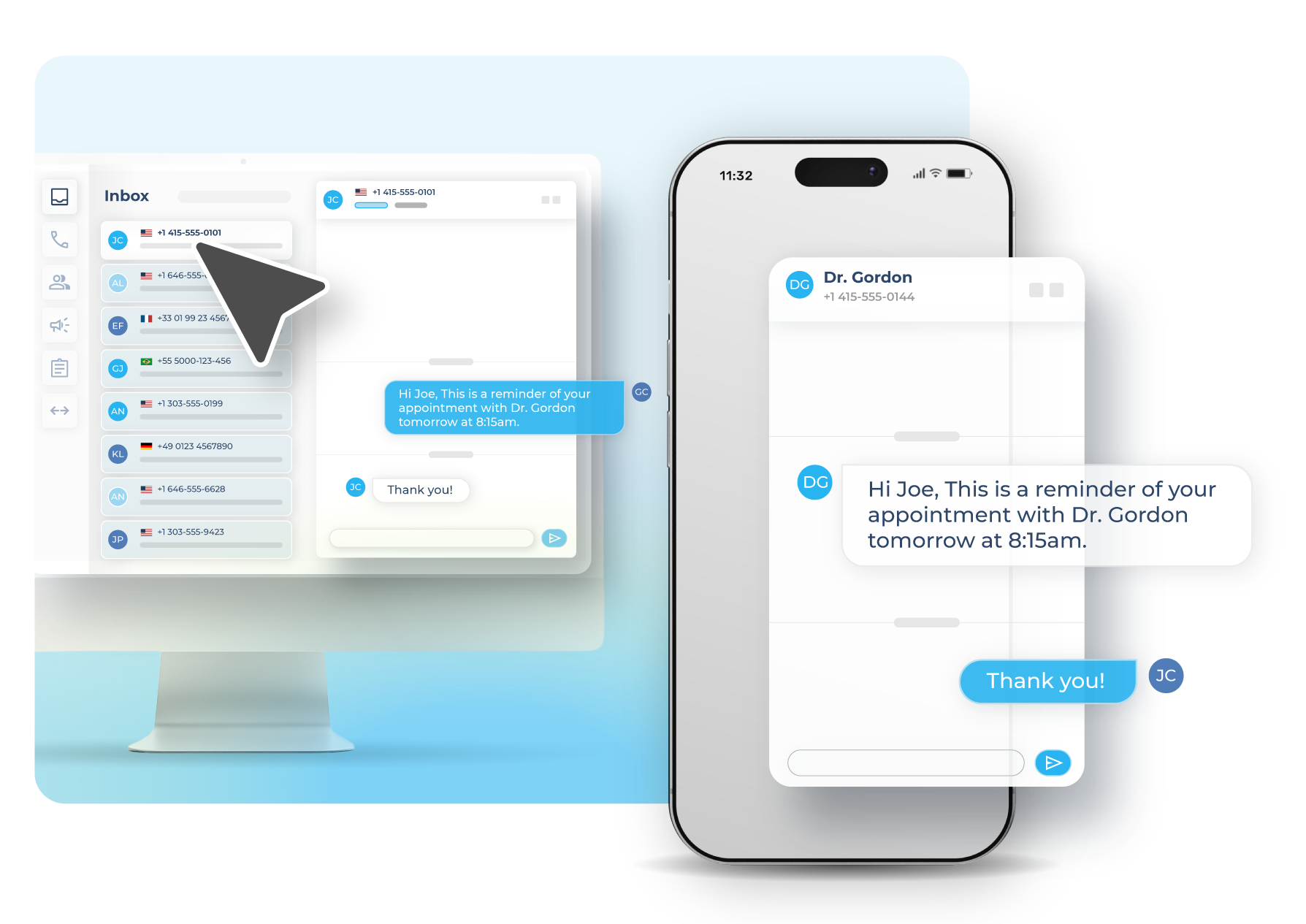
Easily manage landline text messaging across your business with separate account users, defined phone number user groups, and messaging templates for canned responses.
Now your customers don’t have to memorize multiple numbers to get in touch with you! With a centralized communication channel, you can use solely your text-enabled landline number for SMS messaging, texting campaigns, and phone calls.
With Sakari’s landline texting for business, you can:
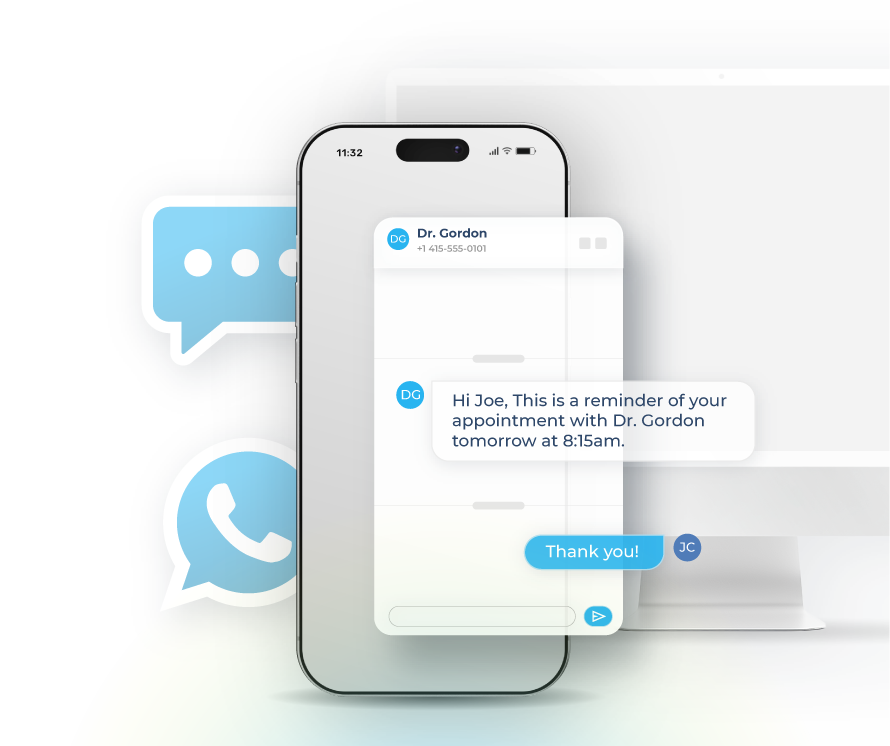
Sakari text-enables your existing landline, VoIP, or toll-free number so you can send and receive SMS and MMS from the same line customers already use to call you. There's no number change and no porting required, which means your business cards, signage, website, and directory listings stay accurate while your communication channels expand.
The setup process takes three steps: create a Sakari account with the 14-day free trial, link your existing number with help from the Sakari support team, and start messaging. Most businesses are up and running within minutes once the number is linked. The same texting tools work for cell numbers, VoIP services, and traditional landlines, so the platform fits whether you're a small office on a single landline or a larger team running on a VoIP system.
A separate SMS number creates a second contact point your customers have to remember and your team has to manage. Business landline texting eliminates that split by adding texting to the number that's already on your business cards, website, and listings. Customers see one number, dial it for calls, and text it for everything else.
For your team, this also means fewer tools and fewer places to check. Calls still come through your existing phone system, but inbound texts to that same number land in your Sakari shared inbox where multiple team members can see them, assign them, and respond. The unified setup tends to reduce missed customer messages because there's no ambiguity about which number people should reach you on.
Yes. Once your landline, VoIP, or toll-free number is text-enabled in Sakari, you can send SMS, MMS with images, emojis, and GIFs, mass text campaigns to your contact list, and scheduled messages for future delivery. The full Sakari feature set works through your existing business number, so you're not limited to basic one-off texting.
This makes it possible to run promotional campaigns, appointment reminder sequences, and customer announcements from the same number customers recognize. Two-way conversations are supported throughout, so when a customer replies to a bulk send or reminder, the response routes back to your shared inbox for someone on your team to handle. Inbound replies don't incur messaging charges, so two-way conversations stay cost-predictable.
Sakari is built for shared business use, with unlimited users, defined user roles and permissions, phone number groups, custom notifications, and reusable message templates included in every plan. You can give your front desk one set of permissions, your sales team another, and your owner-operators full admin access, all working from the same text-enabled number.
Phone number groups let you organize multiple users around a single business line, so several team members can answer inbound texts during business hours and pass conversations between each other when needed. Reusable templates save time for common responses like appointment confirmations, hours of operation, or pricing inquiries, which keeps replies consistent and fast even when different team members are handling them.
No. Sakari text-enables your existing number without porting it, which means your phone provider stays the same, your inbound and outbound calling continues working exactly as it does today, and only the texting layer is added on top. The Sakari support team handles the technical setup with your carrier, so you don't have to coordinate between providers or manage the integration yourself.
This is one of the main reasons businesses choose text-enabling over getting a new number: there's no risk to your existing phone service, no temporary downtime, and no operational disruption. Your team keeps using the phones they already have for calls, and Sakari handles texting through the web platform and mobile app. Once enabled, you can deactivate the texting layer at any time if you ever decide to move providers or restructure your phone setup.