Capture & convert leads instantly
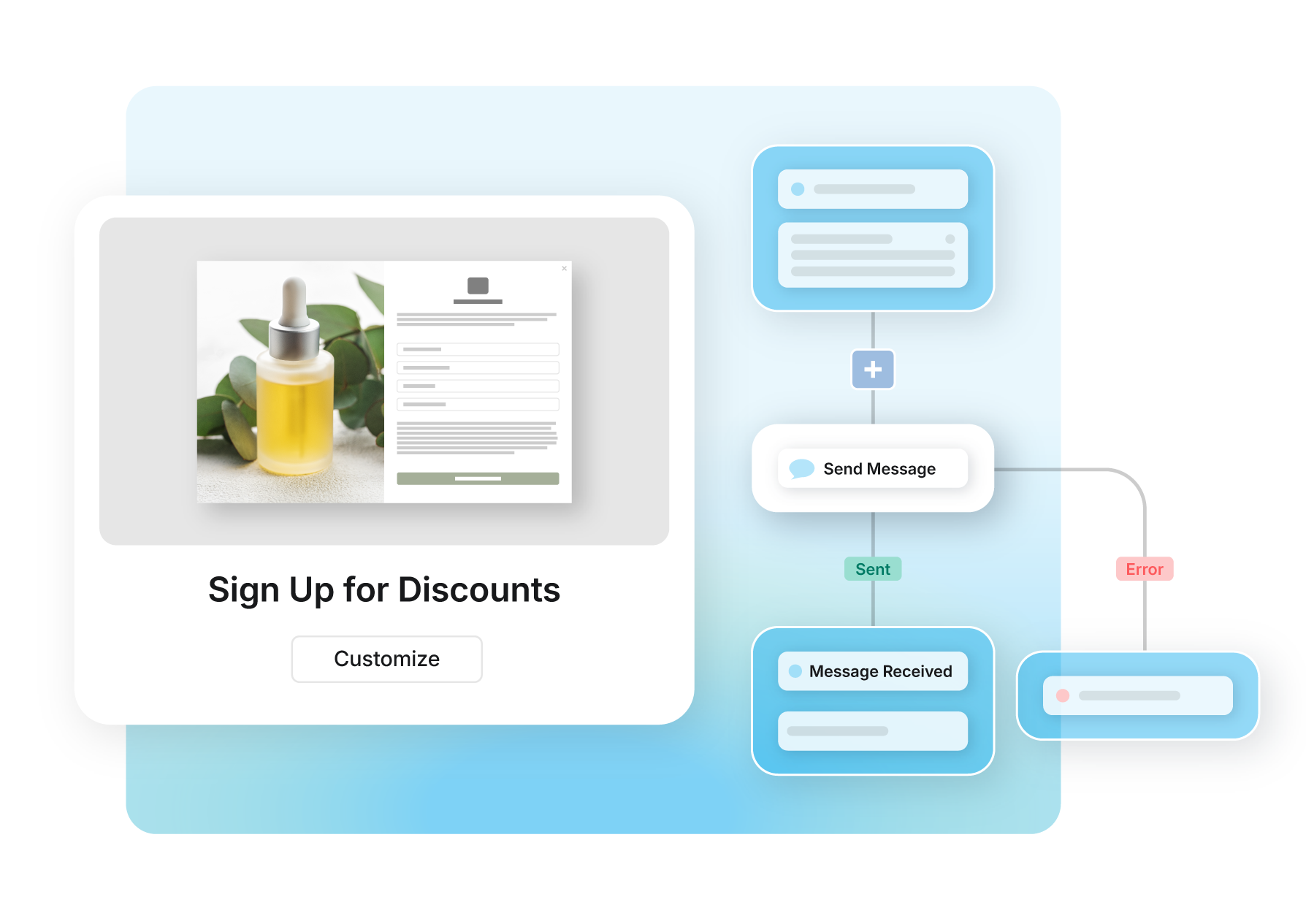
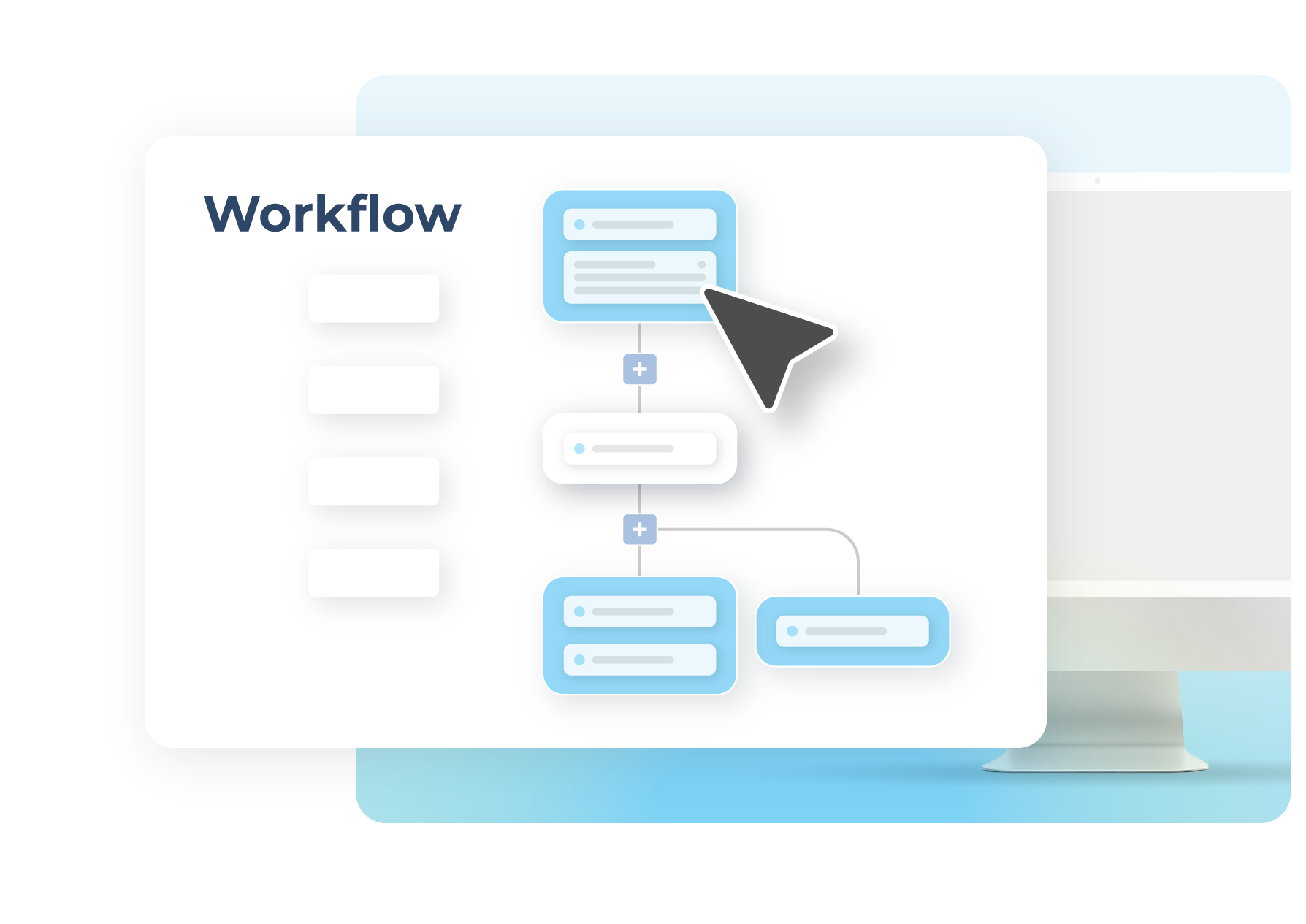
Create high-converting forms in minutes and route leads directly into your workflows. Trigger real-time follow-ups to turn interest into action.
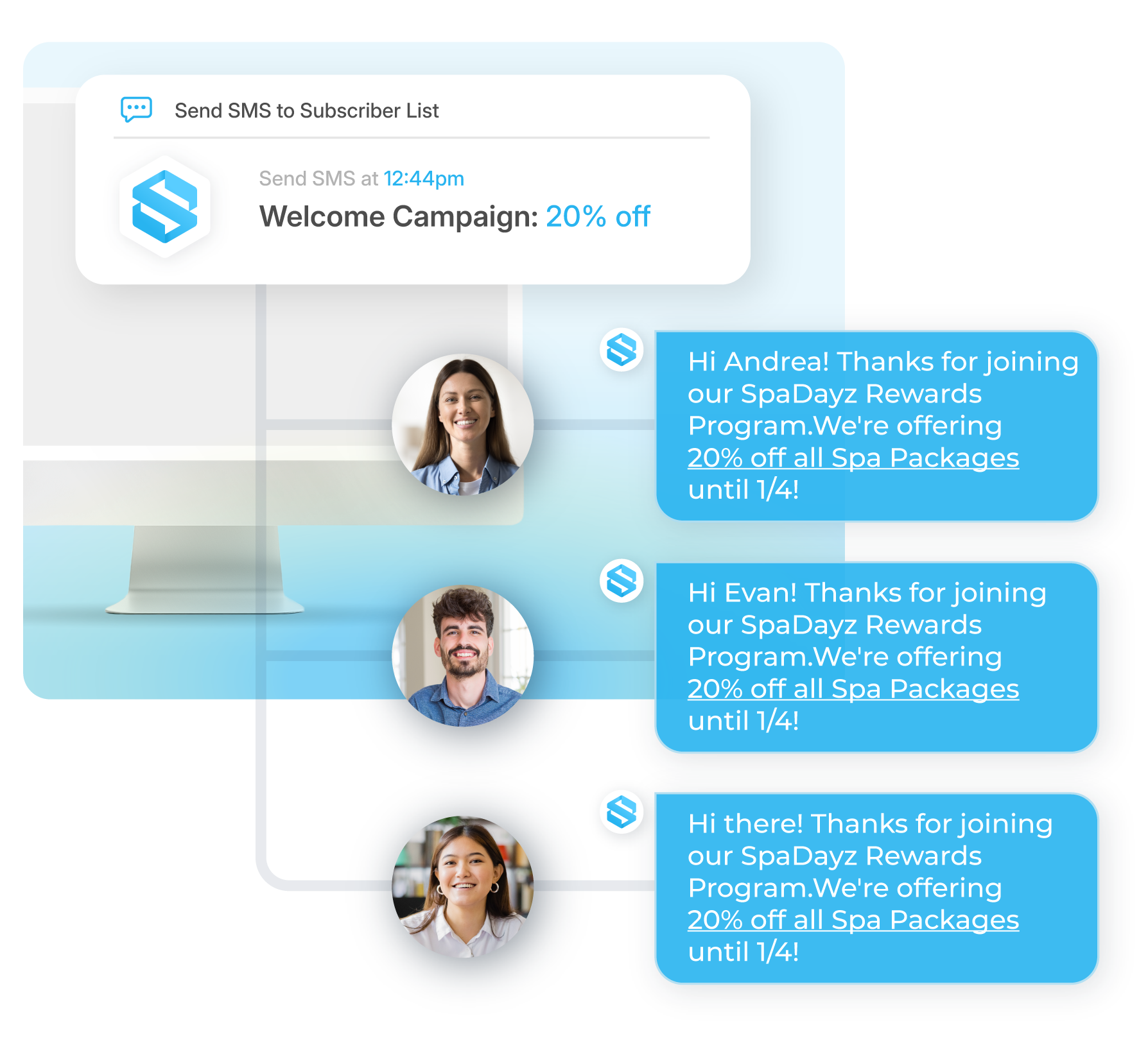
Sakari’s mass texting service makes it easy to send mass text messages. Whether you’re sending promotions, reminders, or updates, Sakari’s mass text messaging platform streamlines your SMS marketing, ensuring your message reaches the right people at the right time.
Mass text messaging lets businesses send bulk SMS or MMS messages instantly for reminders, promotions, alerts, and more with Sakari.
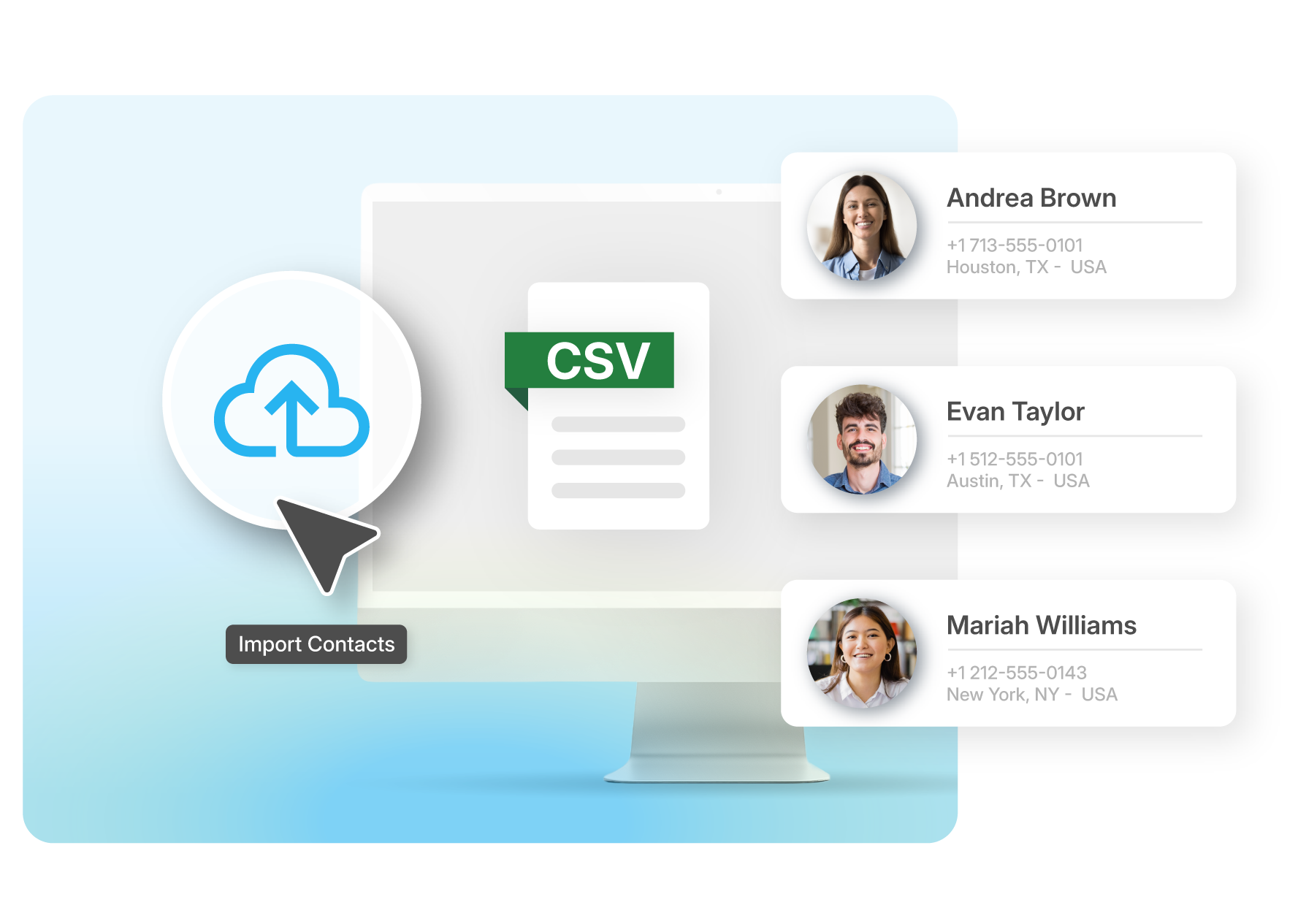
Audience segmentation is key when organizing your contacts for mass text messaging. If you have different contact lists or phone number groups, Sakari makes it easy to add your existing customer data using our bulk text messaging tools. All you have to do is upload a CSV file!
You can add core data fields like first and last name, company, email address, etc. Oh, and did we mention that you can upload an unlimited number of contacts?
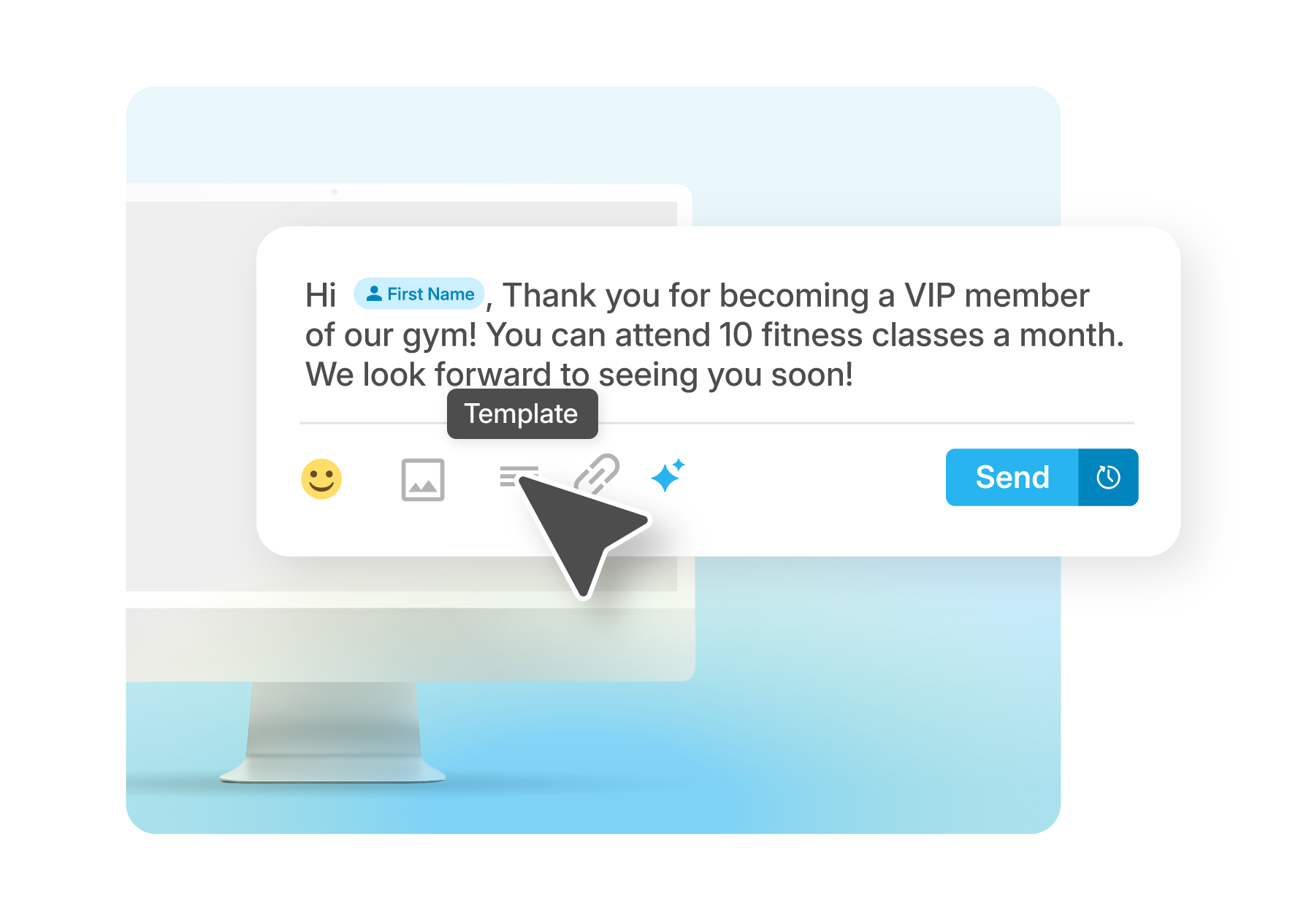
Create SMS messaging templates with custom attributes—making your bulk messages still feel like a personalized 1:1 message.
Templates help your teams save time and improve the process of business mass texting. You can pull up and reuse an SMS message in just a few clicks!
Use our business text messaging software to insert personalization tokens like:
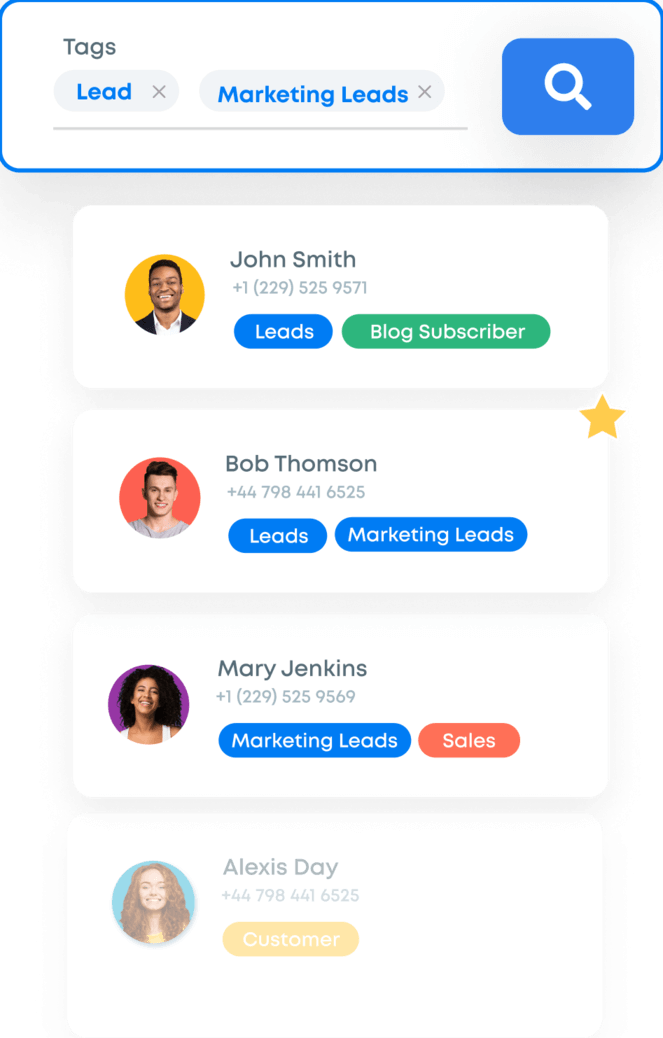
Sakari’s bulk SMS platform simplifies contact management by allowing you to apply tags and filters, making it easy to target specific segments of your audience. Tags or attributes are data fields added to each contact record. These fields are completely customizable and can include things like: states, business role, or customer type.
Locations like state or country
Business role
Deal pipeline status
Customer type
Sakari’s software makes managing these tags easy with keyword searches and bulk editing. With the tags applied, you can send bulk text messages to specific users based on tag filtering.
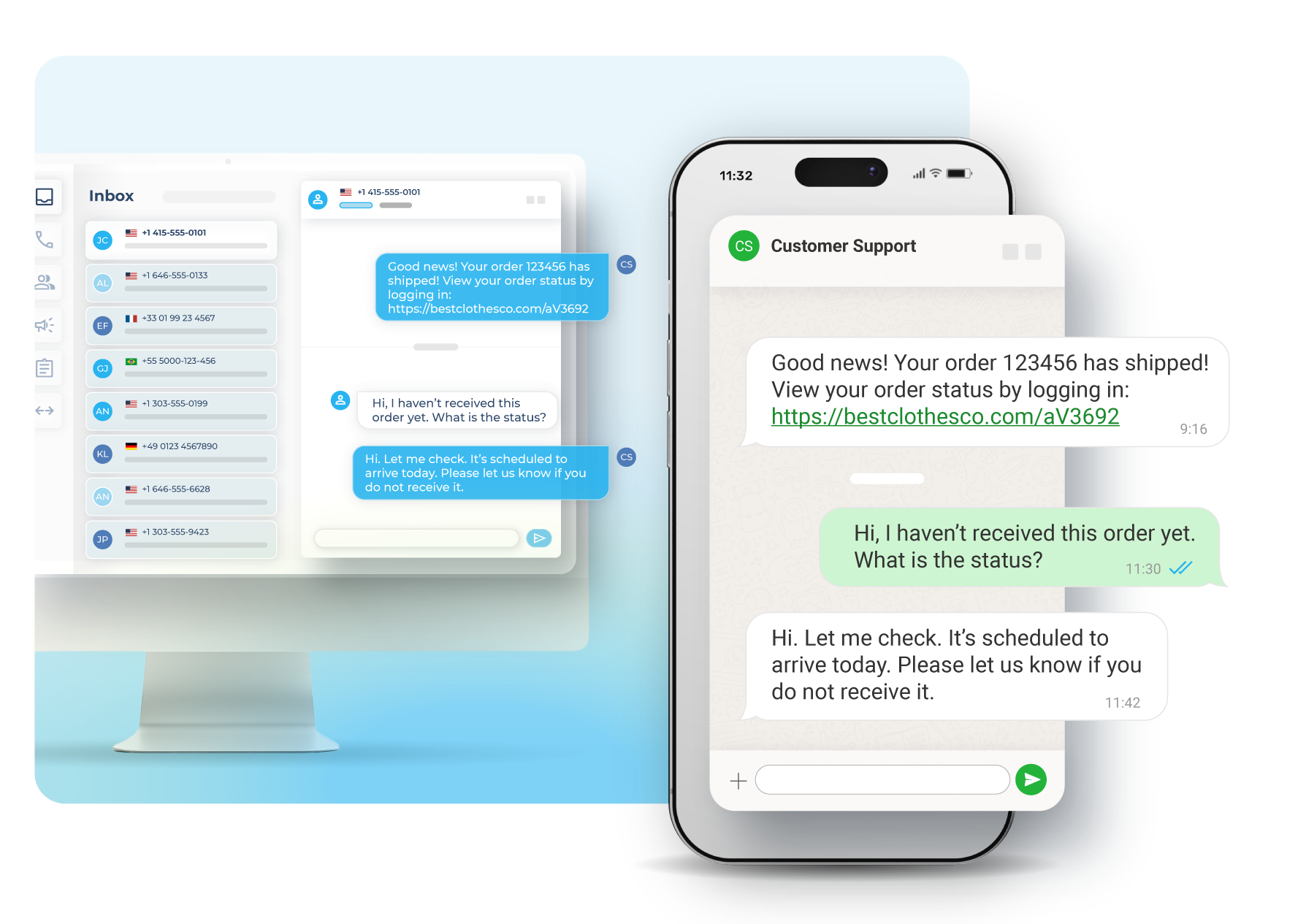
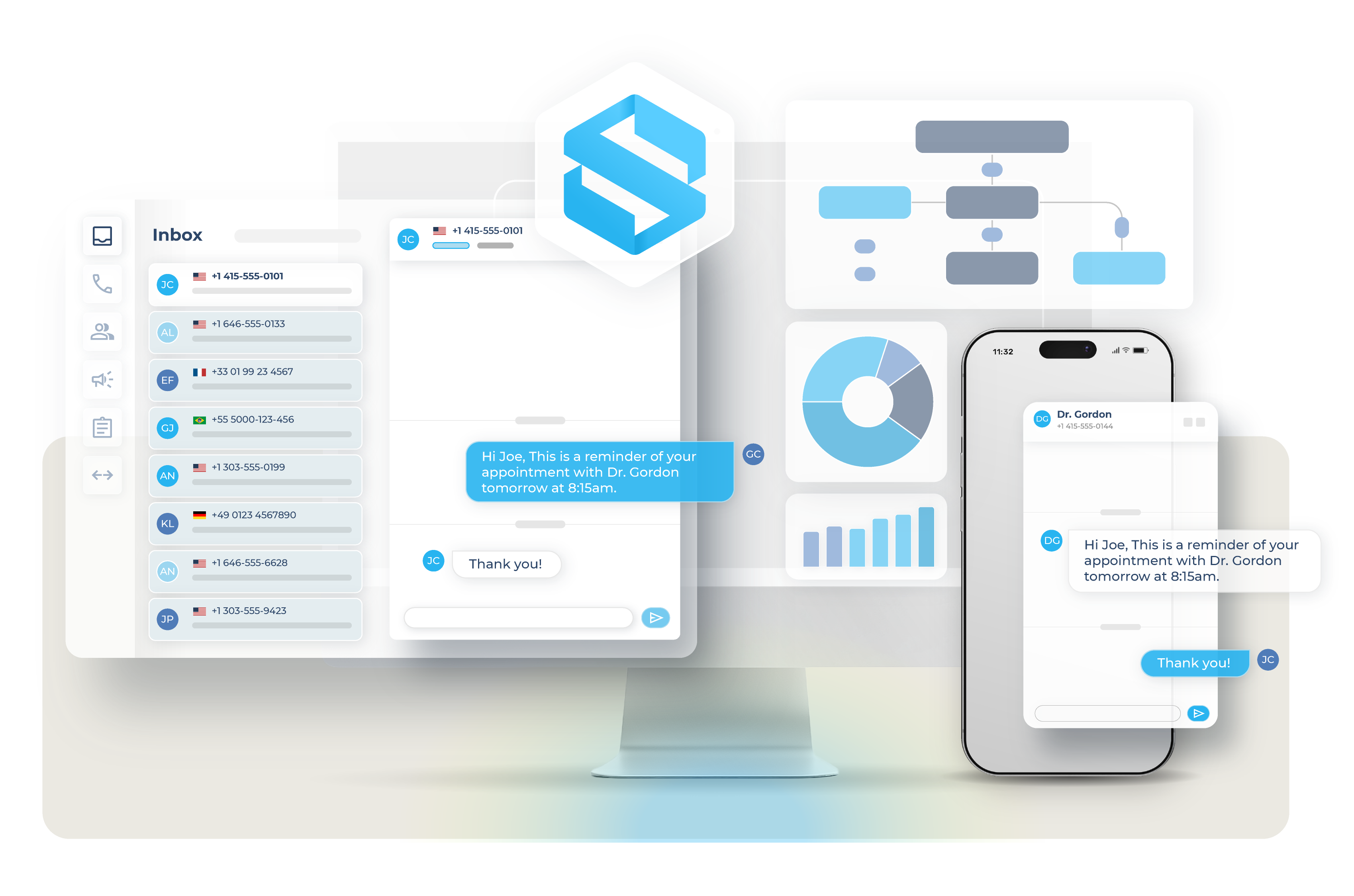
If you’re wondering whether you can respond to your customers directly— you absolutely can! With our mass texting service, your conversations are two-way, meaning you can send and receive bulk SMS and MMS directly through the Sakari mobile app or dashboard.
When you send mass SMS to your contacts and they reply, you can track the entire conversation history with each contact, all in real time.
Download the Sakari mobile app to manage conversations on the go. With Sakari’s mobile app, you can easily send, receive, and manage your mass text campaigns on your mobile device.
More about our Mobile App
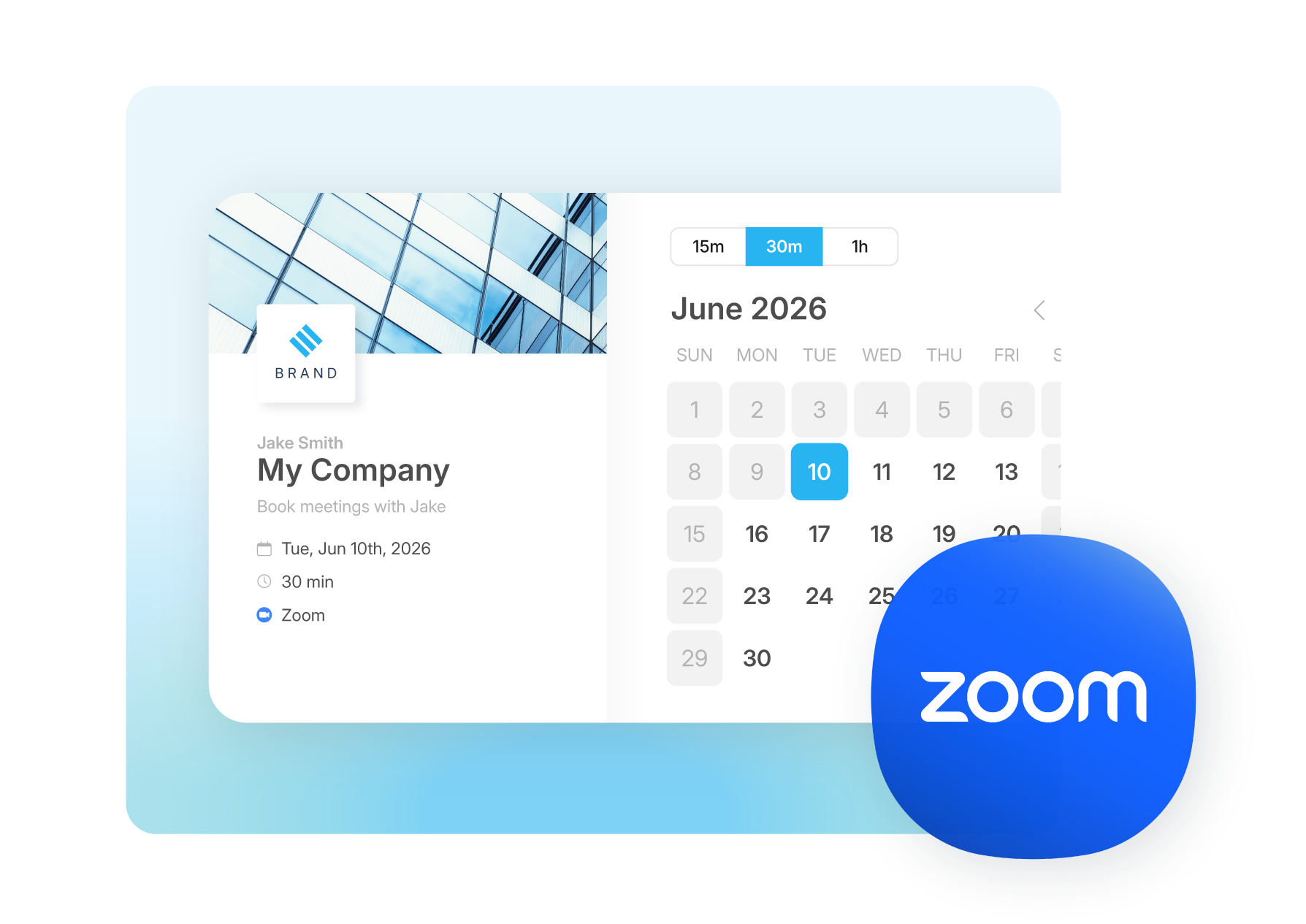
Connect your tech stack with native integrations and flexible API access. Quickly scale communications globally, reduce friction and accelerate every customer’s journey.
Learn MoreFAQ
Sending a mass text in Sakari starts with uploading your contacts. You can import an unlimited number of contacts via CSV upload, sync them automatically from a connected CRM, or add them manually inside the platform. Once your list is in, you create a campaign by writing the message, selecting which contacts or segments should receive it, and choosing whether to send immediately or schedule it for later.
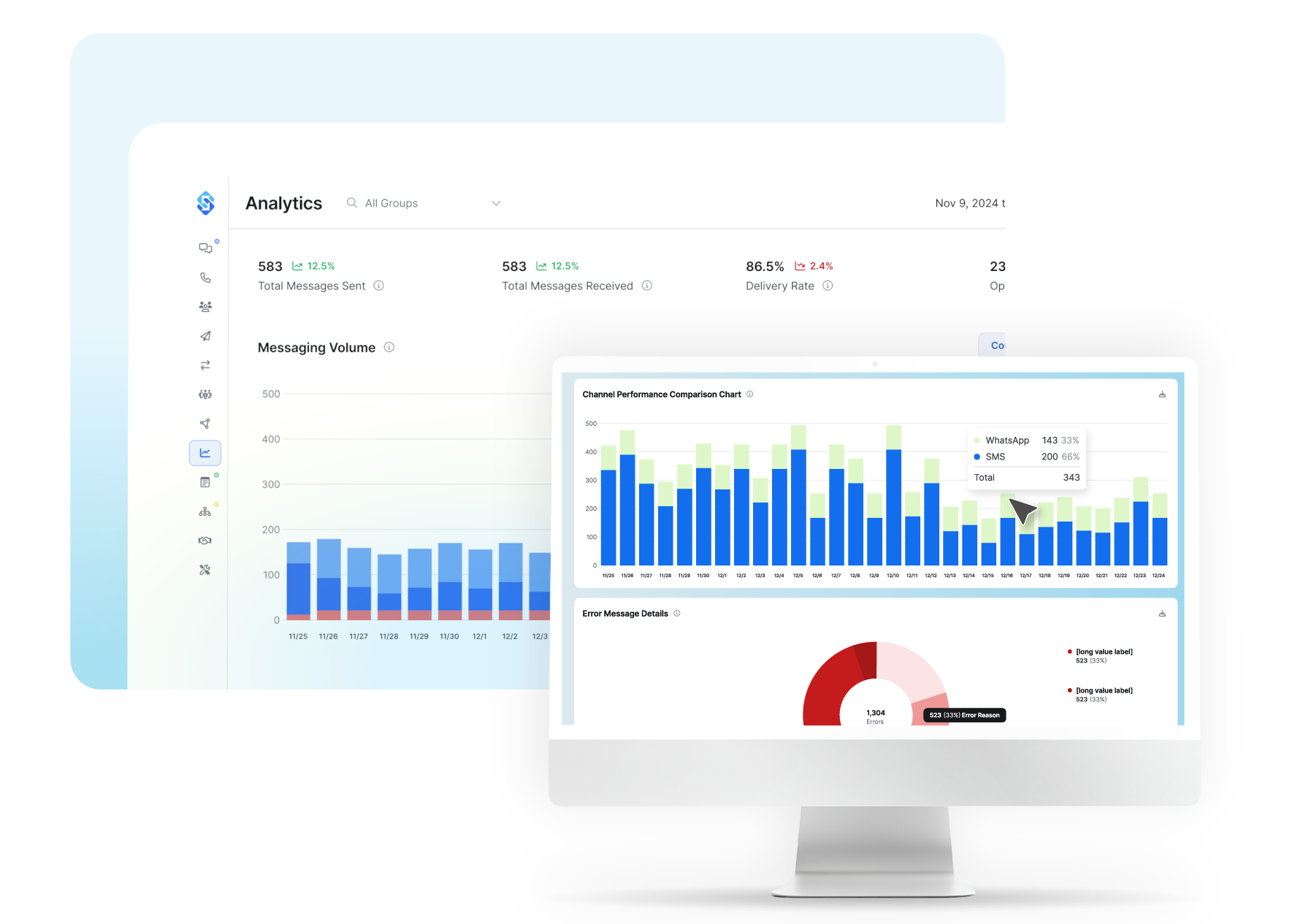
The platform handles the actual delivery in the background, sending to thousands of contacts simultaneously. Replies route into your shared inbox so your team can manage two-way conversations as they come in, and you can monitor delivery rates and engagement in real time from the analytics dashboard. Both SMS and MMS are supported, so a campaign can include text, images, GIFs, or emojis depending on what you're trying to communicate.

Sakari uses tags, filters, and custom attributes to organize contacts into segments. Tags are customizable data fields you attach to each contact record, and they can include things like location, business role, deal pipeline status, customer type, or any other category that matters for targeting. Custom attributes let you add personal details like birthdays or signup dates that can both inform segmentation and feed into personalized message content.
This means a single contact list can power dozens of different campaigns without duplicating data. You can text VIP customers about an exclusive offer while sending a different message to first-time buyers, or filter by state to send region-specific updates. Bulk editing tools and keyword search make it easy to apply or remove tags across many contacts at once, so you're not maintaining segments one record at a time.
Yes. Sakari supports personalization tokens that pull data from each contact record and insert it into the message automatically. Common tokens include first and last names, specific dates and times, company names, and URL links, plus any custom attribute you've added to your contacts. The mass text gets sent to thousands of people, but each individual message reads as if it was written for that specific recipient.
You can also build reusable SMS templates that combine pre-written copy with personalization tokens, so your team doesn't have to recreate the same message structure for every campaign. Templates work in the Sakari dashboard, the mobile app, and inside the HubSpot integration, which keeps messaging consistent across whoever's sending and whatever tool they're working in. The built-in URL shortener also keeps personalized links clean and concise so they don't eat into your character count.
Yes. Every mass text sent through Sakari supports two-way replies. When a recipient responds, the message lands in your shared Sakari inbox where any team member with access can read and respond. There's no separate workflow for handling replies to mass campaigns versus individual texts; everything flows through the same conversation interface, whether you're working from desktop or the Sakari mobile app.
This matters because mass texting works best when it's a conversation starter, not a one-way broadcast. A promotional text inviting customers to book a service should generate inbound questions and bookings, and the shared inbox makes sure none of those replies get missed. The full conversation history with each contact is captured in real time, so your team always has context on previous interactions before responding.
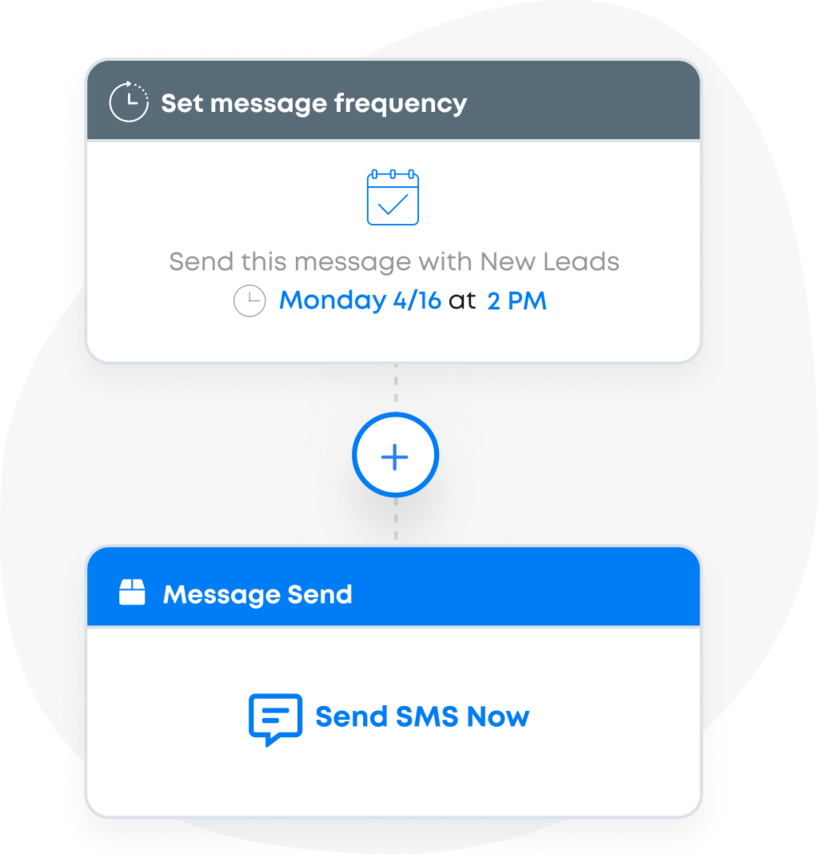
Mass texts can be scheduled for any future date and time inside Sakari. You build the campaign exactly the same way you would for an immediate send (write the message, select your audience, add personalization), then choose when it should go out. The platform handles delivery automatically at the scheduled time, with no need for anyone on your team to be online or available to hit send.
Scheduling also pairs with drip campaigns and recurring messages for ongoing communication. You can set messages to deliver on a specific date or build sequences that fire at set intervals, which lets you schedule an entire campaign cycle in one session rather than managing sends one at a time. The same scheduling tools work for both SMS and MMS campaigns, so image-based promotions, GIF announcements, and rich-media reminders can all be queued up alongside standard text messages.