A new era for Sakari users. More products. More power. More possibility. 

Sakari for Customer Support

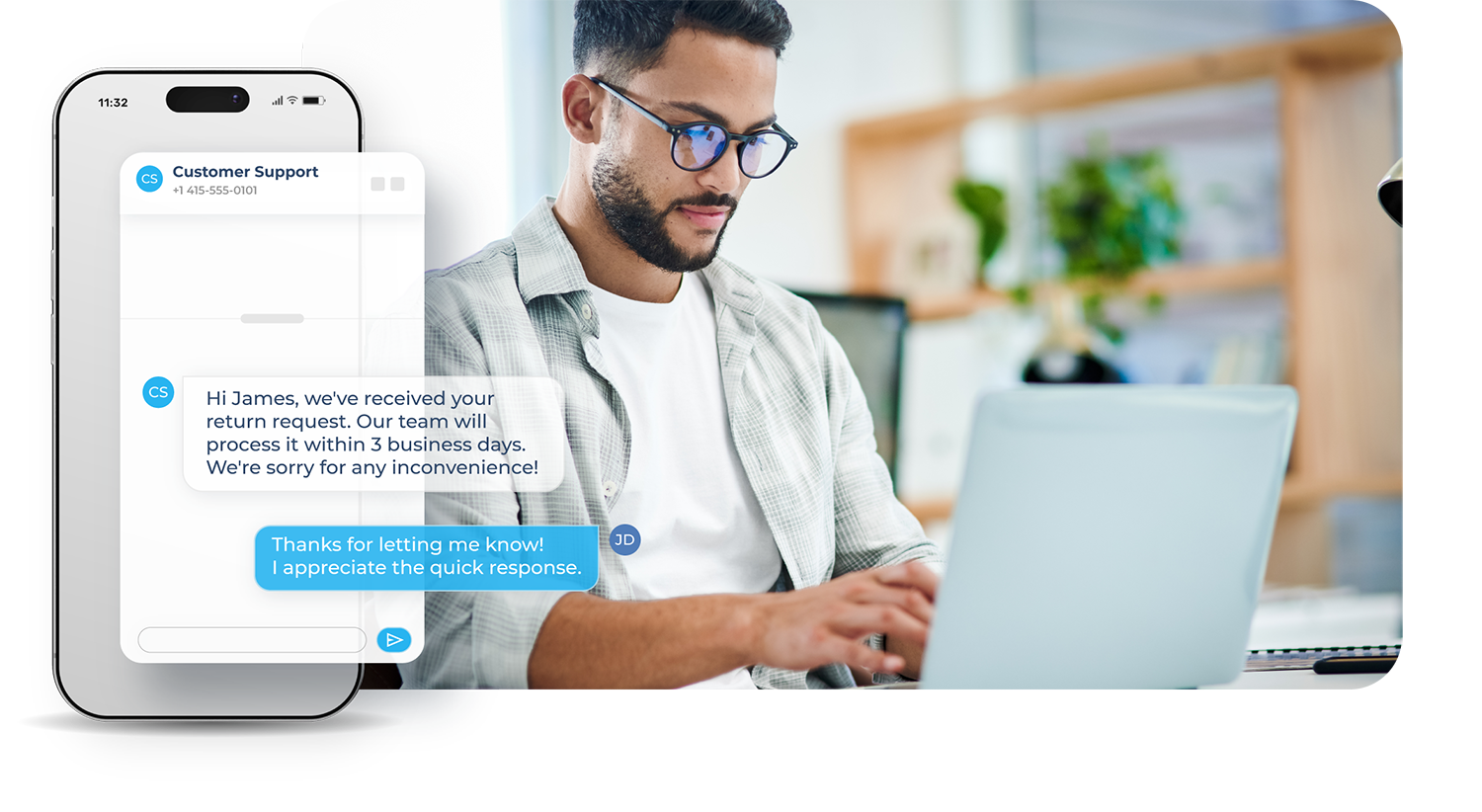
Keep customers informed and reduce repetitive work. Sakari helps you send timely updates, reminders, and alerts that cut down support volume.

Use cases_Customer Support

Transform conversations into lifelong customers

With two-way SMS, resolve issues faster, reduce back-and-forth, and build stronger customer relationships.and-forth, and build stronger customer relationships.

BUILT FOR SUPPORT TEAMS

Keep customers informed without extra chaos

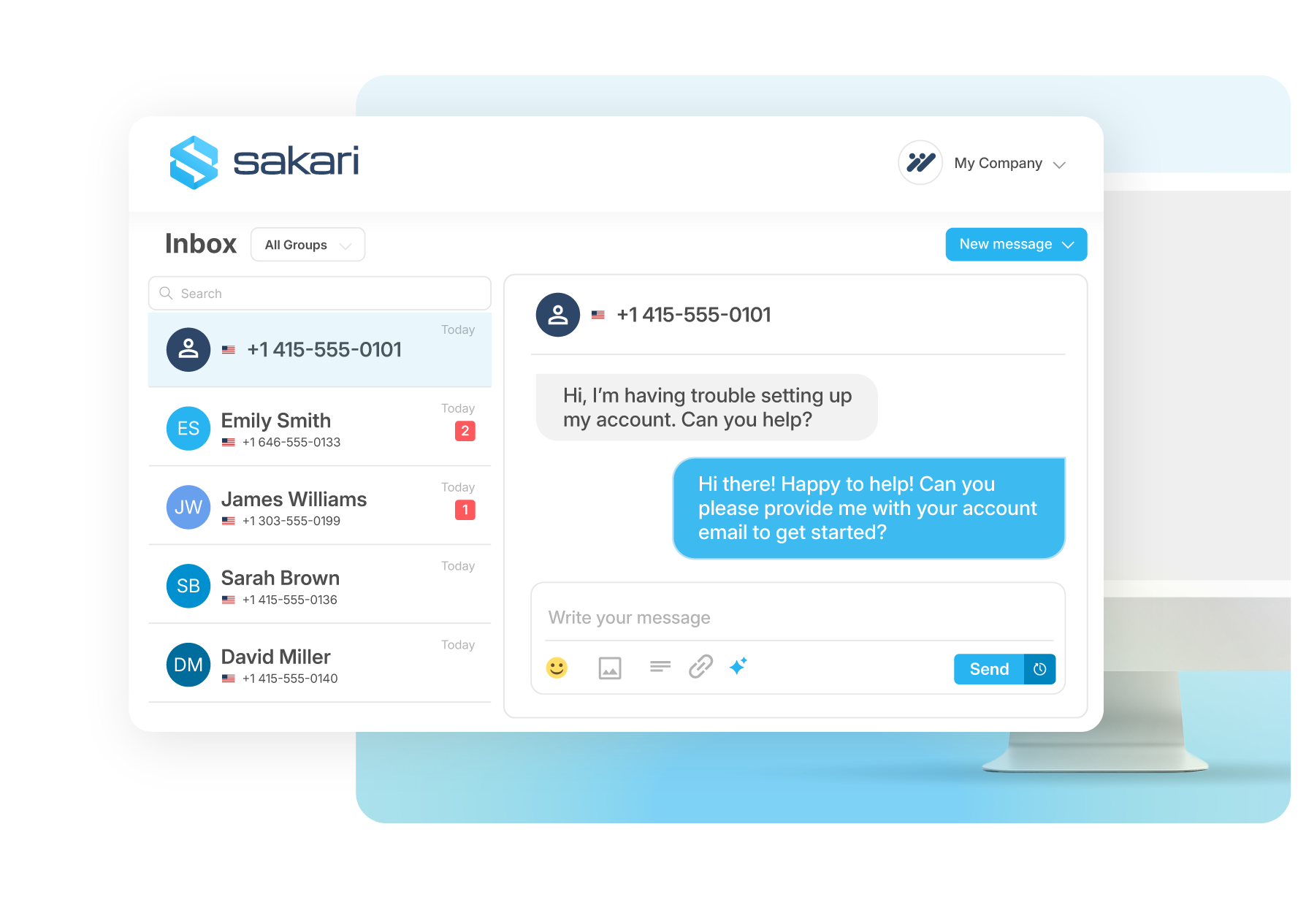
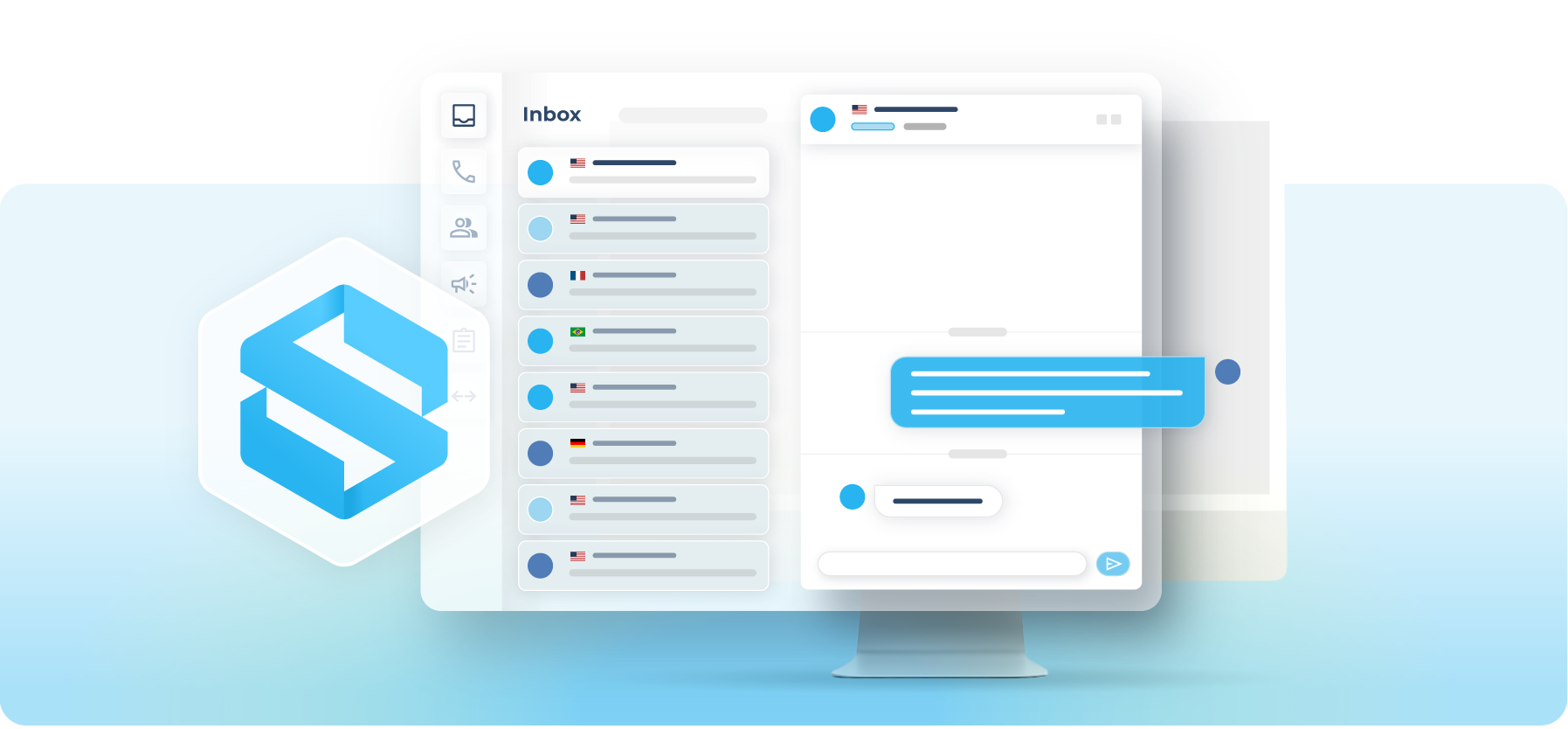
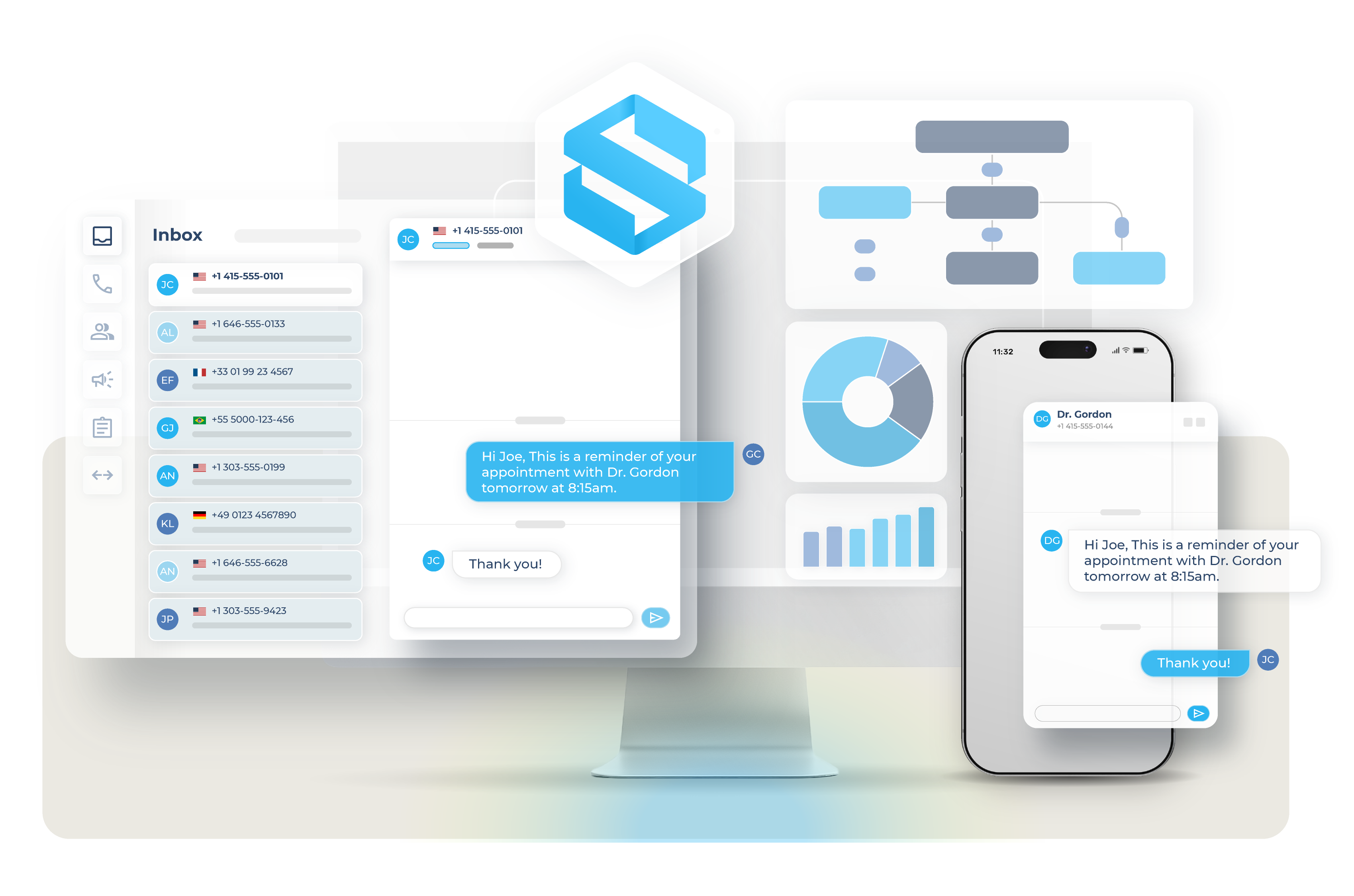
Give customers a direct line to your team, without adding more tickets or back-and-forth. Customers can reply instantly, confirm updates, or ask follow-up questions, reducing confusion and unnecessary tickets.
Two-Way Texting
sakari-team-customer-support-sms-inbox

TIMELY, REAL-TIME UPDATES

Reach customers when it matters most

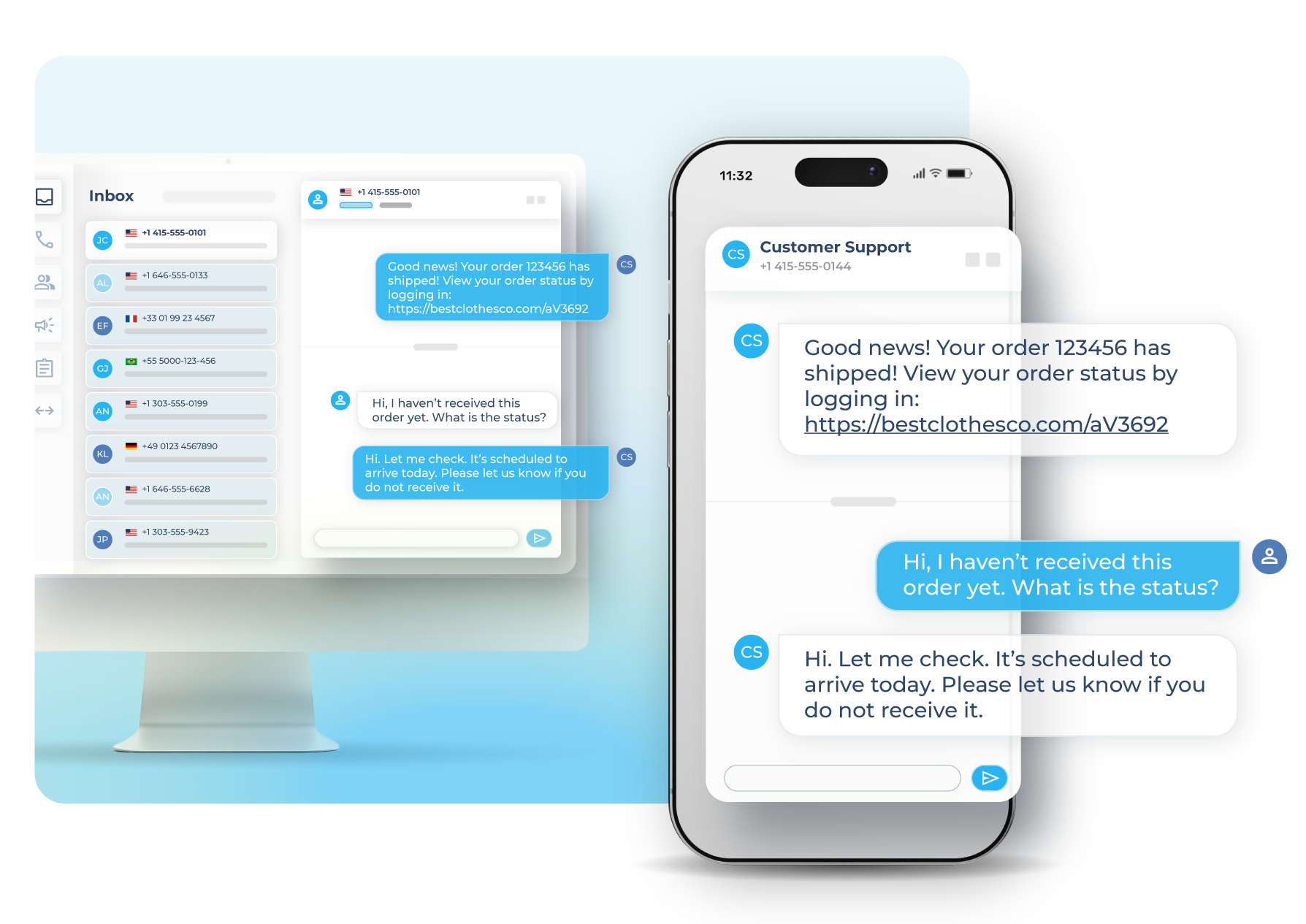
SMS delivers visibility that email and portal notifications often miss. When a ticket updates, an order ships, or an appointment changes, Sakari makes sure the message gets seen quickly, reducing confusion and follow-ups.
More on SMS
sakari-sms-customer-svc-responses

AUTOMATION THAT SAVES TIME

Automate the routine. Focus on the conversations that matter.

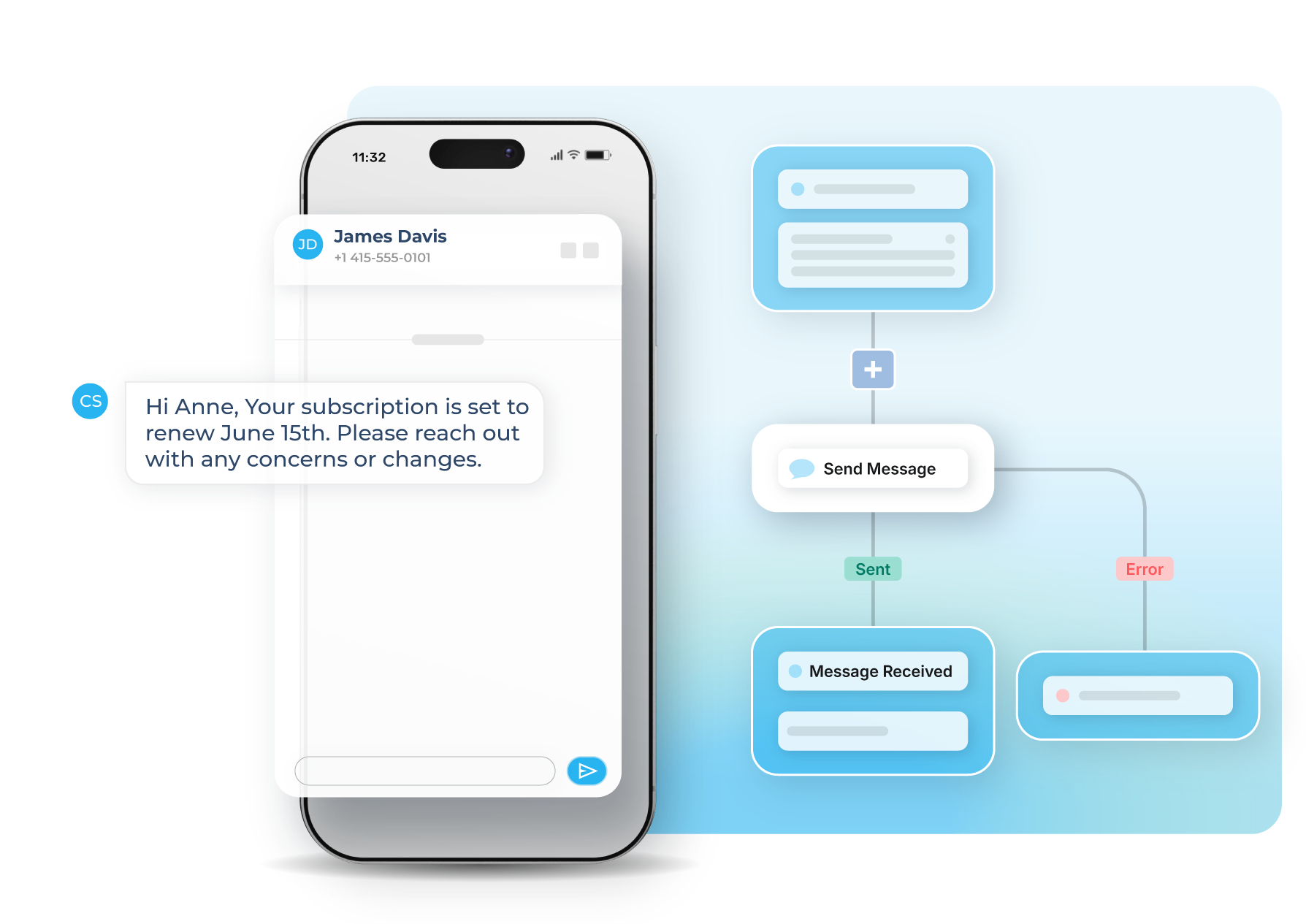
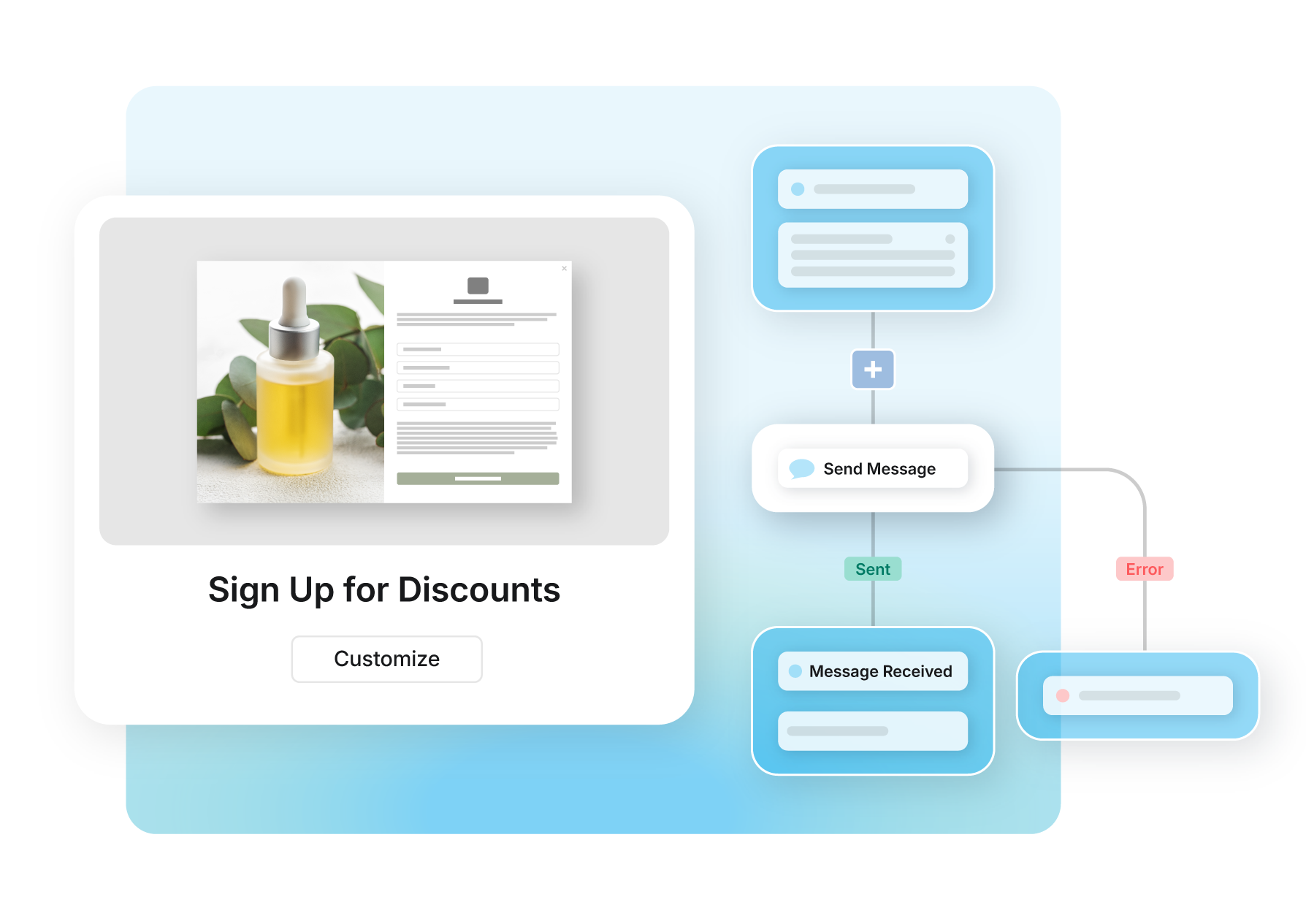
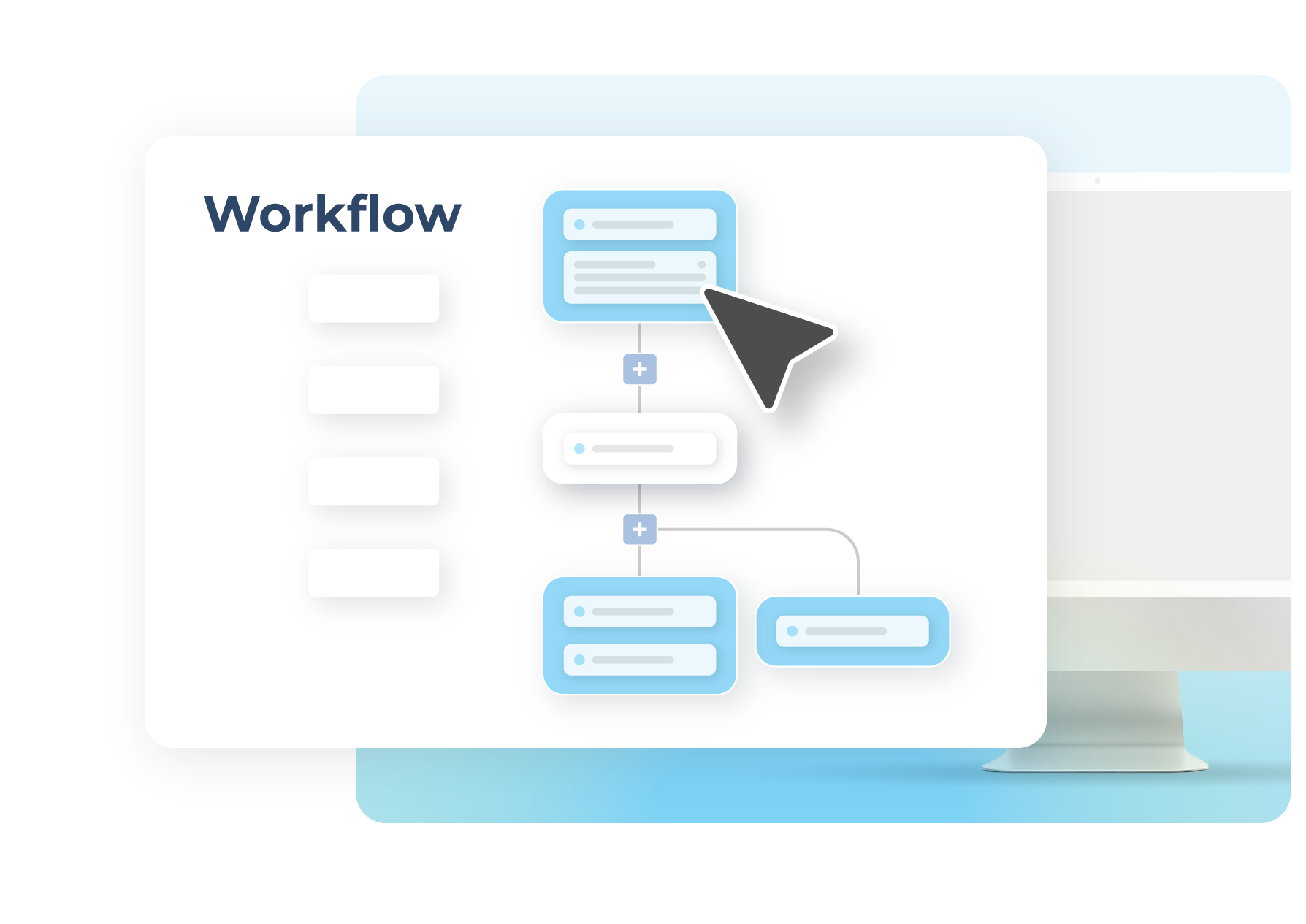
Give your team more time for real customer conversations. Schedule messages or trigger them automatically based on support events. Send appointment reminders, follow-ups after resolution, or post-ticket surveys without manual steps or extra tools so your support flow stays seamless. 
See Workflows
sakari-sms-customer-support-workflows

AWARD-WINNING FEATURES

Support customers faster, at scale

  • Real-Time Support
    Resolve issues quickly with two-way messaging.
    Learn more

  • Instant Responses
    Automatically reply to common inquiries.
    Learn more

  • Call Forwarding
    Route inbound calls to the right team instantly.
    Learn more

General images_01 horizontal

Customer success stories

Proof in practice: Trusted by teams like yours

+50%
Faster Turnaround

“Once it was up and running, it was really dead simple. Before very long, we were just off and running.” - Tom, Senior Manager, Field Systems

Explore Story

Safelite replaced a manual, error-prone messaging process with real-time SMS, cutting coordination time in half and reaching 1,500 technicians with speed and accuracy.

Keep customers informed and supported at every step

question_exchange_100dp_28B4F0_FILL0_wght400_GRAD0_opsz48

Ticket Status Updates

Automatically notify customers as their support tickets progress, reducing inbound “what’s happening?” inquiries.
delivery_truck_bolt_100dp_28B4F0_FILL0_wght400_GRAD0_opsz48

Order & Delivery Alerts

Keep customers informed with real-time updates on shipping, delays, and delivery confirmations.
alarm_100dp_28B4F0_FILL0_wght400_GRAD0_opsz48

Appointment Reminders

Send timely reminders and confirmations to reduce no-shows and last-minute cancellations.
add_reaction_100dp_28B4F0_FILL0_wght400_GRAD0_opsz48

Resolution Follow-Ups

Close the loop with post-resolution messages to confirm satisfaction and catch unresolved issues early.
add_alert_100dp_28B4F0_FILL0_wght400_GRAD0_opsz48

High-Priority Alerts

Instantly notify customers about urgent issues or outages to build trust and reduce frustration.
arrow_split_100dp_28B4F0_FILL0_wght400_GRAD0_opsz48

Automated Workflows

Trigger personalized conversations based on events, ensuring consistent and scalable customer communication.

Built for seamless connection

Connect your tech stack with native integrations and flexible API access. Quickly scale communications globally, reduce friction and accelerate every customer’s journey.

Learn More
materials

Starting Using Sakari Today

95% of Sakari SMS Messages are opened within minutes.

Customer Service

FAQs

SMS for customer support enables businesses to send proactive notifications, respond to customer inquiries, and provide real-time updates through text messaging, reducing support ticket volume while improving customer satisfaction and resolution speed.

Sakari helps support teams keep customers informed throughout service interactions including ticket status updates, order and delivery alerts, appointment reminders, resolution confirmations, and urgent issue notifications. Two-way messaging allows customers to ask follow-up questions, confirm information, or request assistance directly via text without calling support lines or navigating self-service portals.

SMS reduces support ticket volume by proactively notifying customers about status changes, shipping updates, and issue resolutions before they contact support asking "what's happening?", eliminating repetitive inquiries that consume agent time.

Automated ticket status notifications inform customers as support requests progress through stages including acknowledgment when tickets are created, updates when agents are working on issues, and confirmations when problems are resolved. Customers receiving regular updates are less likely to open duplicate tickets or call for status checks.

Order and delivery alerts keep customers informed about shipping progress, estimated delivery times, and any delays automatically. Real-time visibility prevents "where's my order?" inquiries that flood support queues during fulfillment periods. Appointment reminder sequences reduce no-show-related support contacts by confirming upcoming appointments and providing rescheduling options via text response.

Yes, customer support teams can automate SMS notifications triggered by support system events, order status changes, or appointment schedules without requiring manual message sending from agents for routine updates.

Sakari integrates with helpdesk platforms including Zendesk, Freshdesk, and HubSpot Service Hub to automatically send messages when tickets are created, assigned, updated, or resolved. Customers receive immediate acknowledgment that their issue is being addressed, progress updates as agents work, and final confirmation when problems are solved.

Common automated support notifications include ticket creation confirmations assuring customers their request was received, status updates when tickets move between stages or require customer action, resolution confirmations closing the loop after issues are fixed, follow-up surveys gathering satisfaction feedback after resolution, and high-priority alerts instantly notifying customers about urgent issues, outages, or service disruptions requiring immediate awareness.

Two-way SMS improves customer support by enabling real-time conversation where customers can ask clarifying questions, provide additional information, or confirm understanding directly via text without phone calls or portal logins.

Customers reply to support notifications instantly with questions like "Can you ship to a different address?" or "What caused the delay?" Support agents respond from shared inbox interfaces, resolving simple inquiries via quick text exchanges rather than scheduling calls or writing detailed emails. This conversational approach reduces resolution time and improves customer satisfaction through immediate, convenient communication.

Two-way messaging also enables confirmation workflows where customers respond to texts confirming appointment times, verifying shipping addresses, or approving proposed solutions. Agents gather necessary information through brief text exchanges rather than playing phone tag, accelerating issue resolution while respecting customer communication preferences for quick, asynchronous interaction.

SMS for customer support integrates with helpdesk and ticketing platforms including Zendesk, Freshdesk, HubSpot Service Hub, and others to trigger automated messages based on ticket events and sync all SMS conversations back to customer support records.

Integration enables automatic notifications when tickets change status, orders ship, or appointments approach without requiring agents to manually send updates. All customer data including contact information, ticket history, and customer preferences flows from helpdesk to SMS platform, enabling personalized notifications using specific ticket details, customer names, or order information.

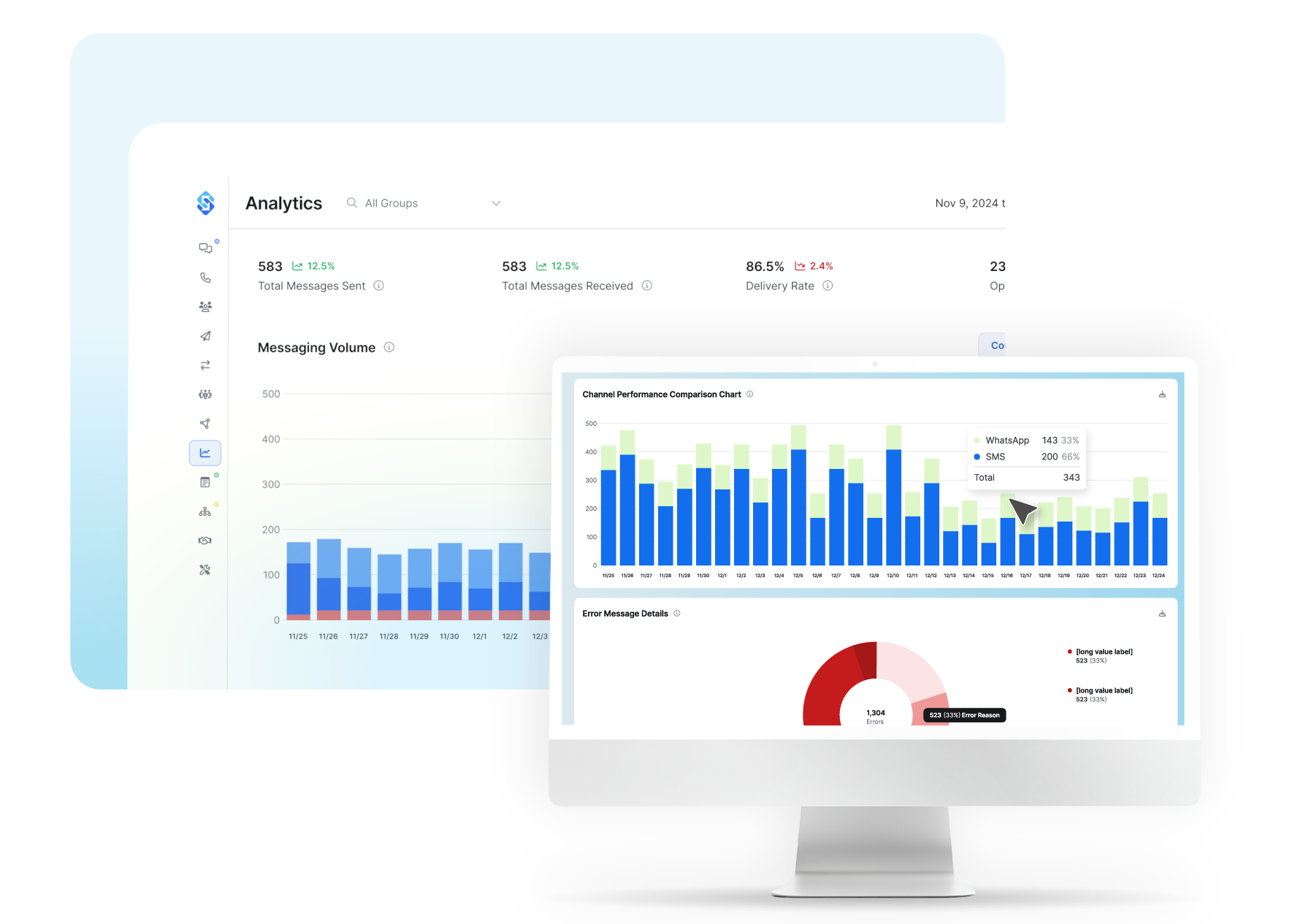
SMS conversations sync bidirectionally to support platforms, creating complete communication records visible to entire support teams. When customers reply to SMS notifications, responses appear in ticket threads alongside email and chat communications, giving agents full context regardless of which channel customers use. Support managers track SMS notification delivery, response rates, and ticket deflection metrics within existing helpdesk reporting dashboards.

Workflow automation connects support events to SMS sequences including post-resolution satisfaction surveys, re-engagement campaigns for customers with unresolved issues, and escalation notifications when high-priority tickets require urgent customer contact. Integration eliminates manual coordination between support and messaging systems while maintaining unified customer communication history.