---
title: Electrician SMS Arrival Text Templates | Sakari
description: For residential and commercial jobs alike, SMS technician arrival alerts make the service experience more professional from the moment your truck hits the road.
---
# SMS Electrician Arrival Text Templates
# Jump Links
Why SMS Electrician Arrival Texts Matter
SMS Electrical Arrival Text Templates
How Sakari Helps Automate Electrician Arrival Messages
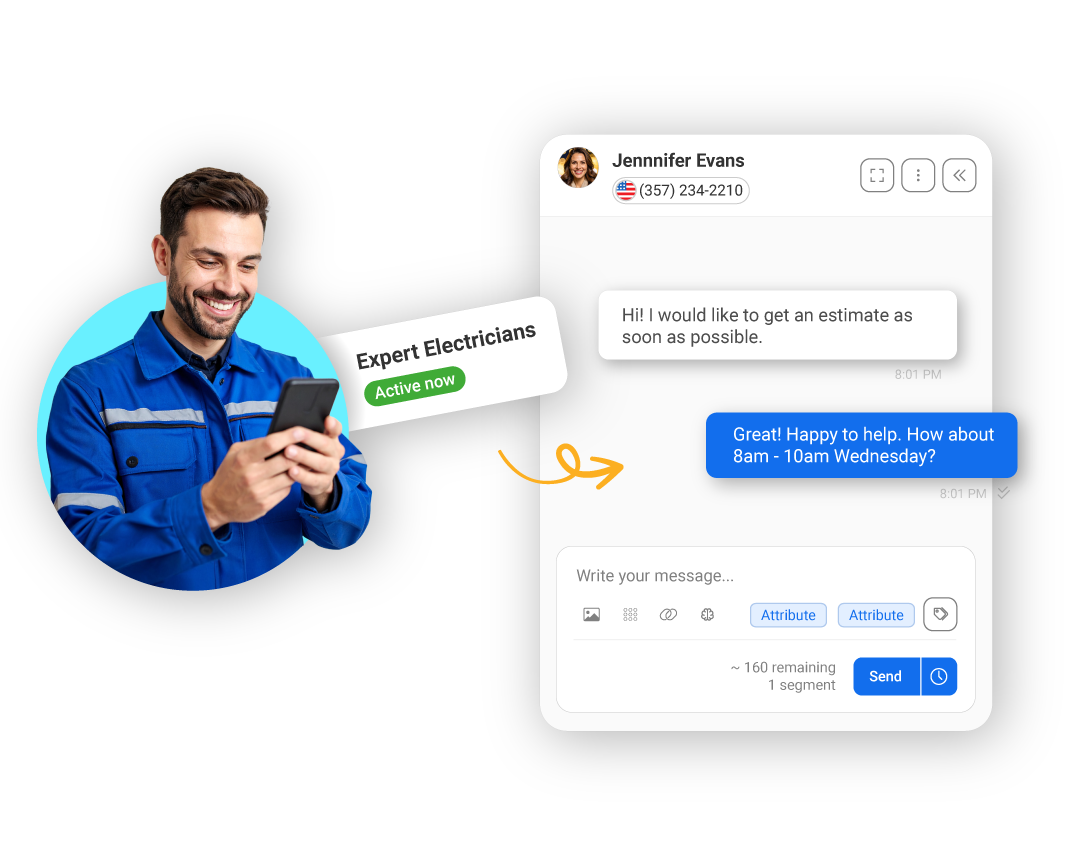
When someone books an electrician, they want to feel confident—not left wondering who’s about to show up. A simple “on the way” text message helps customers feel prepared, safe, and respected. For residential and commercial jobs alike, SMS technician arrival alerts make the service experience more professional from the moment your truck hits the road.
TEMPLATES
## Messaging Templates
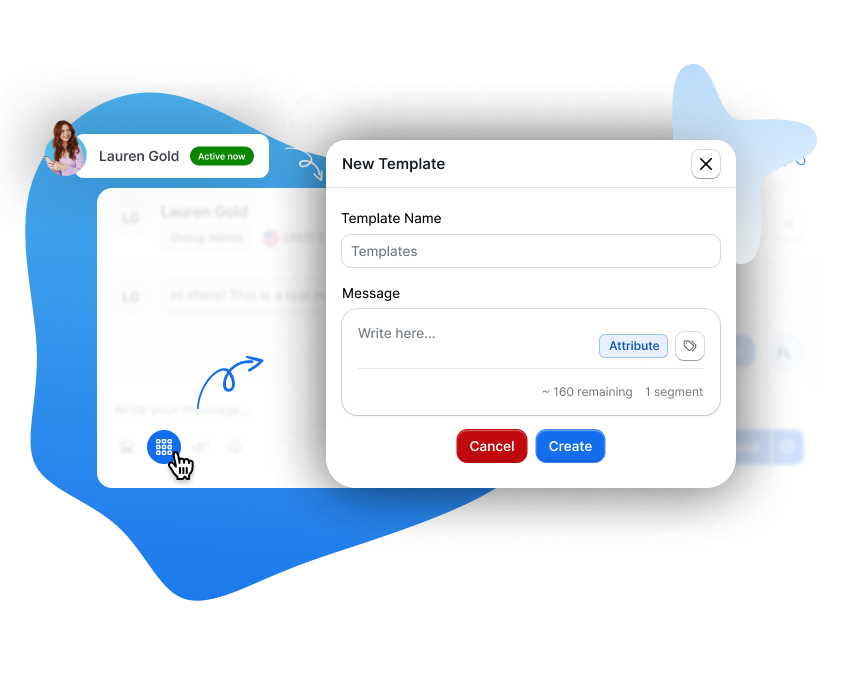
Save time and stay consistent with customizable SMS templates, making it easy to send professional messages at scale."
WhatsApp
## Expand Your Reach with Customers on WhatsApp
Reconnect your marketing, service, and operations teams on the world's most renowned messaging app for businesses. Seamlessly exchange messages, images, files, locations, and beyond.
Be the first to be notified by filling this form
RICH COMMUNICATION SERVICES
## Chat Smarter with Sakari RCS
Take your texts to the next level with Sakari's RCS support: engage with rich media, real-time interactions, and enhanced group chats, all while boosting your business communication.
Be the first to be notified by filling this form
VOICE
## Revolutionize Communication with Voice Calling
Instant, and meaningful communication. Add a personal touch to your messages with voice, enhancing engagement and connection. Stored conveniently in your inbox for easy access and replay.
Be the first to be notified by filling this form
## Goodbye isolated interactions. Hello Sakari.
Where every message meets its perfect match, right when it matters most.
[Get Started with your 14-day free trial ](https://sakari.io/signup)
## Goodbye isolated interactions. Hello Sakari.
Where every message meets its perfect match, right when it matters most.
[Get Started with your 14-day free trial ](https://sakari.io/signup)
## SMS Technician Arrival Notifications for Electricians
When customers hire an electrician, they're not just buying expertise—they’re letting someone into their home or business. Whether it’s a panel replacement or a simple outlet repair, customers feel more confident when they know *who’s coming and when*. That’s why smart electrical businesses send SMS technician arrival alerts that provide clarity, safety, and peace of mind before the doorbell rings.
### Why Technician Arrival Messages Matter for Electricians
Customers expect real-time updates. If your team shows up without warning—or late—it leads to frustration, confusion, and missed visits. A simple arrival text makes your company feel organized, respectful, and trustworthy.
**Benefits of SMS technician arrival alerts:**
- Builds customer trust with transparent communication
- Prevents missed visits or locked-out service calls
- Enhances safety by introducing the technician before arrival
- Reduces inbound “Are they here yet?” calls to your office
Timely arrival alerts create a better first impression—and a smoother service experience.
### Technician Arrival Message Templates (With Sample Texts)
Here’s when and how to message customers as your tech is heading to their location:
**Technician En Route Alert (30–60 Minutes Before Arrival)**
“Our electrician [TechName] is on the way! Estimated arrival: [TimeWindow]. If you need to update access instructions, reply here or call us at [Phone].”
**Same-Day Arrival Window Reminder**
“Reminder: BrightLine Electric will be arriving between [TimeFrame] today. Please ensure someone is home and we have access to the work area.”
**Photo or Profile Link (Optional, via MMS or URL)**
“Your technician, Mike, is en route. You can view his profile and safety credentials here: [link]”
**Last-Minute Delay Update**
“Update from BrightLine Electric: [TechName] is running about [Minutes] minutes behind due to traffic. New ETA: [Time]. Thanks for your patience!”
### Automate Technician Arrival Communication with Sakari
Using SMS Autoresponders and Workflows, you can fully automate arrival texts based on:
- Technician status (e.g., “dispatched” or “on the way”)
- Calendar events or job routing updates
- CRM deal stages or field app triggers (e.g., from Jobber or HubSpot)
- GPS or time-based proximity logic
Sakari integrates directly with HubSpot, Jobber, and other dispatch platforms so your electrical business can:
- Trigger en route alerts the moment a tech is dispatched
- Customize texts with name, ETA, or safety link
- Send updates if arrival times change
- Enable two-way messaging for access issues or customer replies
Example: Technician status updates to “On the Way” → Sakari sends a personalized ETA text with the technician’s name → Customer replies if needed → Technician arrives with customer prepared.
### Deliver Peace of Mind Before You Even Arrive
Electricians solve high-stakes problems—but customer trust starts *before* the work begins. With Sakari’s SMS arrival alerts, you can let customers know exactly when help is on the way—boosting satisfaction, reducing friction, and making every visit feel more professional.
Start automating your technician notifications today.
## FAQs About SMS Arrival Text Messages
### How far in advance should I send an arrival alert?
Ideally 30–60 minutes before the technician arrives. If possible, pair it with same-day appointment reminders for extra clarity.
### Can I include a technician’s name or photo in the message?
Yes. Personalized alerts with a name—and optionally a photo or profile link—boost trust and help customers feel safe.
### What if the technician is running late?
Use SMS to send real-time updates with the new ETA. Customers appreciate transparency more than perfect timing.
### What tools do I need to trigger arrival texts?
Sakari integrates with Jobber, HubSpot, and other tools to send messages based on job status, technician dispatch, or GPS data.
### Can customers reply to the message?
Absolutely. Sakari supports two-way SMS, so your team can handle access issues, reschedules, or customer questions instantly.
## Goodbye isolated interactions. Hello Sakari.
Where every message meets its perfect match, right when it matters most.
[Get Started with your 14-day free trial ](https://sakari.io/signup)
## Goodbye isolated interactions. Hello Sakari.
Where every message meets its perfect match, right when it matters most.
[Get Started with your 14-day free trial ](https://sakari.io/signup)
```json
{
"@context" : "https://schema.org",
"@type" : "Organization",
"address" : {
"@type" : "PostalAddress",
"addressCountry" : "US",
"addressLocality" : "San Francisco",
"addressRegion" : "CA",
"postalCode" : "94105",
"streetAddress" : "201 Spear Street, Suite 1100"
},
"contactPoint" : {
"@type" : "ContactPoint",
"areaServed" : "US",
"availableLanguage" : "English",
"contactType" : "Sales",
"email" : "sales@sakari.io",
"telephone" : "+1-844-472-5274"
},
"logo" : "https://cdn2.hubspot.net/hubfs/3466277/sakari-logo.png",
"name" : "Sakari",
"sameAs" : [ "https://www.linkedin.com/company/sakari.io/", "https://x.com/sakari_io", "https://www.youtube.com/channel/UCNuMiGwYv5jyc6al2vGtCJA" ],
"url" : "https://sakari.io/"
}
```
```json
{
"@context" : "https://schema.org/",
"@type" : "AggregateRating",
"bestRating" : "5",
"itemReviewed" : {
"@type" : "Product",
"image" : "https://sakari.io",
"name" : "Sakari",
"offers" : {
"@type" : "Offer",
"price" : "25",
"priceCurrency" : "USD"
}
},
"ratingValue" : "4.4",
"reviewCount" : "192",
"worstRating" : "0"
}
```
```json
{
"@context" : "https://schema.org",
"@type" : "FAQPage",
"mainEntity" : [ {
"@type" : "Question",
"acceptedAnswer" : {
"@type" : "Answer",
"text" : "Ideally 30–60 minutes before the technician arrives. If possible, pair it with same-day appointment reminders for extra clarity."
},
"name" : "How far in advance should I send an arrival alert?"
}, {
"@type" : "Question",
"acceptedAnswer" : {
"@type" : "Answer",
"text" : "Yes. Personalized alerts with a name—and optionally a photo or profile link—boost trust and help customers feel safe."
},
"name" : "Can I include a technician’s name or photo in the message?"
}, {
"@type" : "Question",
"acceptedAnswer" : {
"@type" : "Answer",
"text" : "Use SMS to send real-time updates with the new ETA. Customers appreciate transparency more than perfect timing."
},
"name" : "What if the technician is running late?"
}, {
"@type" : "Question",
"acceptedAnswer" : {
"@type" : "Answer",
"text" : "Sakari integrates with Jobber, HubSpot, and other tools to send messages based on job status, technician dispatch, or GPS data."
},
"name" : "What tools do I need to trigger arrival texts?"
}, {
"@type" : "Question",
"acceptedAnswer" : {
"@type" : "Answer",
"text" : "Absolutely. Sakari supports two-way SMS, so your team can handle access issues, reschedules, or customer questions instantly."
},
"name" : "Can customers reply to the message?"
} ]
}
```