
A new era for Sakari users. More products. More power. More possibility. 

Direct Message Conversations

Two-Way Texting

Send and receive text messages with leads, customers, and employees instantly using our two-way SMS service.
AI_01

Streamline Communication with 2-Way SMS

What is Two-Way Texting

Two-way texting (or 2-way SMS) is the exchange of text messages between two parties, like a business representative texting back and forth with a lead.

Why Businesses Should Use 2-way Texting?

Attention plus easy communication makes for happier–and more supportive–customers. 2-way SMS messaging opens the door for more revenue-driving opportunities, including:
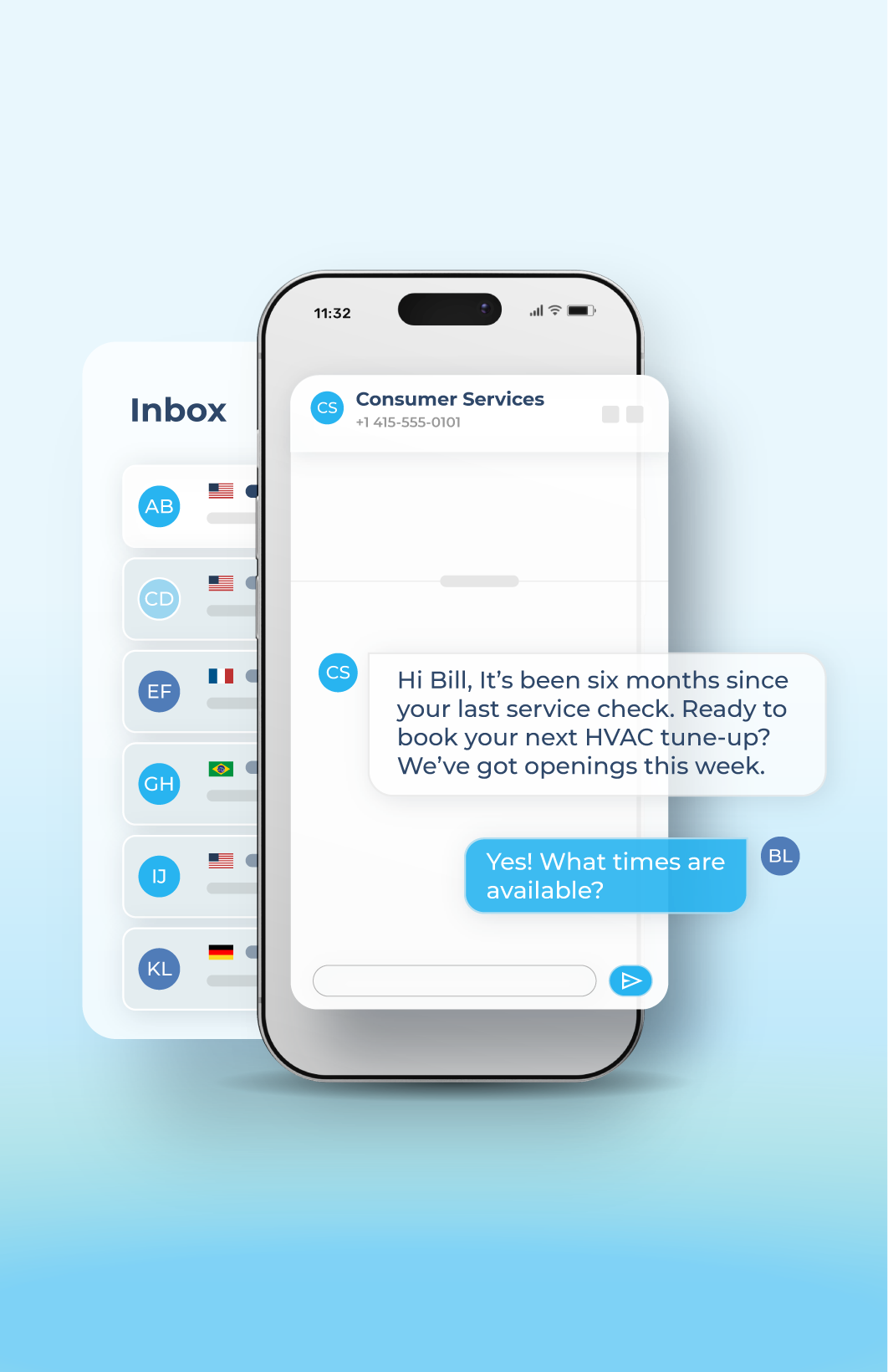
  • Re-engaging lost leads
  • Driving more reviews
  • Offering targeted upgrades
Try It Free
SMS +MMS_05
chat_bubble_100dp_28B4F0_FILL0_wght400_GRAD0_opsz48

Manage in One Spot

With an easy-to-use platform, Sakari lets you manage two-way text messaging straight from your desktop or the mobile app.
mobile_check_100dp_28B4F0_FILL0_wght400_GRAD0_opsz48

Focused Interactions

Mobile phones are right at everyone’s fingertips. Have meaningful conversations in real-time without missing replies, improving customer satisfaction.
history_2_100dp_28B4F0_FILL0_wght400_GRAD0_opsz48

Faster Responses

Stay connected more easily than with email and cold calls. 2-way SMS gives you the functionality to automate the way you message your leads and customers.

How Can You Use 2-Way SMS Software?

Send and Receive SMS Online

More than likely, everyone you know has a phone— and that’s why businesses are utilizing SMS messaging services to reach their prospects and clients faster. Two-way text messaging allows business teams to connect on a more personal level with their contacts instantly.

Sakari’s two-way messaging lets you send and receive SMS communication from:
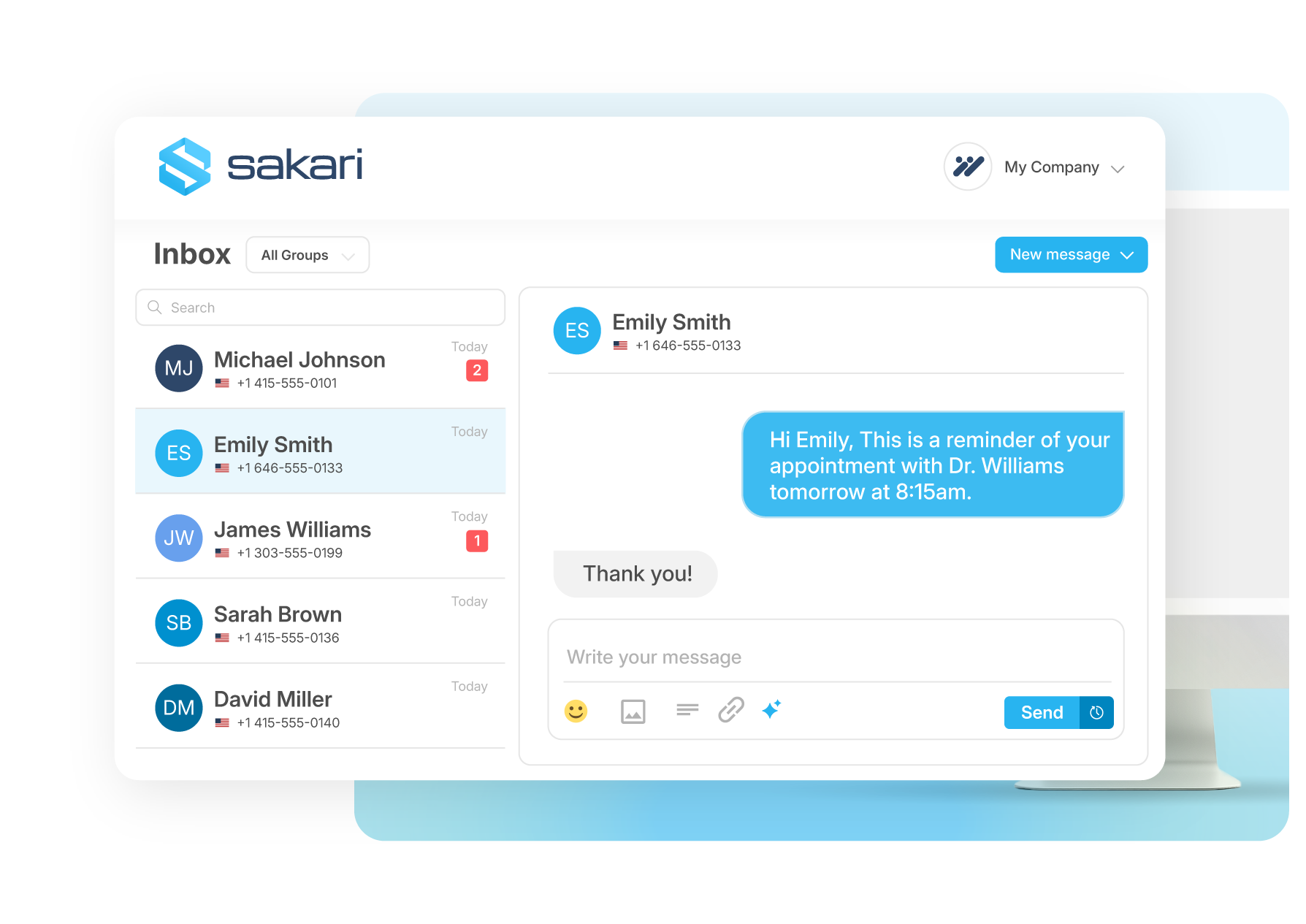
  • Local phone numbers
  • Toll-free numbers
  • Landline numbers
  • Short-codes


Try It Free
SMS +MMS_02

Add Multi-Media Messaging

They say a picture is worth a thousand words— and now you can add MMS (images) directly into your text message for a unique customer experience. **MMS is only available for US and Canada.

Send via:

  • Sakari attachment
  • Directly in an integration
  • SMS campaigns and custom SMS workflows
More About MMS
SMS +MMS_01 (1)

Built to connect seamlessly

Built

Plug into the tools you already use with pre-built integrations and a flexible API. Quickly scale communications globally, reduce friction and accelerate every customer journey. 

Learn More


materials
Hexagon

Engage, automate and grow.

Start conversations that scale today.

Two-Way Texting

Frequently Asked Questions

Two way texting is the exchange of SMS messages between two parties, with a business representative on one side and a lead, customer, or employee on the other. Unlike one-way broadcast SMS, every message can be replied to in real time, which turns texting from a notification channel into an actual conversation tool. This is what makes it useful for re-engaging lost leads, driving more reviews, handling support questions, and offering targeted upgrades to existing customers.

Sakari's two way texting platform handles inbound and outbound messages through a shared inbox that any team member with access can use. When a customer replies to your message, their response is routed to the appropriate, corresponding Inbox Group and marked with a "new message" indicator for quick visibility. The same conversation history is visible whether you're working from the desktop dashboard or the Sakari mobile app, so reps can pick up a thread from wherever they're working.

Sakari supports two way texting across local phone numbers, toll-free numbers, landline numbers, and short codes. Local numbers work well for businesses that want a recognizable area code, toll-free numbers fit national or multi-region operations, landline numbers let you text-enable an existing business line without porting, and short codes support high-volume use cases like marketing campaigns and two-factor authentication.

Each number type has different rules around volume, registration, and use case fit. Local 10DLC numbers are the most common starting point for small and mid-sized businesses, while short codes are typically reserved for enterprises sending millions of messages per month. The Sakari team can help you select the right number type based on your messaging volume, geographic reach, and the kind of conversations you're planning to run.

Yes. Sakari supports MMS for two way texting in the United States and Canada, which lets you send images alongside your text content for things like product photos, promotional graphics, instructional visuals, or visual confirmations. Customers can reply with text or media of their own, and everything flows into the same shared inbox alongside standard SMS conversations.

There are three ways to send multimedia content: as a Sakari attachment uploaded directly in the platform, through a connected integration like HubSpot or Salesforce, or as part of an SMS campaign or custom workflow that includes media in the message template. For international audiences in countries where MMS isn't natively supported, Universal MMS converts your visual content into clickable links recipients can open in their mobile browser.

Sakari's shared inbox is the core of team-based two way texting. Full customer history is visible alongside every conversation so whoever picks up a thread has the context they need.

User roles and permissions let you give front-line staff different access than admins, and phone number groups let you organize multiple users around a single business line. Everything works the same way on the mobile app, which means reps in the field can handle conversations the same as desk-based team members.

Sakari connects directly with HubSpot, Pipedrive, ActiveCampaign, and Slack through native integrations, plus 1,300+ additional apps via Zapier. Once connected, two way text conversations sync with your CRM contact records, so sales reps see SMS activity alongside email and call history without leaving their main workflow.

This matters because two way texting works best when it's not isolated from the rest of your customer data. A rep replying to an inbound text in HubSpot can see the contact's deal stage, past interactions, and notes in one view, which makes responses more relevant and faster to write. For teams that prefer to handle texting through the email client, email-to-text routes inbound SMS to your inbox so you can reply from Gmail, Outlook, or the HubSpot email composer and have the message send back to the customer as a text.