HubSpot Bulk Text Messaging
Set up and send SMS in HubSpot fast

Meetings (Coming soon)
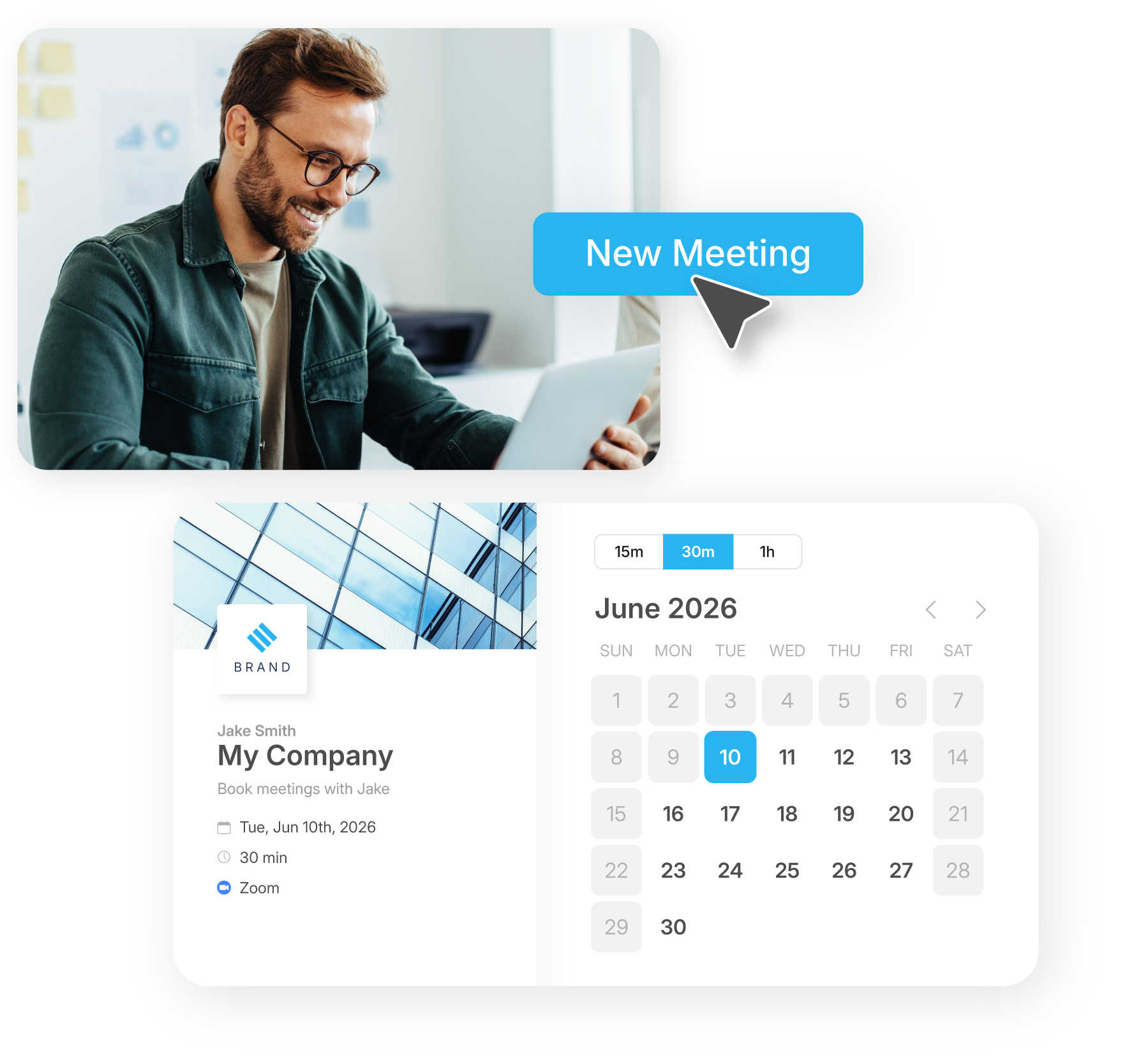
Skip the back-and-forth. Let prospects, customers, and leads book meetings instantly with branded scheduling pages that sync with your calendar and capture new contacts for future SMS campaigns.
A BETTER WAY TO SCHEDULE
Automatically send SMS follow-ups. Unlike Calendly, Sakari connects meetings to your messaging and workflows so every booking becomes a real conversation.
The result: more bookings, fewer no-shows, faster follow-up.
MEETING SETUP
Start booking meetings instantly with automatic follow-up.
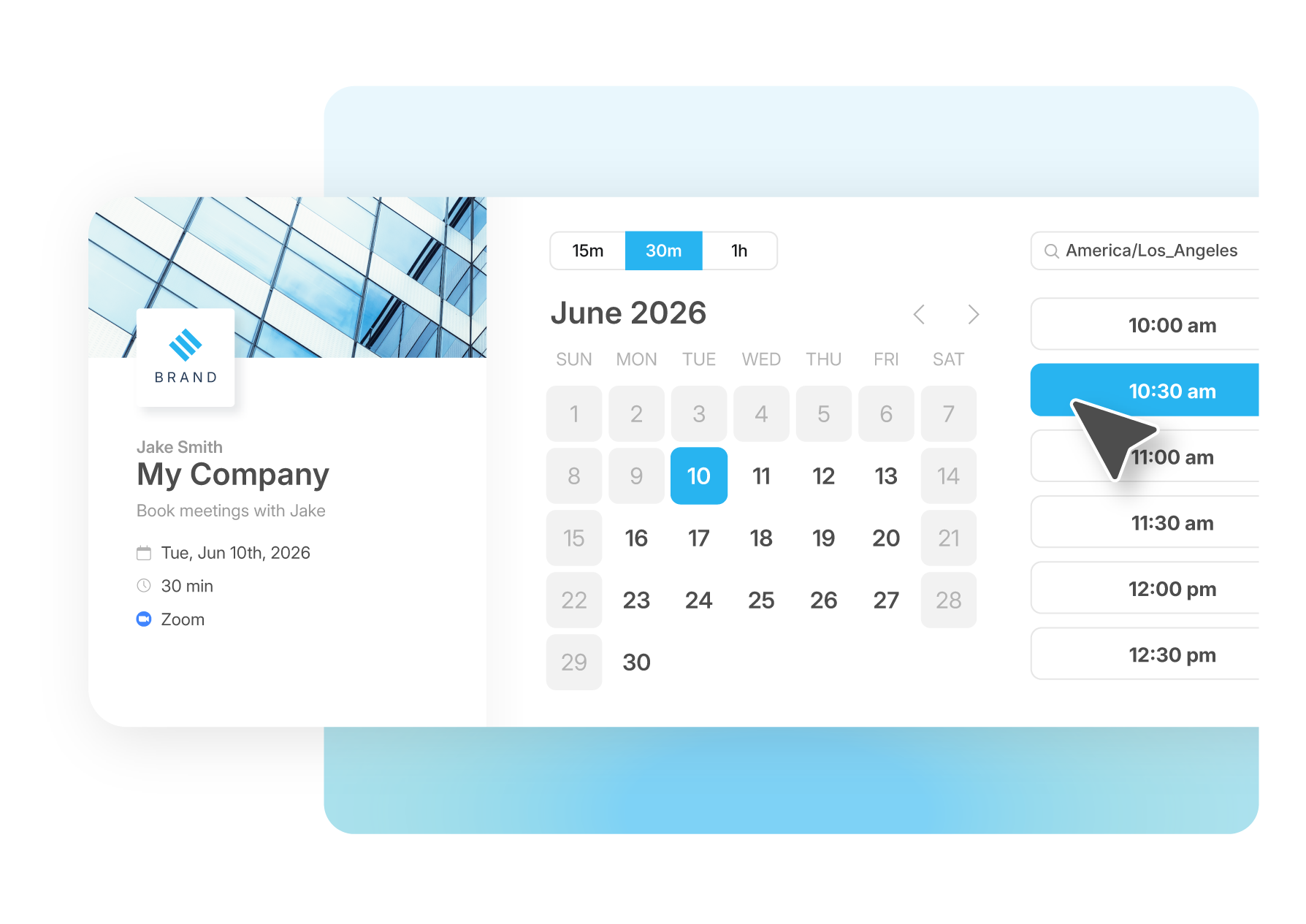
Set up a clean, branded scheduling page with your logo, colors, and meeting details. Choose meeting lengths, share your link anywhere, and start booking meetings instantly.
meet.sakari.io/yourname
AVAILABILITY & CALENDAR SYNC
Sakari Meetings syncs with your calendars so people only book when you’re free.
Connect multiple calendars to prevent double-booking and automatically block off personal or busy time.
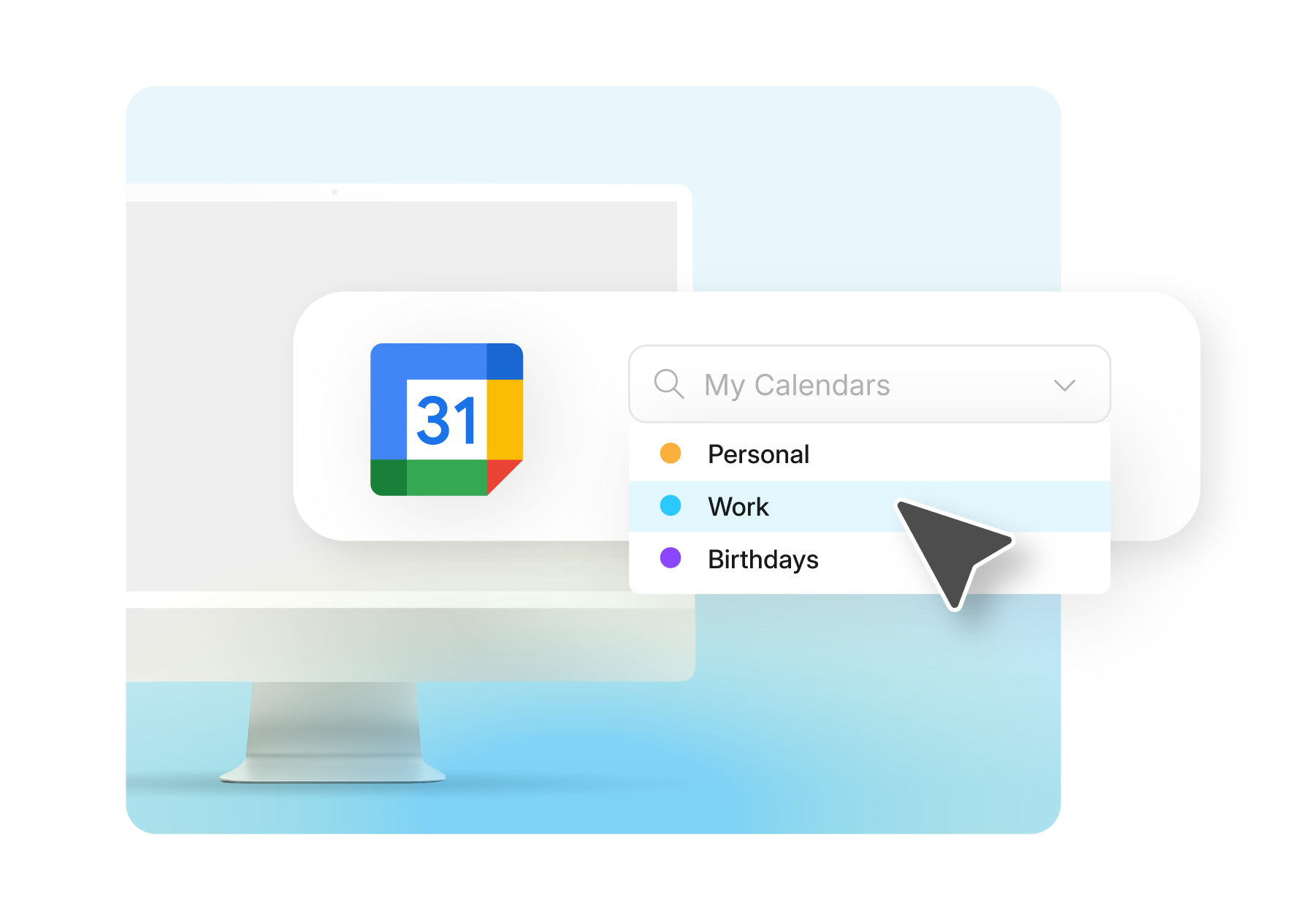
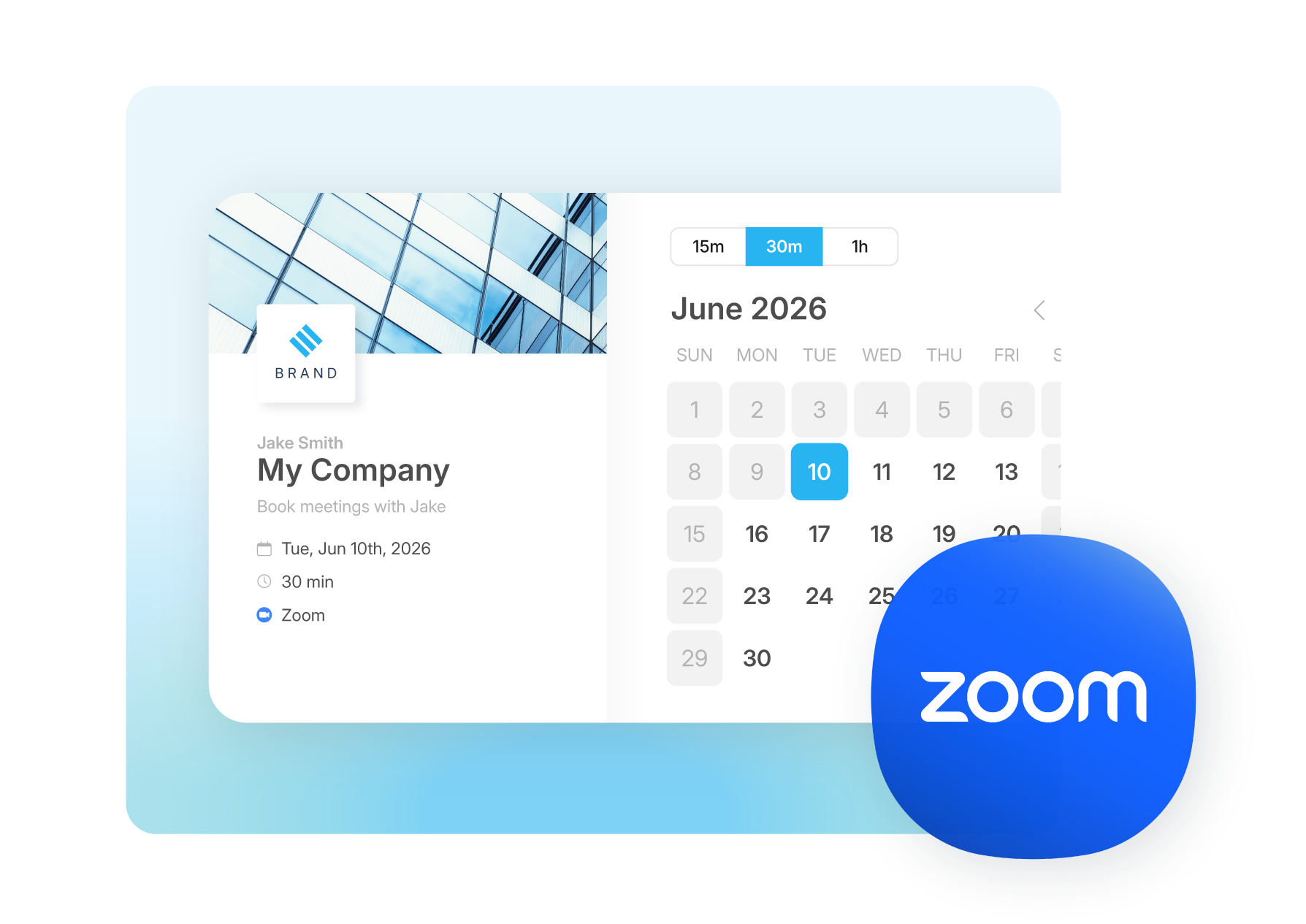
Every meeting can automatically generate a Zoom link so attendees receive everything they need to join. Calendar invites include the video meeting details instantly, eliminating manual setup and keeping scheduling simple.
Try it Free
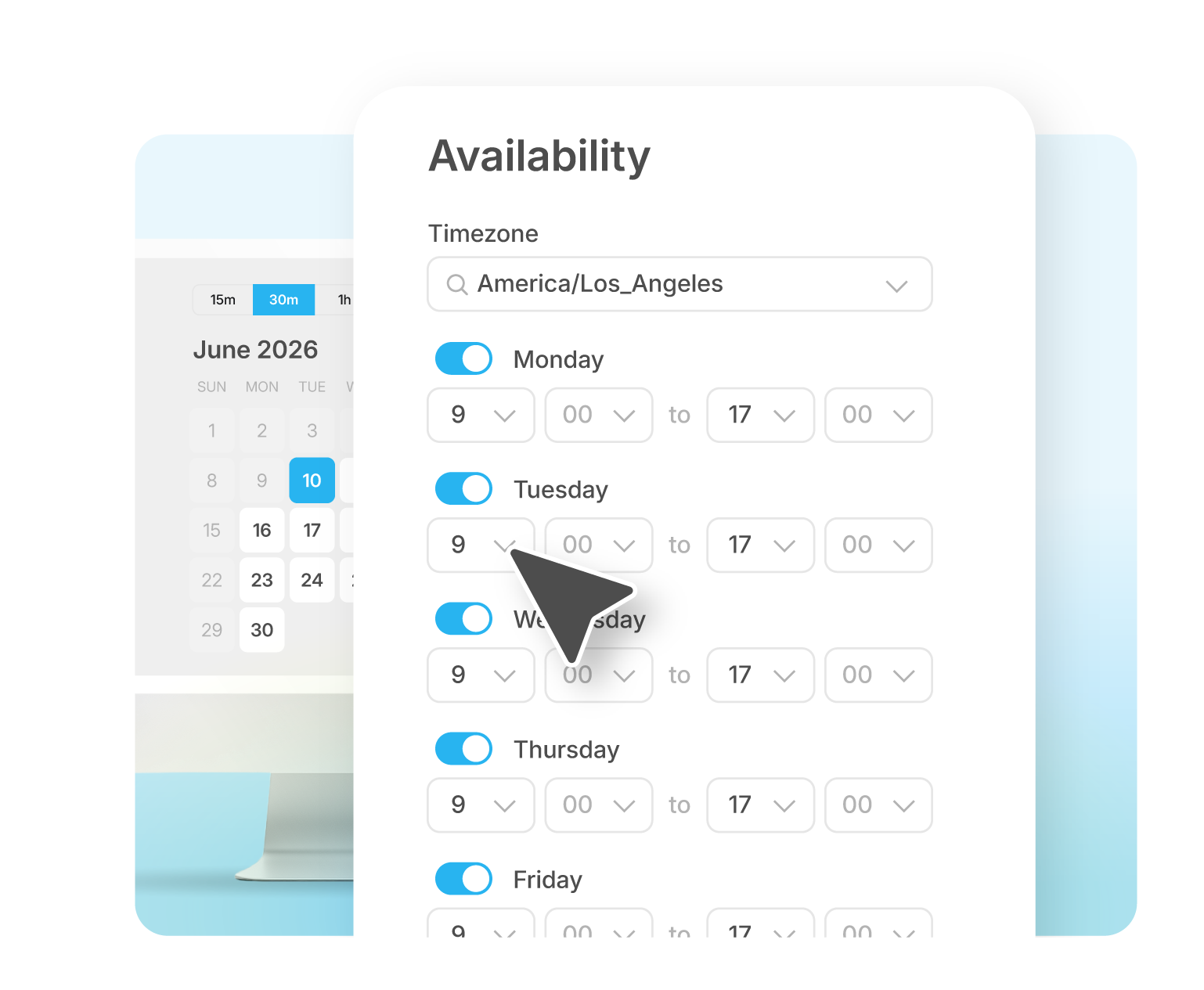
Choose meeting durations, add buffer time between meetings, and require minimum notice before someone can schedule. Set availability that works for you and keep your calendar organized automatically.
Try it Free
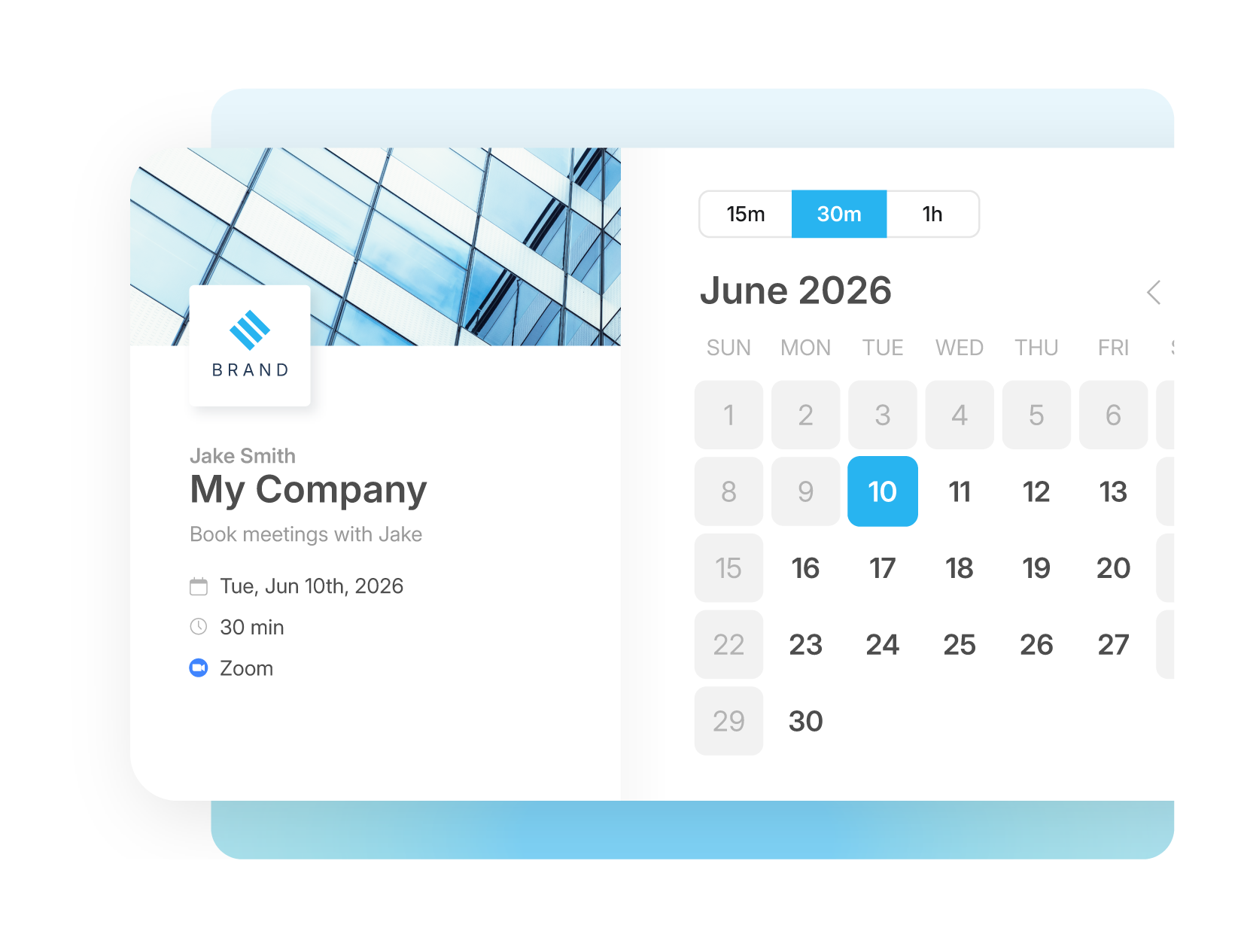
Customize your meeting pages with your logo, colors, and descriptions. Every booking experience looks and feels like your brand, not a third-party tool.
Try it Free
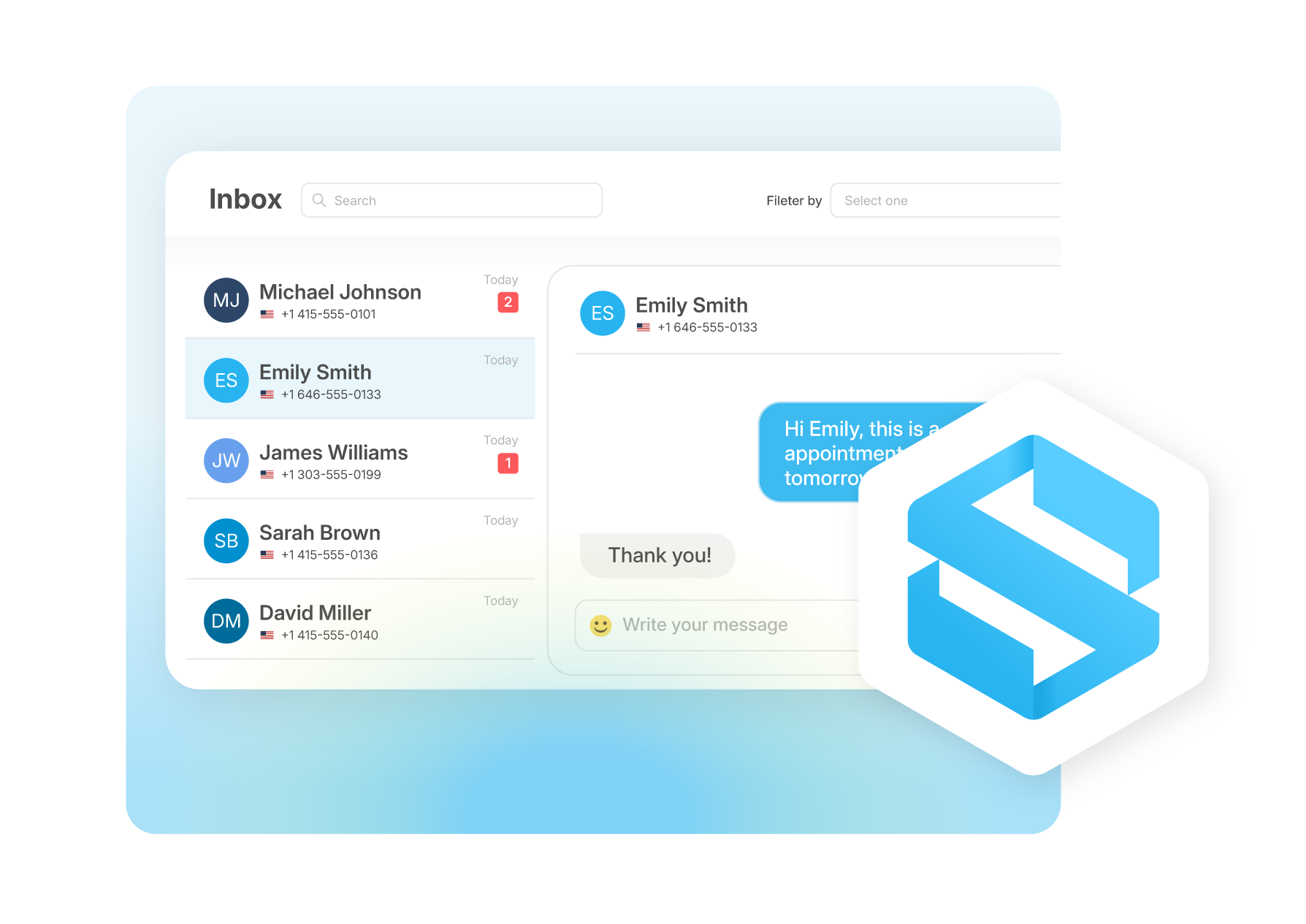
Meetings live alongside your contacts, messaging, and workflows in Sakari. When a meeting is booked, follow-ups, reminders, and conversations happen automatically.
Try it Free
Every meeting can automatically generate a Zoom link so attendees receive everything they need to join. Calendar invites include the video meeting details instantly, eliminating manual setup and keeping scheduling simple.
Try it Free
Choose meeting durations, add buffer time between meetings, and require minimum notice before someone can schedule. Set availability that works for you and keep your calendar organized automatically.
Try it Free
Customize your meeting pages with your logo, colors, and descriptions. Every booking experience looks and feels like your brand, not a third-party tool.
Try it Free
Meetings live alongside your contacts, messaging, and workflows in Sakari. When a meeting is booked, follow-ups, reminders, and conversations happen automatically.
Try it FreeUse workflows to trigger messages based on meeting-related activity.
Learn more
CRM + AUTOMATION
“Texting just speeds up the process and makes it a lot easier for people. Especially for our customers, it removes friction and keeps everything moving.”
Becca
Business Systems Analyst, 101 Mobility
Connect your tech stack with native integrations and flexible API access. Quickly scale communications globally, reduce friction and accelerate every customer’s journey.
Learn MoreTHE RESOURCE HUB

No, Sakari combines meeting scheduling and SMS messaging in one platform, eliminating the need for separate tools and the integration work required to connect them.
Unified platform approach: Most businesses use standalone scheduling tools like Calendly or Acuity alongside separate SMS platforms, then struggle to connect booking data with customer communications. Sakari provides both capabilities natively, so bookings automatically flow into your messaging workflows without integration setup.
Cost efficiency: Separate tools typically charge per user for scheduling plus per-message for SMS, creating compounding costs as teams grow. Sakari includes unlimited users and meeting scheduling as part of the SMS platform without additional per-seat fees.
Data consolidation: When scheduling and messaging exist in separate tools, customer communication history fragments across platforms. Sakari maintains complete customer records including meetings scheduled, messages sent, and conversations held in one unified view.
Workflow connectivity: Standalone scheduling tools offer limited automation beyond booking confirmations. Sakari's scheduling triggers complete SMS workflows including pre-meeting preparation sequences, day-of reminders, and post-meeting follow-ups that adapt based on meeting outcomes.
Setup simplicity: Connecting separate scheduling and SMS tools requires API configuration, webhook setup, or third-party integration platforms. Sakari's built-in scheduling works immediately without technical configuration.
Team coordination: Separate tools require team members to access multiple platforms and manage disconnected scheduling and messaging interfaces. Sakari provides one login, one dashboard, and one workflow builder for complete customer communication management.
For businesses already using comprehensive communication platforms, adding native scheduling eliminates tool sprawl while improving booking-to-conversation flow through automatic integration that separate tools cannot match.
Setting up a booking page in Sakari Meetings takes just a few minutes. You start by creating a branded scheduling page with your logo, brand colors, and meeting details, then claim a personal meeting link like meet.sakari.io/yourname that you can share anywhere. From there, you set your available meeting durations and the page is ready to take bookings.
The page supports multiple meeting lengths, such as 15, 30, and 60 minute options, so prospects and customers can pick the slot that fits what they need. Once it's live, you can share the link by email, SMS, or directly on your website, and anyone who visits can book a time instantly without the back-and-forth of coordinating over email.
Yes, and this is one of the biggest reasons to schedule meetings through Sakari rather than a standalone calendar tool. Because Sakari Meetings is built into the SMS platform, every booking can trigger automatic text reminders in the lead-up to the meeting, which is one of the most effective ways to cut down on no-shows.
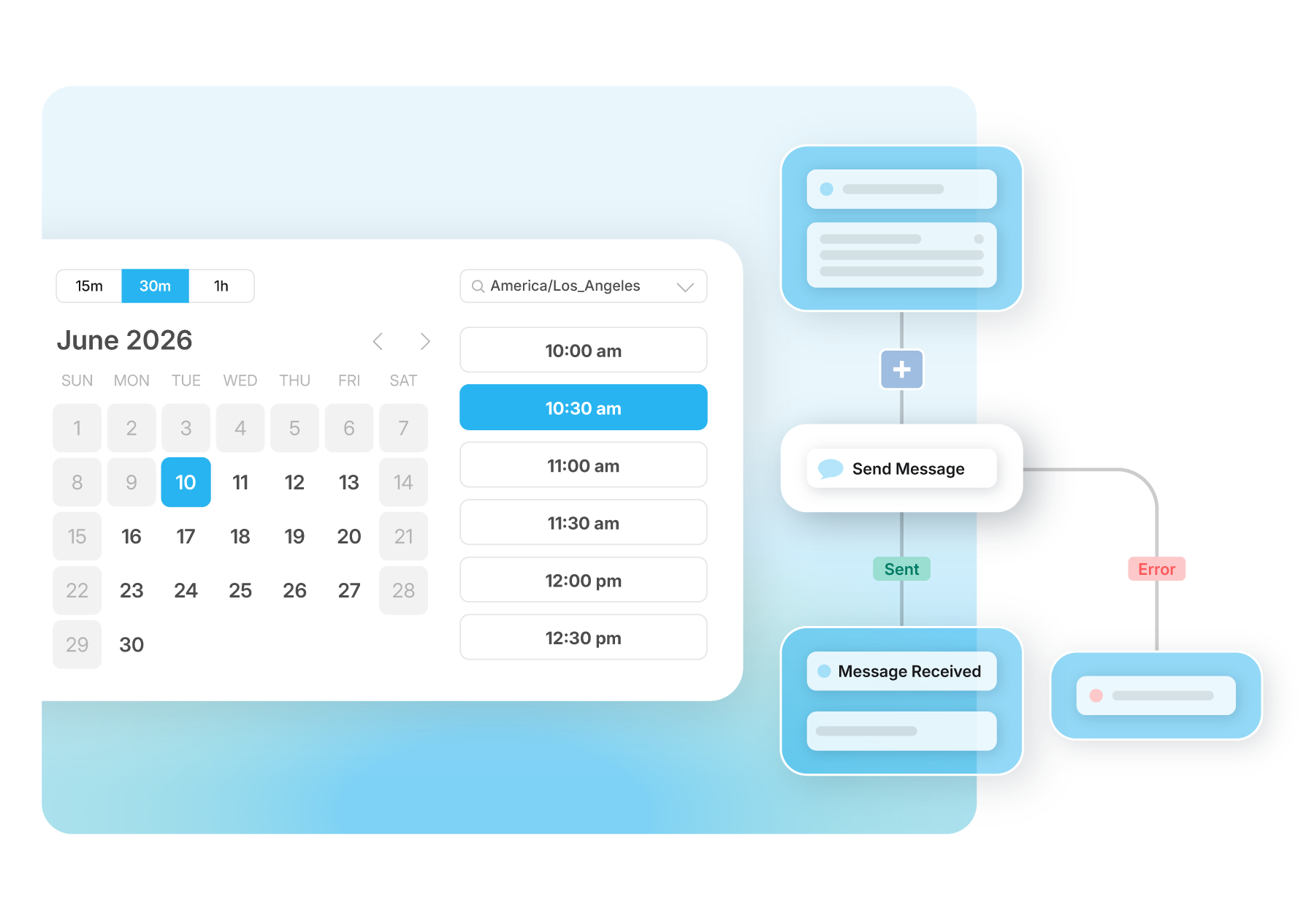
Reminders are handled through Sakari's workflows, which let you trigger messages based on meeting-related activity. You can set a reminder to send the day before, the morning of, or an hour ahead, and the message goes out automatically without anyone on your team having to remember to send it. For sales teams chasing booked demos and service businesses confirming appointments, automated SMS reminders consistently bring more booked meetings to the finish line.
Yes, Sakari's meeting scheduling tool provides extensive customization for booking pages, meeting types, and availability controls to match your business needs and brand identity.
Branded booking pages: Customize your scheduling page with your company logo, brand colors, profile photo, and meeting descriptions. Your booking link becomes a professional extension of your brand rather than generic scheduling interface.
Personal meeting URLs: Secure personalized booking links like meet.sakari.io/yourname that remain consistent and easy to share. Include these links in email signatures, website pages, or social media profiles for ongoing use.
Multiple meeting types: Create different booking options for various meeting purposes including discovery calls, product demos, customer support, or consultation sessions. Each meeting type can have different durations (15, 30, 60 minutes), preparation instructions, and follow-up workflows.
Availability controls: Set specific hours when meetings can be booked, buffer time between consecutive meetings, minimum advance notice required for booking, and maximum future scheduling range. These controls prevent inconvenient bookings while maintaining flexibility.
Calendar integration: Connect multiple Google Calendars to prevent conflicts across work and personal schedules. The tool checks all connected calendars before showing available time slots, ensuring bookings only happen when you're genuinely free.
Video conference automation: Automatically generate Zoom meeting links for every booking. Meeting confirmations include video conference details instantly without manual creation.
Customization happens through Sakari's interface without coding or complex setup. Changes to availability, meeting types, or branding update immediately across all your booking links.
Sakari Meetings syncs with Google Calendar so your booking page only shows times when you're genuinely available. As soon as a calendar event is added, that time is blocked off on your scheduling page automatically, which prevents double-booking without any manual updating on your end.
You can also connect multiple calendars to a single account, so personal commitments, work meetings, and other busy time all factor into your real-time availability. If you keep a separate calendar for personal appointments, Sakari can read it to block those slots without exposing the details. The result is a booking page that reflects your actual schedule at all times, so prospects never land on a slot you can't honor.
Yes. Sakari Meetings supports two-way messaging, which means attendees can confirm, reschedule, ask questions, or cancel directly over text rather than digging through email threads or booking links. Because the conversation happens by SMS, response rates tend to be much higher than email, so changes get communicated faster and your calendar stays accurate.
This keeps scheduling and messaging in one place instead of scattered across separate tools. When an attendee texts to reschedule, the conversation lands in your Sakari inbox alongside every other message, and your team can handle it without switching platforms. Turning a booking into an ongoing text conversation is what makes it easier to keep meetings on track and follow up naturally afterward.
Sakari Meetings includes a Zoom integration that automatically generates a Zoom meeting link for every booking. You connect Zoom once, and from then on each meeting scheduled through your booking page gets its own video link with no manual setup required.
The Zoom details are included directly in the calendar invite, so attendees receive everything they need to join the meeting the moment they book. This eliminates the common scramble of creating a video link and sending it separately before a call, and it keeps the whole scheduling process clean for both you and the person booking. For teams running remote demos, consultations, or client calls, automatic Zoom links remove a small but constant point of friction.
Sakari Meetings is built to make post-meeting follow-up automatic. Because scheduling connects to the SMS platform and workflows, you can send messages after a meeting to keep the conversation moving, whether that's a thank-you note, a recap with next steps, a feedback request, or a link to book a follow-up call.
Follow-ups can be triggered automatically through workflows tied to meeting activity, so a message sends a set time after the meeting ends without anyone having to remember it. Because every attendee's contact details are captured when they book, those contacts also flow into your lead lists, which means a single meeting can feed future SMS campaigns and nurture sequences. This is the difference between scheduling that ends at the booking and scheduling that actually drives ongoing relationships.