
A new era for Sakari users. More products. More power. More possibility. 

AUTORESPONDERS

SMS Autoresponder Software for Businesses

Reply to incoming texts in seconds. SMS autoresponders ensure every customer who texts you gets a quick, relevant response. With an auto-reply text strategy, you can solve issues before they escalate and automatically move prospects further along your sales funnel.
SMS Autoresponders_01

SMS AUTORESPONDERS

What is an SMS Autoresponder?

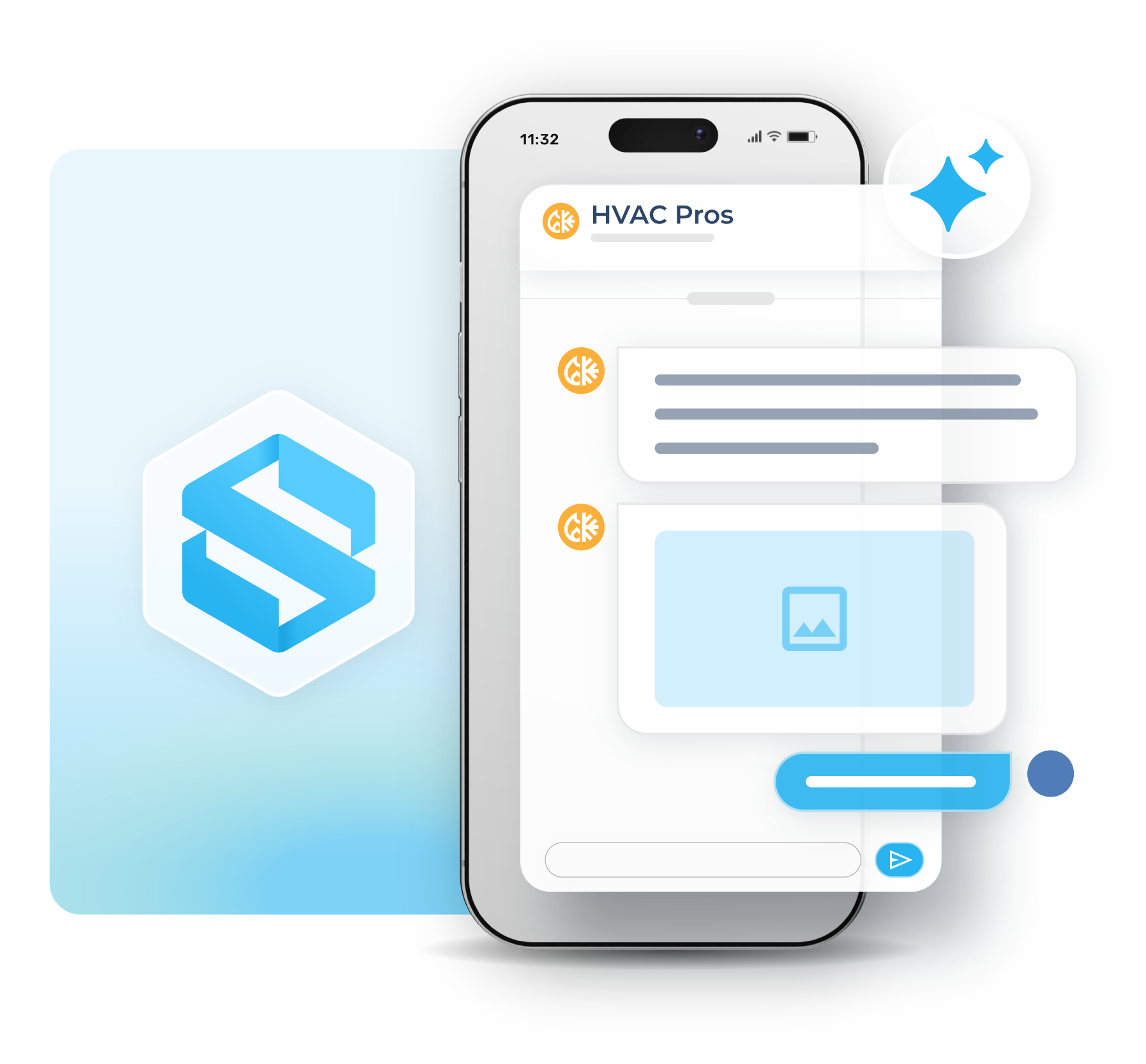
An SMS autoresponder automatically sends a text message when someone contacts your business. Auto replies can be triggered by incoming keywords or sent automatically during specific business hours.

Businesses use SMS autoresponders to respond faster, improve customer communication, capture leads, and manage after-hours conversations without manual work.
  • Instantly reply to inbound text messages
  • Trigger replies using keywords
  • Send after-hours or out-of-office responses
  • Improve response times and customer experience
  • Automate common customer interactions
Learn More
Features Alphanumeric_01

KEYWORD RESPONSES

Automatically Reply to Specific Keywords

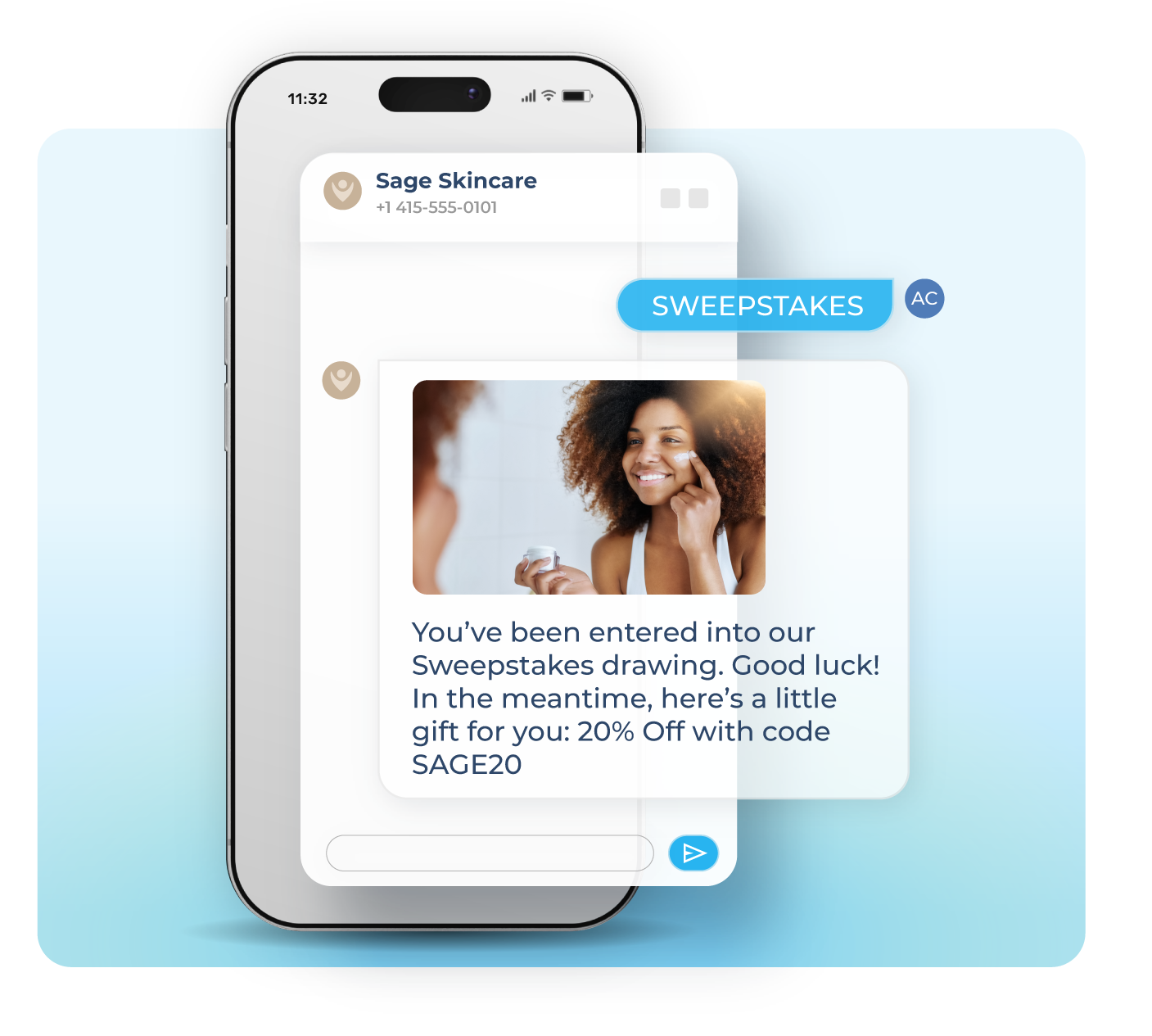
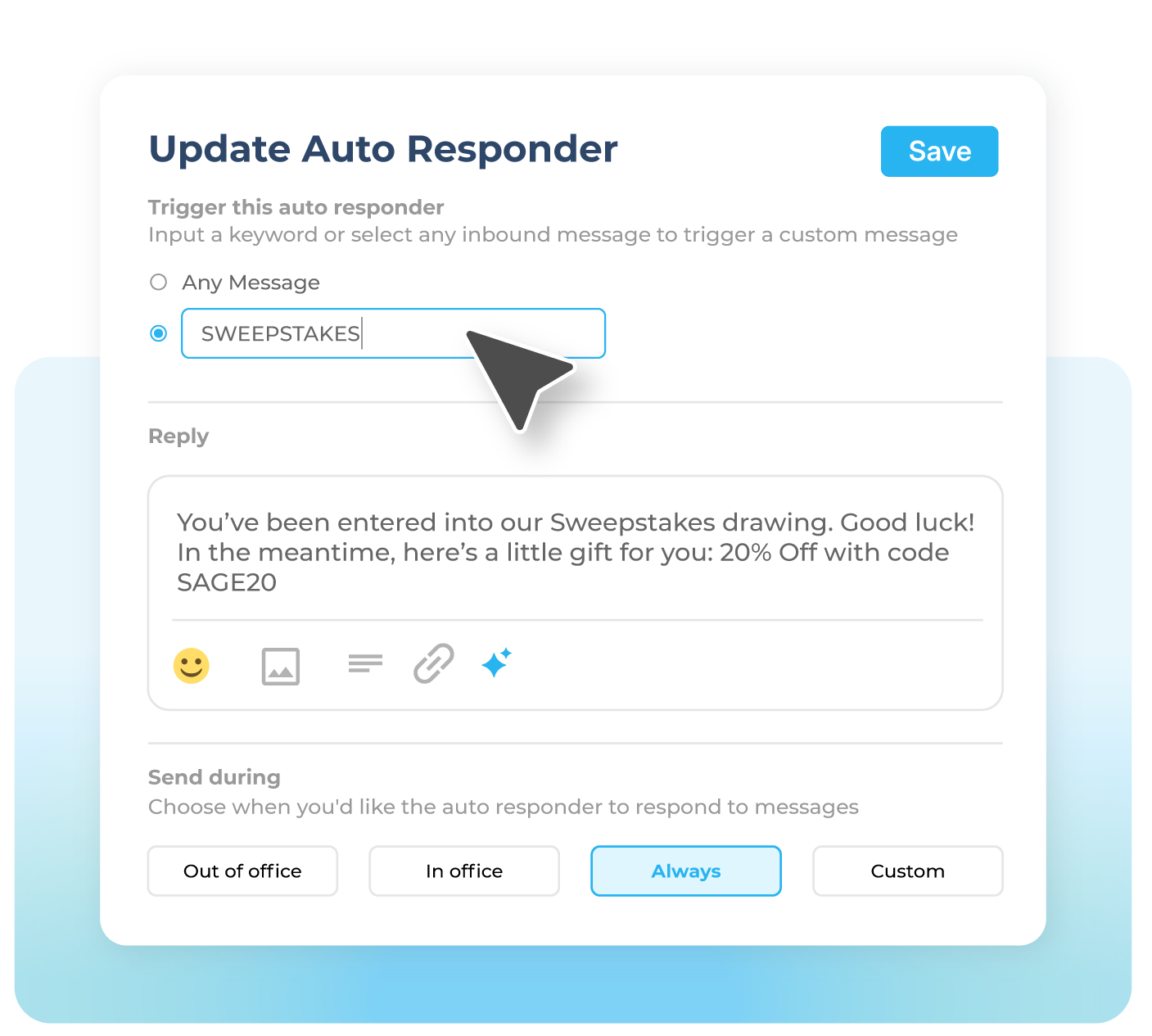
Create SMS auto replies that are triggered when someone texts a specific keyword to your business number. Perfect for promotions, lead capture, appointment requests, sweepstakes, and customer self-service.

Send instant replies with links, business hours, next steps, or promotional information without requiring your team to manually respond to every message.

Examples include:
  • Text “DEMO” to request a product walkthrough
  • Text “HOURS” to receive business hours
  • Text “SWEEPSTAKES” to enter a giveaway
  • Text “INFO” to receive pricing or support details
SMS Autoresponders_02

TIME-BASED REPLIES

Send Automatic Replies During Off Hours

Set up automatic SMS responses that only send during specific days and times. Let customers know when your team is unavailable and when they can expect a response.

Perfect for after-hours support, weekend coverage, holiday messaging, and high-volume inbox management.

Use office hours, custom schedules, or always-on replies to automatically send messages like:
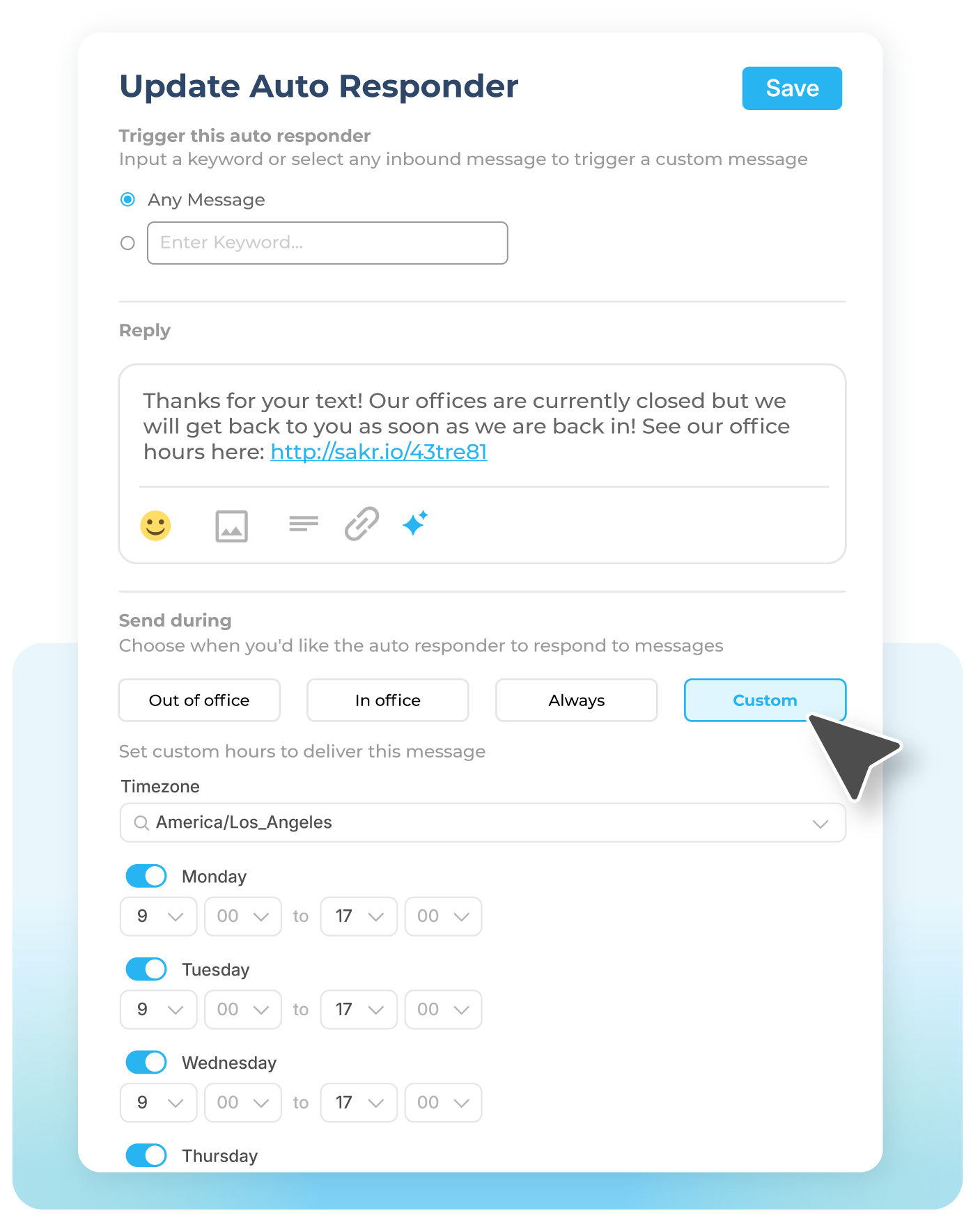
  • “Thanks for contacting us. Our office is currently closed.”
  • “We’ve received your message and will reply during business hours.”
  • “This line is not monitored after 5 PM. Please call our office for urgent requests.”
  •  
See More Use Cases
SMS Autoresponders_03

Examples of SMS Autoresponder Messages

add_reaction_100dp_28B4F0_FILL0_wght400_GRAD0_opsz48

Welcome Message

Have a new customer or member? Welcome them with a nice greeting and helpful information to point them in the right direction.

check_circle_100dp_28B4F0_FILL0_wght400_GRAD0_opsz48

Confirmation Requests

Cut down on the no-shows! Send a reservation or appointment confirmation text with helpful details like time, date, and location.
reply_100dp_28B4F0_FILL0_wght400_GRAD0_opsz48

Customer Service

Need to give your customer support team a break? Send automatic replies to frequently asked questions or let your contacts know about the latest promotion!
event_busy_100dp_28B4F0_FILL0_wght400_GRAD0_opsz48

Out of Office Reply

Planning to be offline? Set up an out-of-office auto-reply to keep customers in the loop about business hours and set clear expectations.
thumb_up_100dp_28B4F0_FILL0_wght400_GRAD0_opsz48

Thank You Message

Receive lots of nice reviews from customers or clients? Send automatic follow-up messages to show your appreciation!
mobile_text_2_100dp_28B4F0_FILL0_wght400_GRAD0_opsz48

Text-to-Win Sweepstakes

Hosting a contest or giveaway? Send an automatic response when someone texts your trigger keyword to enter the event!

How it works

Create an automated text response in seconds

1

Select a Trigger Word

First, choose a keyword that will trigger the autoresponder to reply. For example, for a buy-one, get-one free promotion for sunscreen in July. Your textword could be “BOGO,” “July,” or “sunscreen.”

2

Customize Auto-Reply

Next, write a response to incoming messages that contain your textword. Add links that recipients for more information or include images and GIFs to grab attention and share context.

3

Save & Test

Finally, save the SMS text autoresponder and start testing it. Review response times and engagement rates to ensure you’re sending timely, relevant responses. Use A/B versions to test different messages.

Auto-Reply Text Analytics Reporting

Curious how your text message autoresponder campaigns are performing? Sakari’s dashboard offers powerful real-time analytics that reveal valuable insights into your campaigns.

You can see who’s texting your keywords and receiving auto-reply text messages. You can also track link clicks to see who’s engaging with your automated messages.

But the benefits go beyond these metrics alone. With Sakari, you can understand what’s truly driving results—so you can continually optimize your SMS marketing campaigns.

  • A/B test your workflows and SMS campaigns
  • Discover which keywords are working
  • Track link clicks
  • Get a first-hand look at user engagement
Analytics_11 (2)

Who Uses SMS Autoresponders?

Automatic texts are more versatile than you might think. From small businesses to companies with a national or international footprint, almost any organization can leverage autoresponders.

Some of the most helpful use cases include:
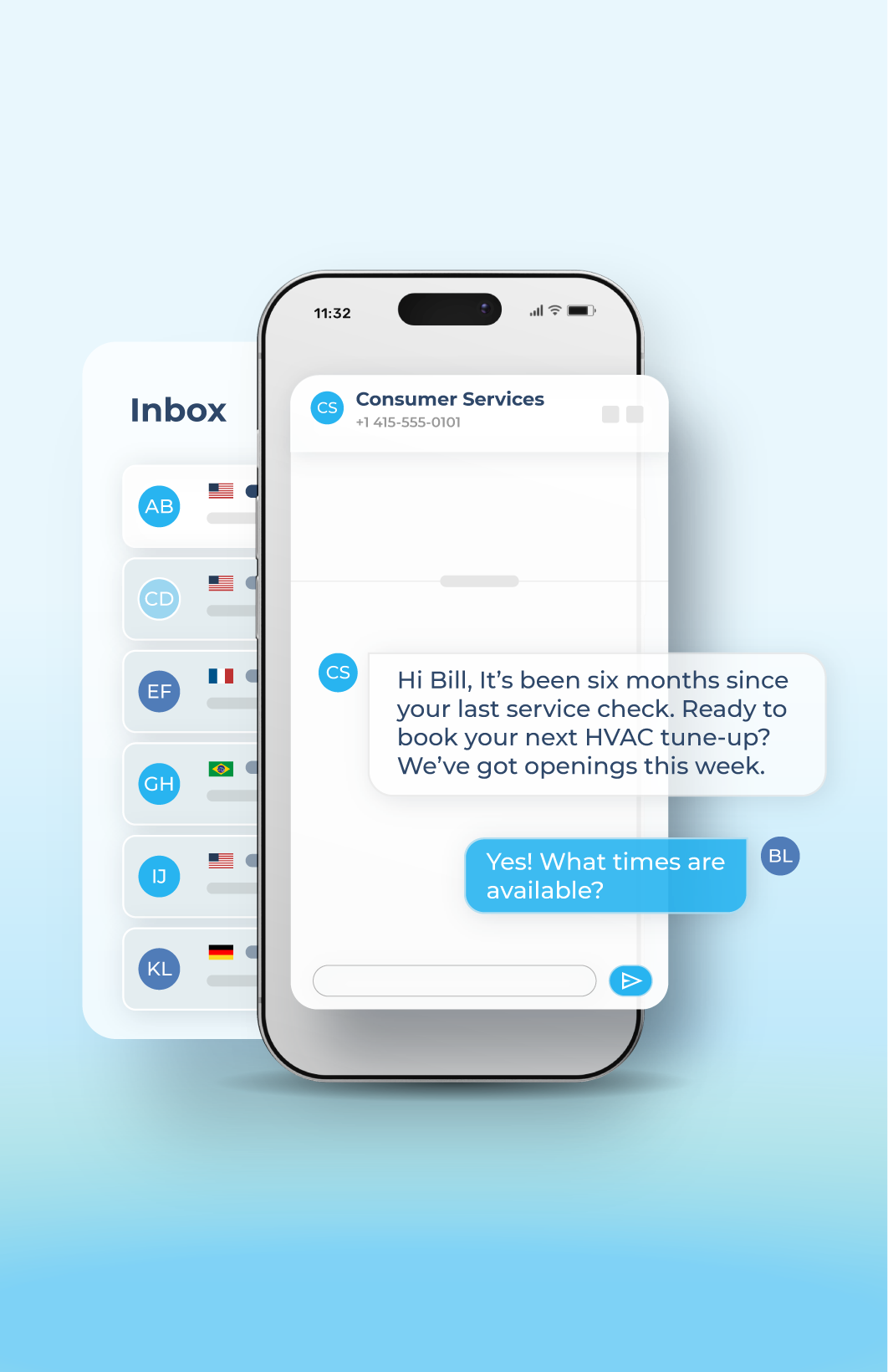
  • Medical offices can send appointment confirmations
  • Transportation companies can send schedule updates
  • Event spaces can send reminders or venue updates
  • Recruiters can send job listings and application updates
  • Real estate agents can send home listings and open house details
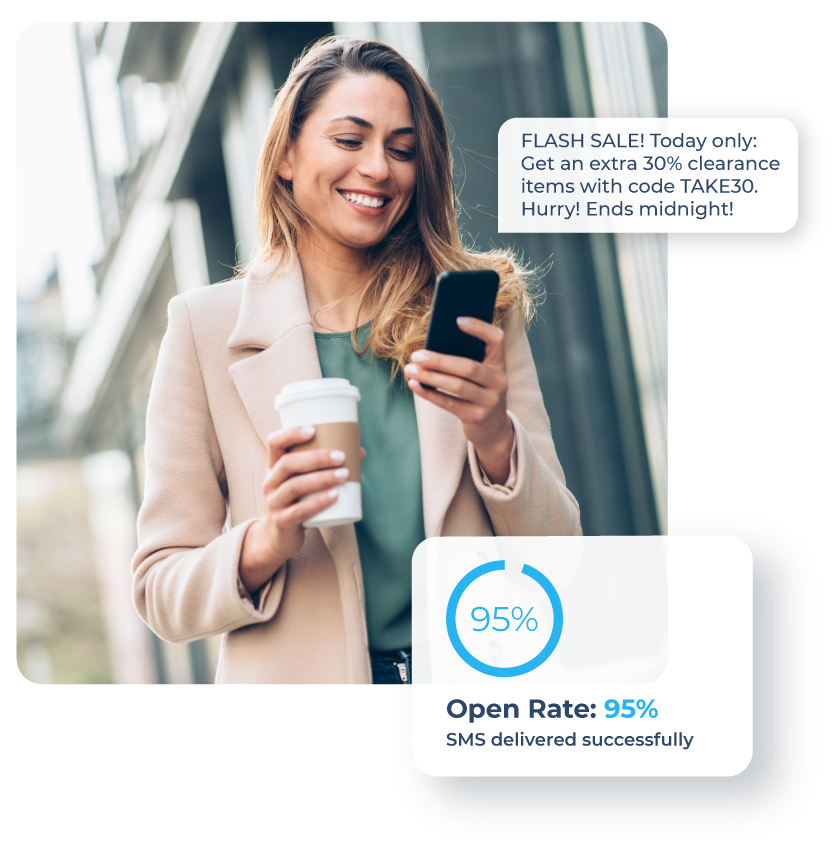
  • E-commerce sites can send texts to let customers know about sales
See More Use Cases
SMS +MMS_05

Why Choose Sakari for SMS Autoresponders?

Sakari gives sales, marketing, and operations teams valuable tools to save time and improve communication. Our platform makes it easy to send timely responses related to virtually any keyword, allowing you to engage customers around the globe.

With Sakari, you get:
  • Free 14-day trial (no credit card required)
  • Fast, simple setup so you can start in minutes
  • Powerful analytics to help you measure and optimize
  • Integrations with 1,300+ CRM, communication, and other sales and marketing app
Try It Free
General images_Features 03

Built for seamless connection

Connect your tech stack with native integrations and flexible API access. Quickly scale communications globally, reduce friction and accelerate every customer’s journey.

Learn More


materials
Hexagon

Engage, automate
and grow.

Start conversations that scale today.

faq

SMS Autoresponders FAQ

SMS autoresponders automatically send a text message when someone contacts your business, with no manual response required from your team. Replies can be triggered two ways: by an incoming keyword (when a customer texts a specific word like "DEMO" or "HOURS") or by time-based rules (when a message arrives outside your office hours, on weekends, or during holidays). Both trigger types can run at the same time, so a single Sakari number can handle keyword promotions and after-hours coverage in parallel.

The setup process takes three steps: select a trigger word or schedule, customize the auto-reply message, and save and test. You can include links, images, and GIFs in your reply rather than just plain text, which is useful for sending promotional details, business hours, directions, or product information without requiring follow-up. Once active, every autoresponder fires off the relevant inbound message, so customers get an immediate answer regardless of when they reach out.

Keyword autoresponders fire when a customer texts a specific word to your business number. Common setups include "DEMO" for product walkthrough requests, "HOURS" for business hours, "SWEEPSTAKES" for giveaway entries, and "INFO" for pricing or support details, but you can configure any keyword that fits your business. The auto-reply can include links to scheduling pages, photos of products, or details about ongoing promotions.

This makes SMS autoresponders one of the fastest ways to handle lead capture, appointment requests, sweepstakes entries, and customer self-service without expanding headcount. A customer texting "DEMO" to your number receives an instant reply with a booking link, your team gets a notification with the new lead, and the entire interaction happens in under 30 seconds. The same workflow scales whether you're handling 10 keyword texts a day or 10,000.

Yes. Sakari's time-based replies let you set up automatic SMS responses that only send during specific days and times. You can configure office hours, custom schedules, or always-on replies depending on how you want to handle inbound messages, and the platform routes each incoming text to the right auto-reply based on when it arrives.

Common after-hours setups include messages like "Thanks for contacting us. Our office is currently closed and we'll reply during business hours" or "This line isn't monitored after 5 PM. Please call our office for urgent requests." This is especially useful for after-hours support, weekend coverage, holiday messaging, and high-volume inbox management where setting expectations matters as much as responding. Customers know when to expect a reply, your team isn't pressured to respond outside work hours, and no message gets lost in the gap.

Sakari's real-time analytics dashboard shows you which keywords are getting texted, how many auto-replies are firing, and which links inside those replies are getting clicked. You can see contact-level engagement to identify your most active leads, monitor delivery rates to catch any issues, and track campaign performance over time to spot trends in customer behavior.

The platform also supports A/B testing on autoresponder workflows, so you can run two versions of an auto-reply against each other to see which message drives better engagement. Discover which keywords are working, track link clicks to measure interest, and use the data to refine messages that aren't performing. This level of reporting turns autoresponders from set-and-forget tools into an active part of your SMS marketing strategy.

SMS autoresponders work across most industries because the underlying need (responding to inbound messages instantly without manual work) applies broadly. Common use cases include medical offices sending appointment confirmations, transportation companies sending schedule updates, event spaces sending reminders or venue details, recruiters sending job listings and application updates, real estate agents sending listings and open house information, and e-commerce sites sending sale notifications.

The common thread across all of these is high inbound message volume paired with predictable customer questions. Anytime customers are asking the same things repeatedly (hours, pricing, location, availability, status updates), an autoresponder handles it faster and more consistently than a human team can. Sakari's autoresponders integrate with 1,300+ CRM and business apps, so the lead data captured through keyword responses syncs back to your existing systems automatically without requiring manual entry.