Key Takeaways
- Most SMS platforms were built for marketing. Running a customer service operation on a marketing tool means duct-taping a help desk together from spare parts that were never designed to fit
- A real SMS customer service platform supports a shared team inbox, conversation assignment, internal notes, help desk integration, and SLA tracking, not just outbound sends
- Sakari is the strongest choice for customer service teams because the shared inbox supports multiple agents on one number, conversations route cleanly, and CRM integrations keep service interactions on the customer record
- Two-way conversation handling is the foundation. Without an inbox built for teams, SMS becomes another silo that your service operation has to maintain separately
- Internal notes (visible to agents, not to customers) and conversation assignment are the features that separate a real service tool from a marketing tool with a reply screen. Marketing-first platforms rarely include either
- Help desk integration matters. If SMS conversations don't appear in Zendesk, Freshdesk, Intercom, or HubSpot Service Hub, your team manages two systems instead of one and customer history fractures
- E-commerce-first platforms like Klaviyo and Emotive aren't built for service teams. Their feature models assume promotional campaigns, not support conversations with operational continuity
- The seven platforms compared: Sakari, Emotive, SimpleTexting, SlickText, EZ Texting, Klaviyo, TextMagic
SMS Customer Service Isn't Just SMS Marketing With Replies Turned On
Customer service teams have been told SMS is the future. Higher open rates than email. Faster than phone tag. Less friction than live chat. All true.
The catch is that most SMS platforms were built for marketing campaigns, not service conversations. They ship with bulk send tools, list management, and analytics dashboards. They don't ship with the things a service team actually needs: a shared inbox where five agents can work the same phone number without stepping on each other, conversation assignment, internal notes, status tracking, and integration with the help desk where tickets actually live.
So service teams adopt SMS, try to run it on a marketing platform, and discover within a few weeks that the experience is closer to running a help desk through a single Gmail account than running a real support operation.
This guide compares seven SMS tools through the customer service lens. Whether you run a 3-person SaaS support team, a 50-seat e-commerce service operation, a retail customer care function, or a B2B account management team handling complex support conversations, the criteria are similar. The platform has to work like a service tool, not a marketing tool with replies enabled.
What Customer Service Teams Need From an SMS Platform
The framework most "best of" articles skip.
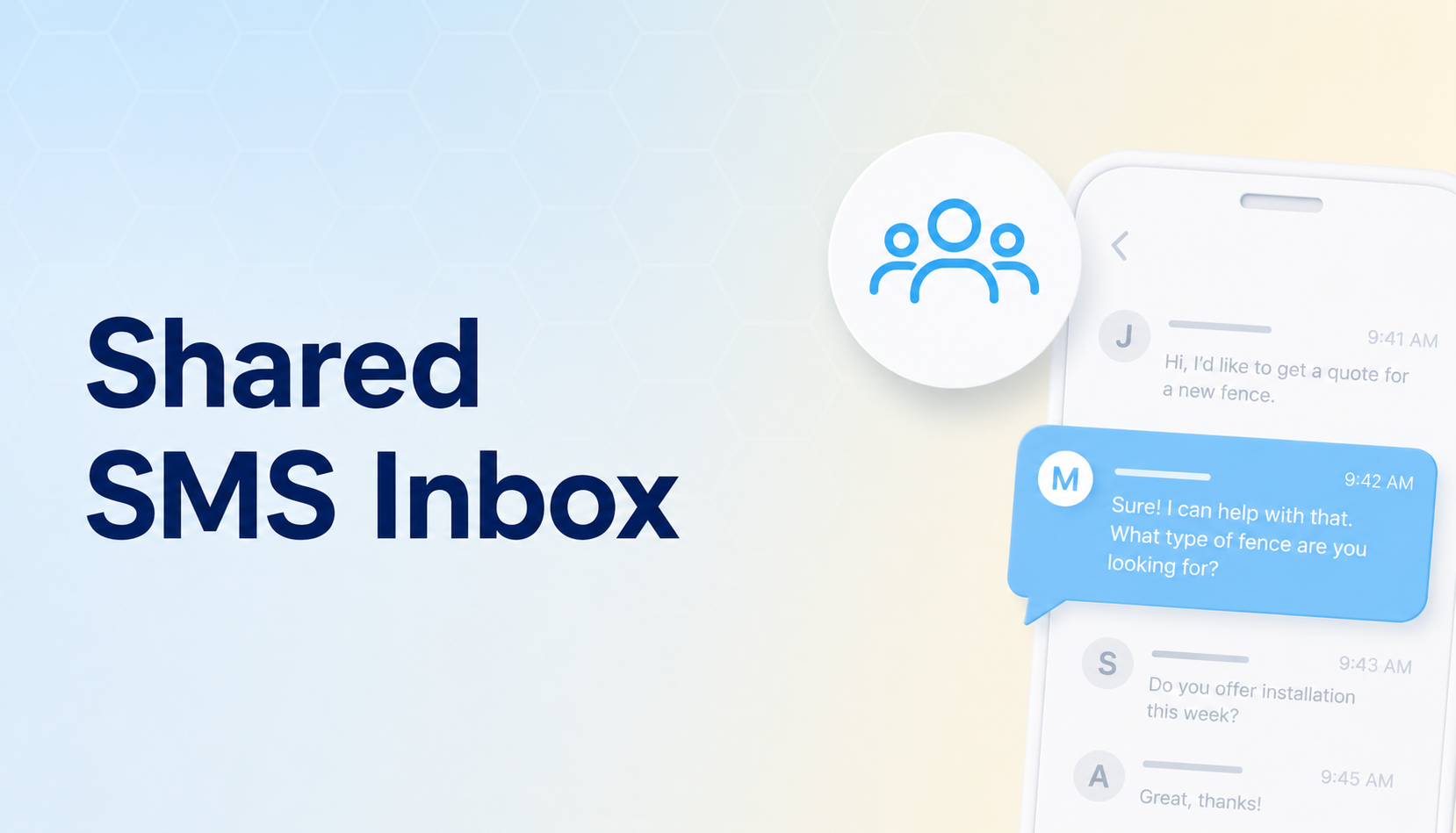
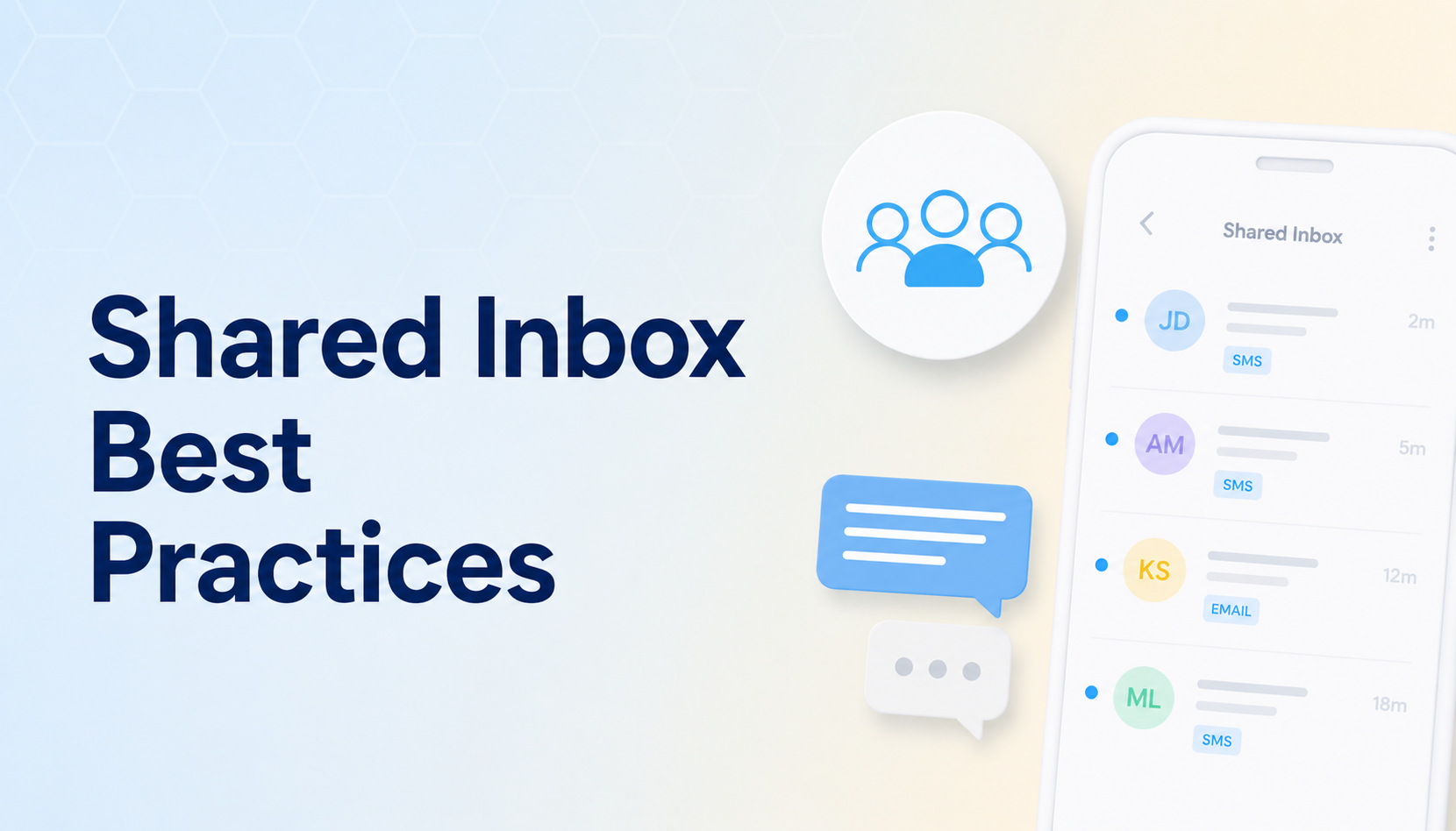
A Shared Team Inbox
The fundamental requirement. Multiple agents need to work the same business phone number, see the same conversations, and pick up threads from each other without confusion. Without this, each agent ends up with their own phone or their own number, and conversation history fragments immediately.
The strongest service tools support a real shared inbox with conversation states (unread, in progress, resolved), search across the full history, and clear ownership of each thread.
Conversation Assignment and Routing
When a customer texts in, the conversation needs to go to the right agent. Sometimes that means round-robin distribution. Sometimes it means routing based on keywords, customer attributes, or business hours. The strongest service platforms support automatic routing, manual reassignment, and clear escalation paths.
A platform that drops every inbound message into one unsorted queue is a platform that won't scale past a tiny team.
Internal Notes
Internal notes are messages that appear in the conversation thread for agents but aren't sent to the customer. They're how an agent flags "I tried calling, no answer" or "needs supervisor approval" or "this is the third time this customer has reported this issue."
Internal notes separate service-grade SMS tools from marketing tools with a reply screen. Marketing tools rarely include them. Service tools treat them as table stakes.
Help Desk Integration
Your customer history likely lives in Zendesk, Freshdesk, Intercom, HubSpot Service Hub, or a similar help desk platform. SMS conversations need to land there, not in a separate silo. The strongest integrations create or update tickets automatically when SMS conversations start, attach the full conversation history, and let agents respond from inside the help desk.
Native integrations with HubSpot, Pipedrive, ActiveCampaign, and 1,300+ tools through Zapier mean customer service teams don't have to build the bridge themselves.
SLA Tracking and Response Time Analytics
Customer service teams live and die by response times. The platform should report time-to-first-response, time-to-resolution, response time by agent, and SLA compliance rates. Without these numbers, the team can't tell whether the SMS channel is improving or degrading service quality.
Templates and Canned Responses
Service teams answer the same questions every day: order status, return policy, account access. Templates with merge fields (customer name, order number, account details) let agents respond in seconds without typing the same paragraph 40 times.
The platform should support shared templates the whole team can edit, plus personal templates for individual agents.
Mobile App for On-Call Agents
After-hours support, on-call rotations, and field service teams all need agents to respond from outside the office. A real mobile app gives agents full inbox access, assignment, and reply capability without depending on whoever's at the desk.
Permissions and Roles
A service team includes agents, supervisors, and admins. Permissions matter: agents see assigned conversations, supervisors see all conversations, admins manage settings and integrations. The platform should support roles with appropriate visibility, not just one shared login that everyone uses.
AI Assistance for Routine Inquiries
The strongest service teams now layer AI on top of human agents. AI autoresponders handle routine questions automatically (hours, location, basic account info) and escalate to a human when the conversation needs real judgment. The right platform supports this layer without forcing a separate AI tool on top.
The 7 Best SMS Tools for Customer Service Teams
1. Sakari
Sakari is built for businesses that need SMS to do real work, including running customer service as a primary use case. The shared inbox supports multiple agents on one business phone number, with conversation assignment, internal notes, status tracking, and search across the full conversation history. Agents see who's working what, supervisors see everything, and the team picks up each other's threads without confusion.
The integration layer is where service teams get the most leverage. Native integrations with HubSpot Service Hub, Freshdesk, Zendesk through Zapier, Intercom, Pipedrive, and ActiveCampaign mean SMS conversations attach to the customer record and the ticket where they belong. Service interactions don't fragment across systems.
Two-way conversation handling is the foundation, with Sakari AI layered on top to handle routine inbound questions automatically (business hours, location, basic account info, order status when integrated with the back-end system). When the AI doesn't recognize the request, it escalates to a human agent with conversation context attached.
The mobile app gives on-call agents and after-hours staff full inbox access. Permissions and roles support real team structures. Templates with merge fields let agents respond in seconds. Reporting covers response time, resolution time, and per-agent volume.
What It's Good At For Customer Service:
- Shared team inbox with multi-agent support
- Conversation assignment, internal notes, and status tracking
- Native integrations with HubSpot, Pipedrive, ActiveCampaign, and 1,300+ tools via Zapier
- AI-powered autoresponders for routine inquiries
- Mobile app for on-call and after-hours agents
- Permissions and roles for team structures
- Templates with merge fields for fast routine responses
- Reporting on response time, resolution time, and per-agent activity
- MMS support for image-based service exchanges (receipts, photo verification)
- International messaging for global service teams
Best For: SaaS support teams, e-commerce customer service operations, retail customer care, B2B account management, healthcare patient service, hospitality guest services, and any customer service function that wants SMS to behave like a service channel rather than a marketing channel with replies.
2. SimpleTexting
SimpleTexting handles basic inbound and outbound SMS reasonably for small service teams. Two-way messaging works, scheduled sends are supported, and the interface is approachable enough that a small team can pick it up quickly.
The depth doesn't extend to multi-agent team workflows. Conversation assignment, internal notes, role-based permissions, and integrated SLA tracking are limited compared to platforms built around service use cases. For a one or two-person service team handling occasional SMS, it works. For a real team, it strains quickly.
What It's Good At:
- Basic two-way messaging
- Approachable interface
- Mid-volume sending
- Common business integrations
Best For: Solo support agents or very small teams handling occasional SMS conversations.
3. SlickText
SlickText is built around SMS marketing, particularly keyword opt-in campaigns. The two-way reply tools support marketing follow-up well but aren't designed for sustained service conversations. Team inbox features, conversation assignment, and help desk integration are minimal.
For a marketing team that happens to handle a small number of inbound questions, the platform fits the marketing use case and tolerates the occasional service exchange. For a real customer service operation, it's not the right shape.
What It's Good At:
- SMS marketing campaigns
- Keyword opt-in handling
- List growth
Best For: Marketing teams that handle minor inbound service questions as a secondary use case.
4. EZ Texting
EZ Texting offers a simple two-way messaging capability that can support very basic service exchanges for a solo agent or small operation. The interface is easy to learn, and a single person handling occasional SMS replies can use it without much setup.
Team workflows aren't its design. Multi-agent shared inbox features, conversation assignment, internal notes, and help desk integration are not the platform's strengths. A service team beyond one or two people will outgrow it quickly.
What It's Good At:
- Beginner-friendly setup
- Simple two-way messaging
- Low-volume conversations
Best For: Solo support staff or very small operations handling minimal SMS volume.
5. Klaviyo
Klaviyo is built for e-commerce marketing, with deep Shopify integration. Customer service isn't the use case the platform was designed for. The model assumes promotional campaigns and order-related messaging, not the open-ended back-and-forth conversations that define service work.
For e-commerce brands that handle a small amount of order-related inbound SMS (order status, shipping questions), Klaviyo can manage the basics. For a real customer service team handling support tickets, account issues, or anything requiring conversation continuity, the platform isn't built for it.
What It's Good At:
- E-commerce SMS and email marketing
- Shopify integration
- Cross-channel marketing campaigns
Best For: E-commerce brands handling minor order-related inbound. Not a fit for customer service teams as a primary use case.
6. Emotive
Emotive is built for DTC e-commerce on Shopify and Magento. Customer service isn't a design focus. The platform doesn't include the team inbox features, conversation assignment, help desk integration, or service-grade workflow tooling that customer service teams need.
For e-commerce brands, Emotive performs in its lane. For customer service teams, it isn't a fit.
What It's Good At:
- E-commerce SMS marketing
- Shopify and Magento integrations
Best For: DTC e-commerce brands. Not a fit for customer service teams.
7. TextMagic
TextMagic supports basic two-way SMS sending. For a solo support agent handling very low SMS volume, the platform performs at the most basic level.
Past that scale, the limits show up. No team inbox, no conversation assignment, no internal notes, no help desk integration, no role-based permissions. The platform isn't built for customer service team workflows.
What It's Good At:
- Simple, low-volume messaging
- Pay-as-you-go pricing
- Solo use cases
Best For: Solo support agents handling occasional SMS exchanges.
How Different Customer Service Teams Use SMS
The mechanics shift based on the team and the customer base.
SaaS Support Teams
SaaS support teams use SMS for high-urgency escalations, on-call rotations, and post-resolution follow-ups. The typical workflow: a customer files a ticket in the help desk, the issue escalates beyond standard email reply, and the support engineer follows up via SMS to coordinate a faster resolution. After the issue is resolved, an automated SMS asks for feedback.
The integration that matters most is with the help desk (Zendesk, Freshdesk, Intercom, HubSpot Service Hub). SMS conversations need to appear on the ticket so the next agent picking up the issue sees the full history.
E-Commerce Customer Service
E-commerce service teams handle order status inquiries, shipping questions, return requests, and post-purchase issues. SMS volume can be high, and the conversations are usually short (one or two exchanges to resolution).
The reliability requirement is high because order-related inquiries are time-sensitive. Templates with merge fields for common questions (order status, return policy, shipping timeline) let agents handle high volume without sacrificing response quality.
B2B Account Management
B2B account managers and customer success teams use SMS for high-touch communication with named accounts. The conversations are longer, more strategic, and tied to specific deal or account contexts. Integration with the CRM (HubSpot, Pipedrive, ActiveCampaign) is critical because account managers work from the CRM and need SMS to appear on the contact record.
Internal notes matter here more than almost anywhere else. Account managers often work in teams, and the next person picking up a conversation needs context on relationship history, prior issues, and commitments made.
Retail Customer Care
Retail customer service teams handle store-level questions (hours, inventory, returns) and corporate-level issues (membership, complaints, escalations). SMS is heavily used for the store-level questions, where customers want a fast answer without calling.
Routing matters in retail because customers often text the corporate number with store-level questions that need to go to a specific location. The platform should support routing rules that direct messages based on keywords, customer attributes, or other logic.
Healthcare Patient Service
Healthcare patient service teams handle scheduling questions, prescription refill requests, billing inquiries, and care follow-ups. The conversations require careful compliance handling, especially around PHI. The SMS platform itself is generally not HIPAA-certified, so service teams need to keep content within compliance boundaries (no diagnosis, no treatment details, no test results).
Two-way messaging with internal notes is critical because patient service conversations often need handoffs between front desk staff, billing, and clinical teams.
Hospitality Guest Services
Hotels, restaurants, and travel companies use SMS for guest requests, booking changes, on-property service, and post-stay follow-ups. The conversations are often short and urgent (guest needs extra towels, customer wants to extend stay by a day).
The reliability requirement is high because guest experience is directly affected by response time. Mobile app access for front desk staff and concierge teams is non-negotiable.
Public Sector and Constituent Services
Government agencies and public sector organizations use SMS for constituent inquiries, service requests, and benefits questions. Volume can be unpredictable, and the platform needs to handle surges during specific events (open enrollment periods, weather emergencies, deadline windows).
Routing and permissions matter because constituent service teams often span multiple departments, and conversations need to reach the right team without manual triage.
Common Mistakes Customer Service Teams Make With SMS
A few patterns repeat across teams that struggle to make SMS work:
- Picking a marketing-first platform and trying to retrofit it for service workflows
- Letting agents use personal numbers, which destroys conversation continuity when staff changes
- Skipping help desk integration and managing SMS as a separate system from tickets
- Sending notifications without supporting two-way replies, then ignoring the replies that come in anyway
- Failing to set up routing, so every inbound message lands in one unsorted queue
- Forgetting internal notes and using the customer-facing thread for agent-to-agent context
- Not measuring response time by agent or by conversation type
- Treating SMS as a one-time channel instead of building it into the service operations workflow
- Mixing service SMS and marketing SMS through the same number, which damages reputation and confuses customers
- Failing to set business hours and after-hours autoresponders, leaving customers wondering if their message was received
The Takeaway
The best SMS tool for customer service teams is the one built like a service tool: shared inbox, conversation assignment, internal notes, help desk integration, and the team workflow features that turn SMS into a real service channel.
For most customer service operations, that's Sakari.
Start a free Sakari trial and run a single workflow through it before rolling out to your full team. SMS as a service channel pays back fast once the operation is structured correctly.
FAQs
What Is the Best SMS Tool for Customer Service Teams in 2026?
Sakari is the strongest all-around choice for customer service teams. It supports a shared team inbox with multi-agent collaboration, conversation assignment, internal notes, role-based permissions, native CRM and help desk integrations, AI-powered autoresponders, and reporting on response time and resolution time. For specific narrow use cases like very low-volume solo support, simpler platforms can work, but Sakari covers the broadest range of service team workflows.
Can Multiple Agents Work the Same SMS Number?
Yes, with a platform that supports a shared team inbox. Sakari's inbox lets multiple agents see the same conversations, assign threads to specific people, leave internal notes, and pick up each other's exchanges without confusion. This is the fundamental requirement for SMS as a service channel and the feature that separates real service tools from marketing tools.
How Does SMS Customer Service Compare to Email and Chat?
Open rates and response times are typically much higher than email. Customers respond to SMS within minutes on average versus hours for email. SMS also doesn't require the customer to be on a website or app, which makes it more accessible than live chat for follow-up conversations. The trade-off is conversation length: SMS works best for short exchanges, while email handles long-form content better.
Can SMS Conversations Integrate With My Help Desk?
Yes, through native integrations or the platform's API. Sakari integrates natively with HubSpot Service Hub, ActiveCampaign, and Pipedrive, plus Freshdesk, Zendesk, Intercom, and other help desks through Zapier. The integration creates or updates tickets when SMS conversations start, attaches the full conversation history, and keeps the customer record unified across channels.
What's the Difference Between SMS for Customer Service and SMS for Marketing?
SMS marketing is outbound by design: campaigns, promotions, automated sequences to opted-in lists. SMS customer service is built around conversations: inbound questions, agent responses, multi-step exchanges, and conversation continuity across multiple interactions. The platforms that handle both well are rare. Most are built for one and tolerate the other.
How Do I Measure SMS Customer Service Performance?
Track three numbers: average time-to-first-response (how long from inbound message to first agent reply), average time-to-resolution (how long until the conversation is marked resolved), and customer satisfaction (often measured through a follow-up survey after resolution). Compare against the same metrics for your email and chat channels to see where SMS is delivering the strongest service experience.
Can SMS Handle Compliance-Sensitive Service Conversations?
It depends on the industry and the content. Healthcare service teams need to keep PHI out of SMS or use a HIPAA-certified solution. Financial services teams need to follow FINRA and SEC archiving requirements. Most general customer service use cases are fine. Check with your compliance team before launching SMS in regulated industries.
Should My Customer Service Team Use a Different SMS Number From Marketing?
Yes. Using one number for both marketing and service creates two problems. First, it confuses customers (a marketing promotion lands on the same thread as a support conversation). Second, it mixes traffic patterns and degrades sender reputation across both. The strongest practice is dedicated numbers per use case, with the same platform managing both.
Note: Competitor information in this article reflects publicly available data at the time of writing. SMS platforms update their features, pricing, and integrations frequently, so we recommend verifying current details directly with each vendor before making a final decision.