
Unlock the full potential of your SMS marketing by setting up our Cradle SMS integration! Power your existing Cradle phone numbers with Sakari to automate workflows, strengthen customer engagement, and drive conversions—all without any coding required.

International SMS Support
Send and receive messages with over 200 countries globally.
Easy Setup
Link your Cradle account directly with Sakari in less than 5 minutes.
Two-Way Messaging
Send and receive two-way text messages using your existing Cradle phone number.
Simple Integrations
Link HubSpot, Slack, Zapier and thousands of other popular software integrations in seconds.
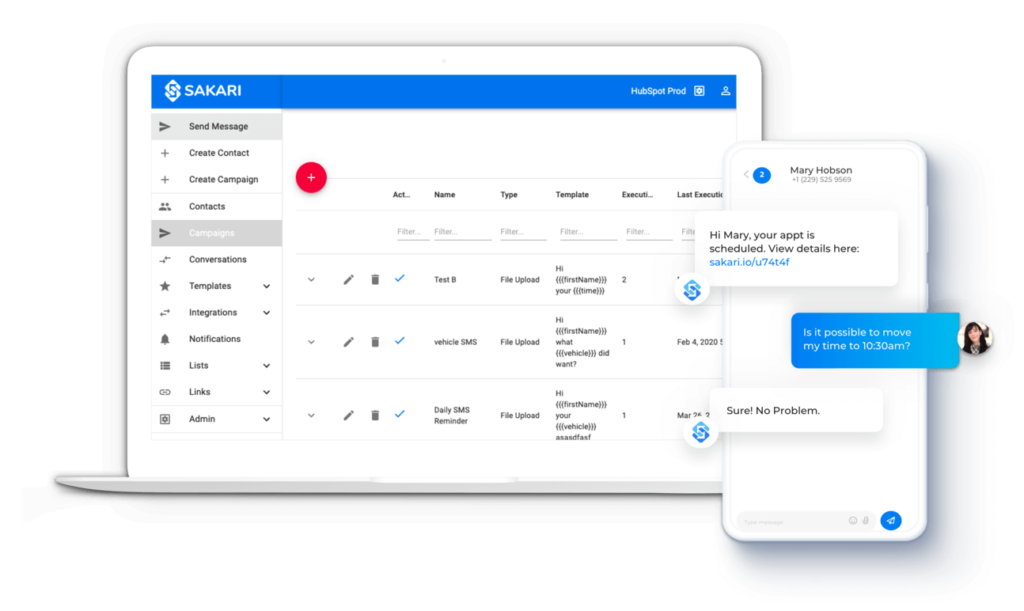
Integrating Cradle with Sakari lets you combine the power of your business phone system with robust SMS automation, making communication more efficient.
Unified Communication: Manage both calls and texts through your existing Cradle phone numbers, allowing you to keep all customer interactions in one place.
Automated Workflows: Use Sakari to create custom SMS workflows that automatically send messages based on events, improving response times and customer engagement.
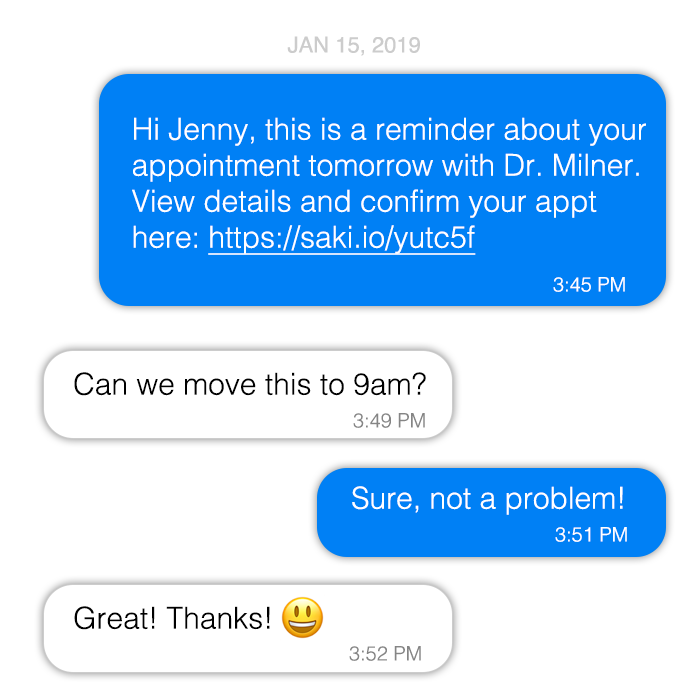
Don’t miss a single text, even when you’re on the go. With Sakari’s mobile app (available for iOS and Android) you can:
Send and receive MMS (US and Canada)
Build SMS templates
Create and manage all conversations
.png)
AWARD-WINNING PERFORMANCE